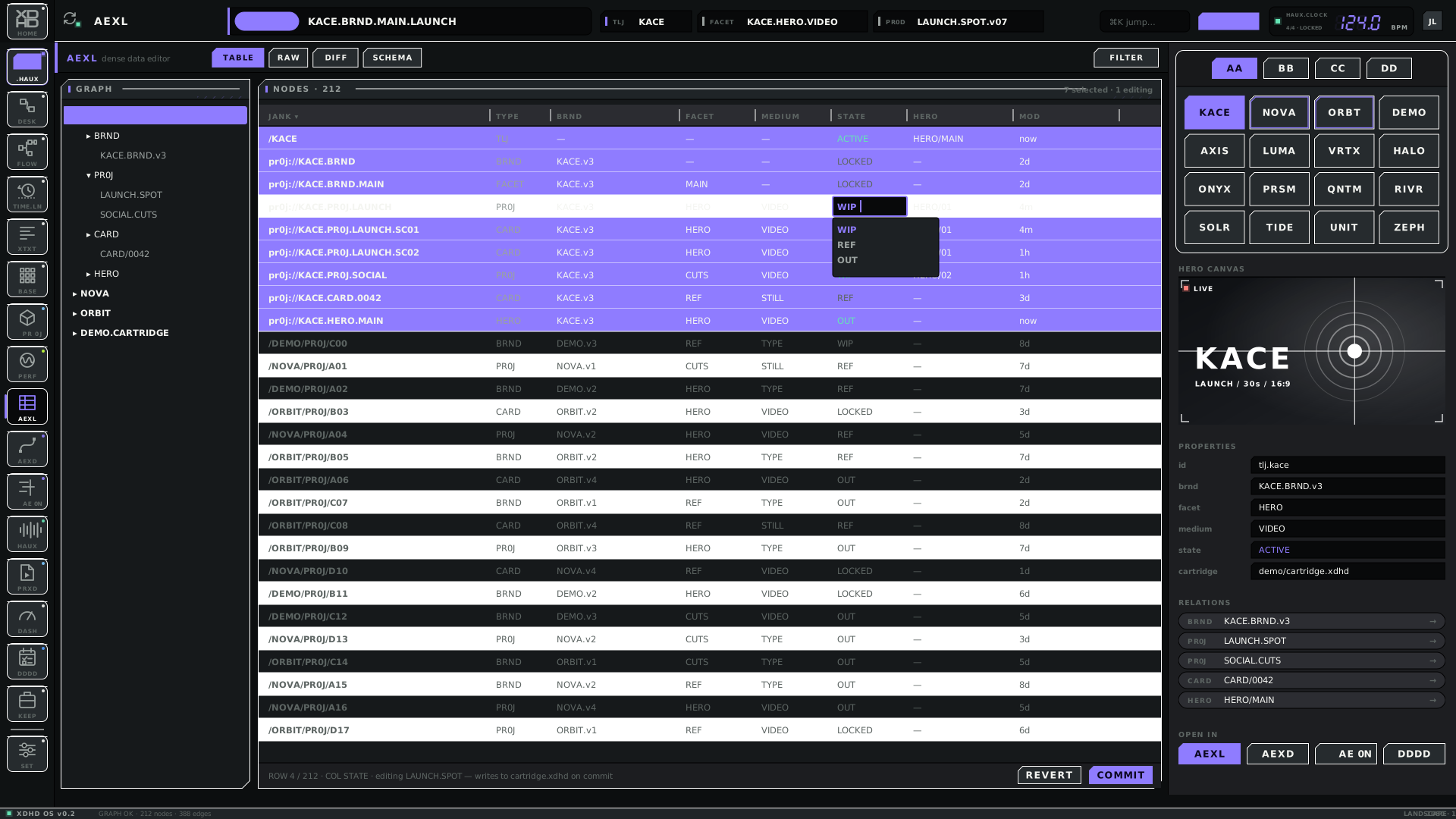
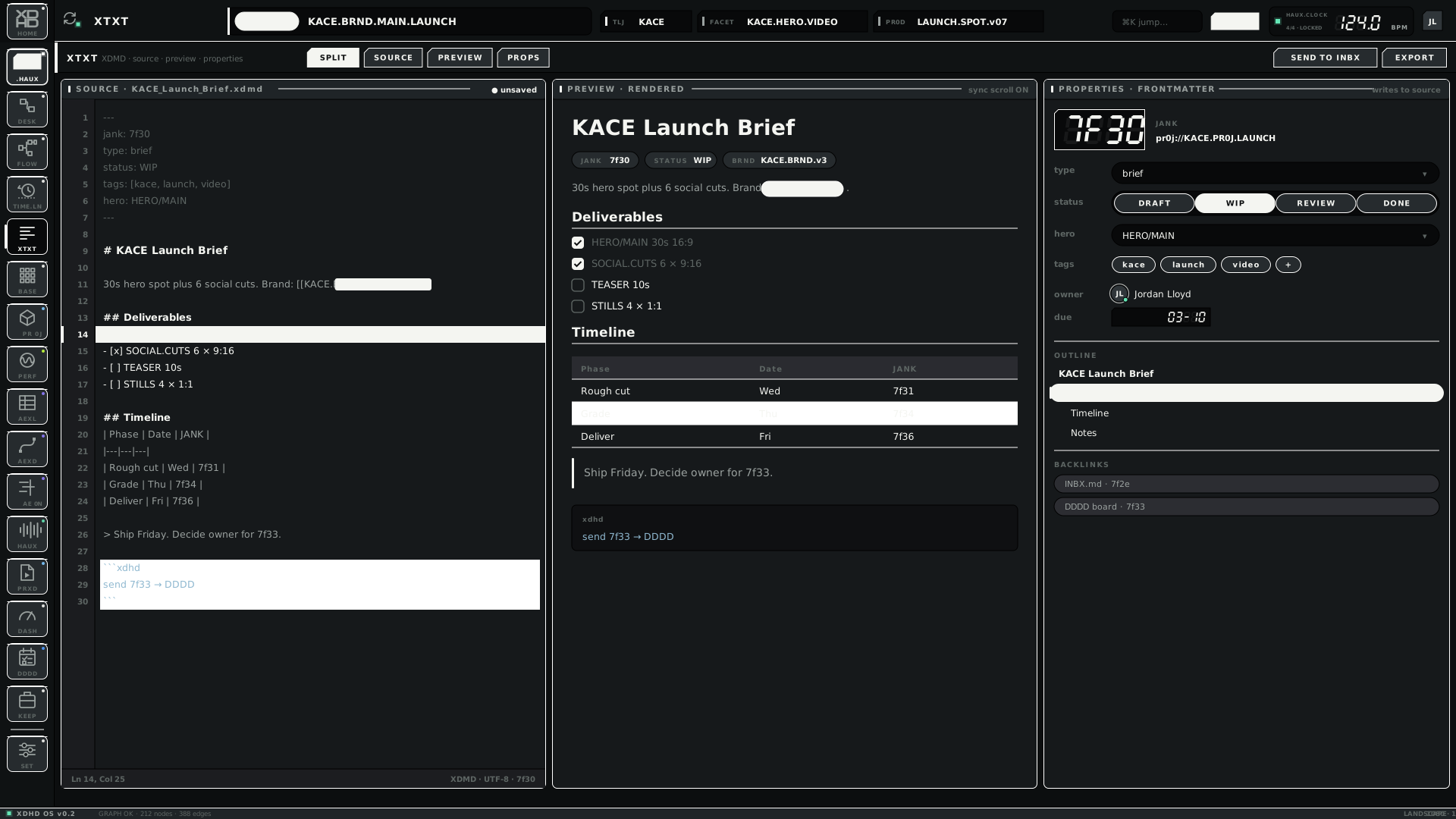
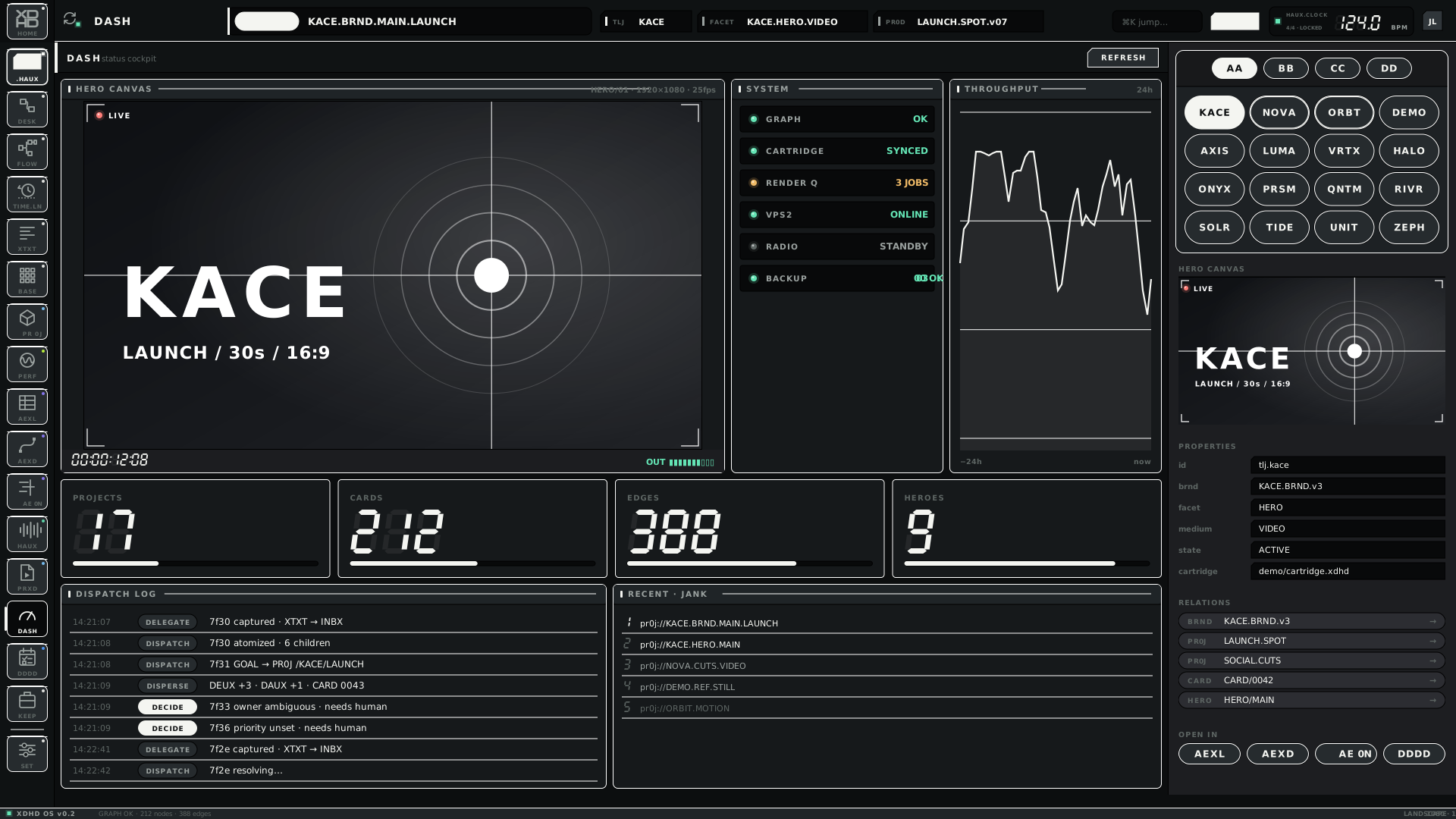
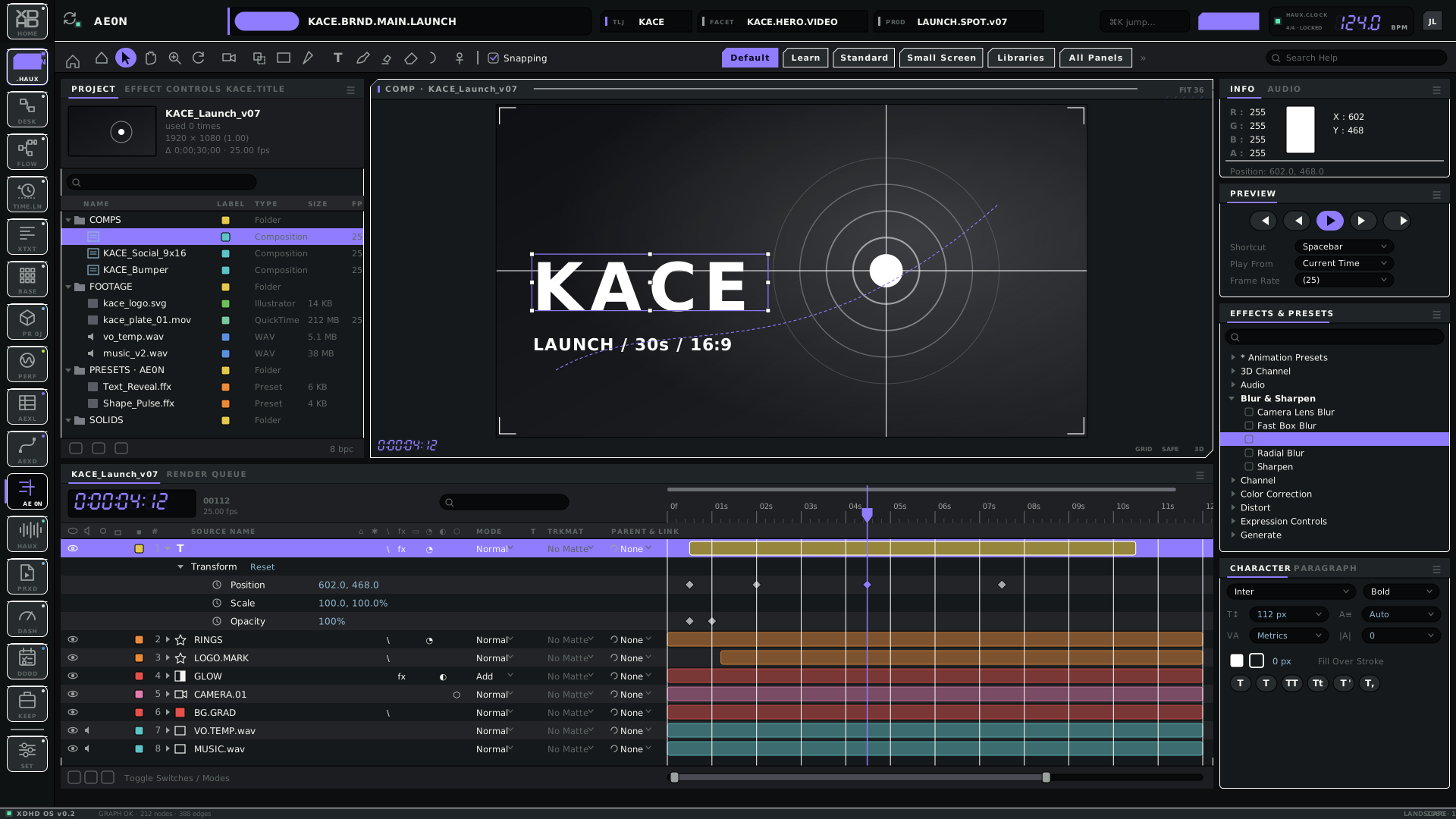
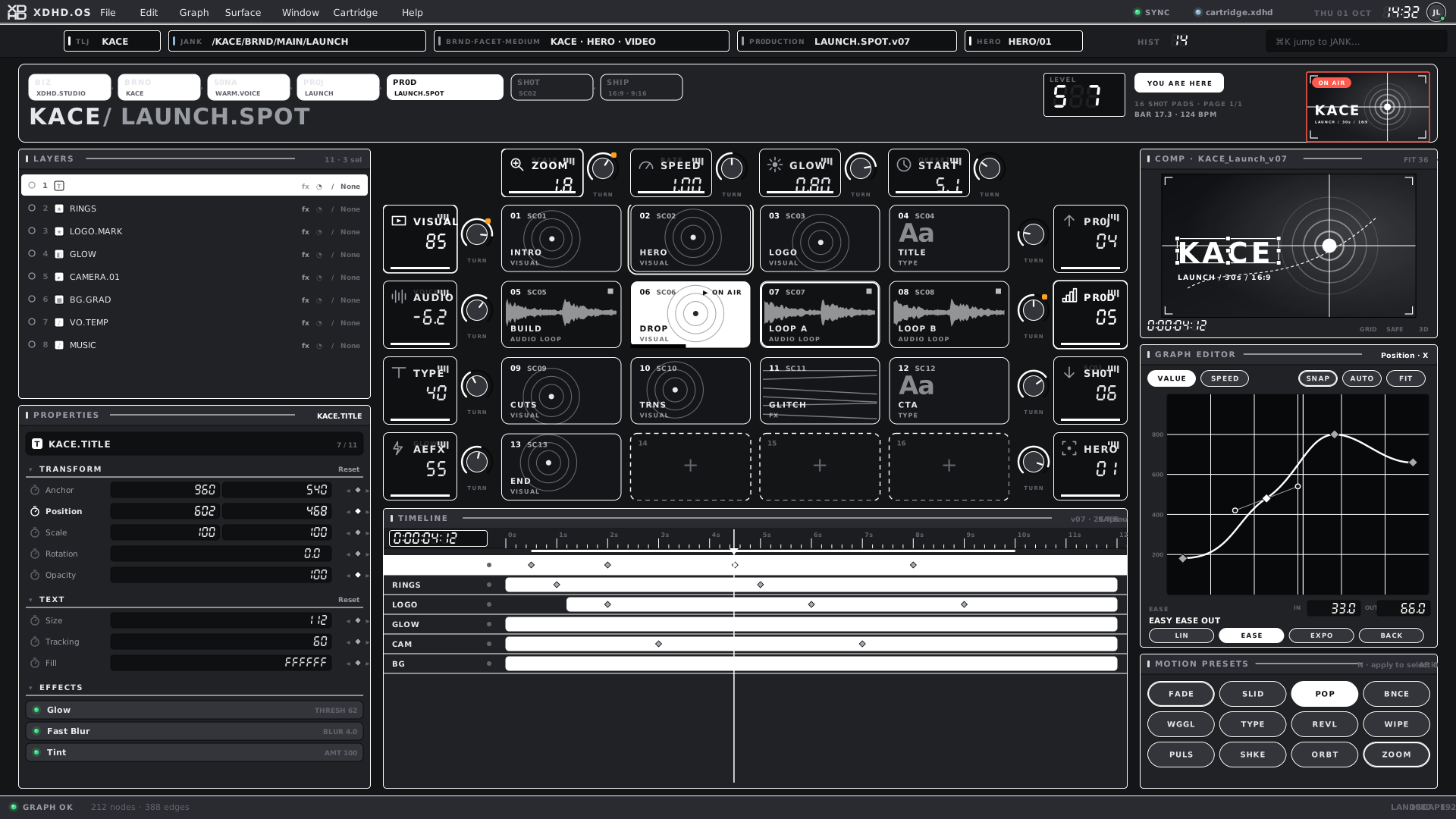
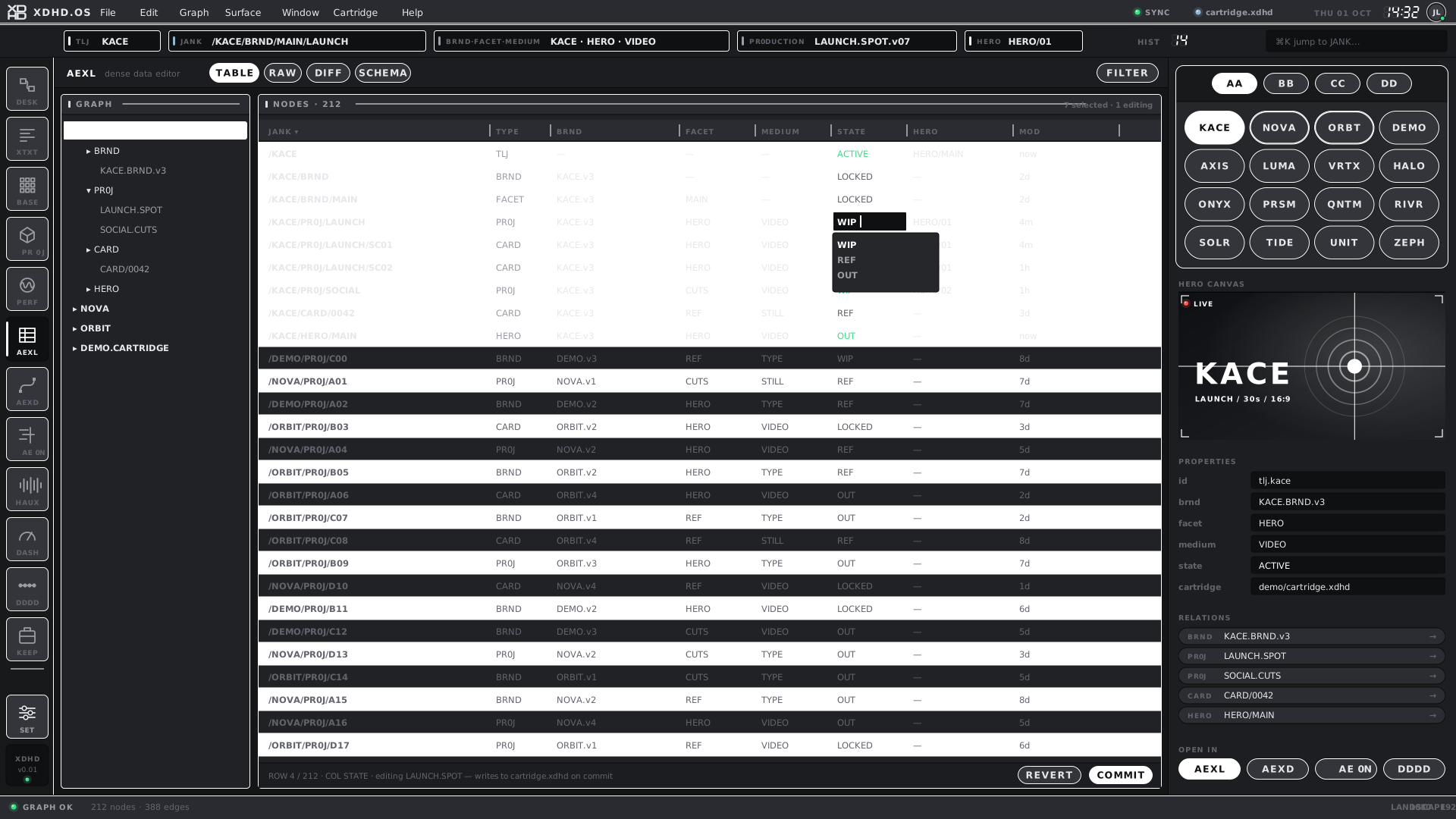
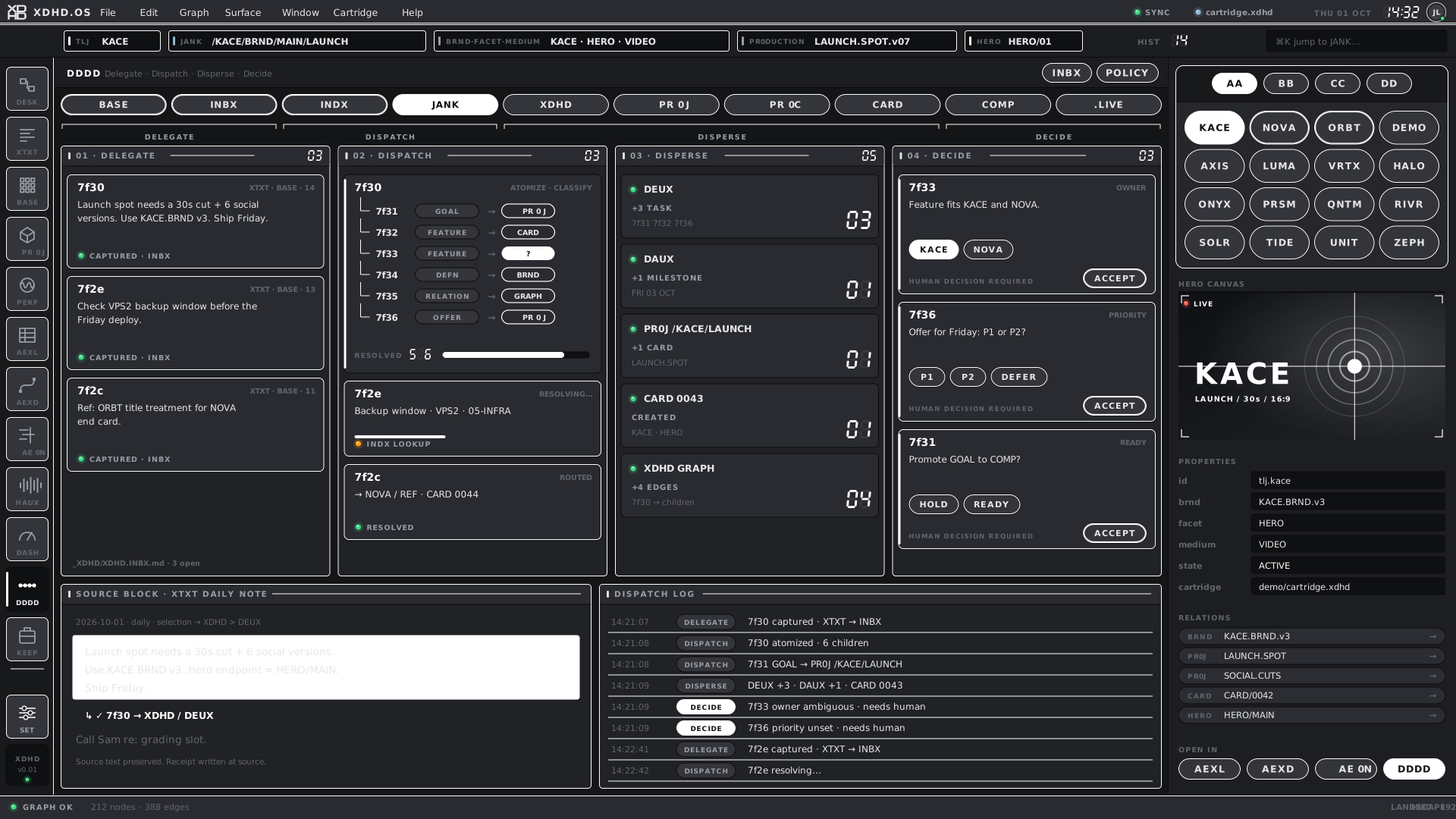
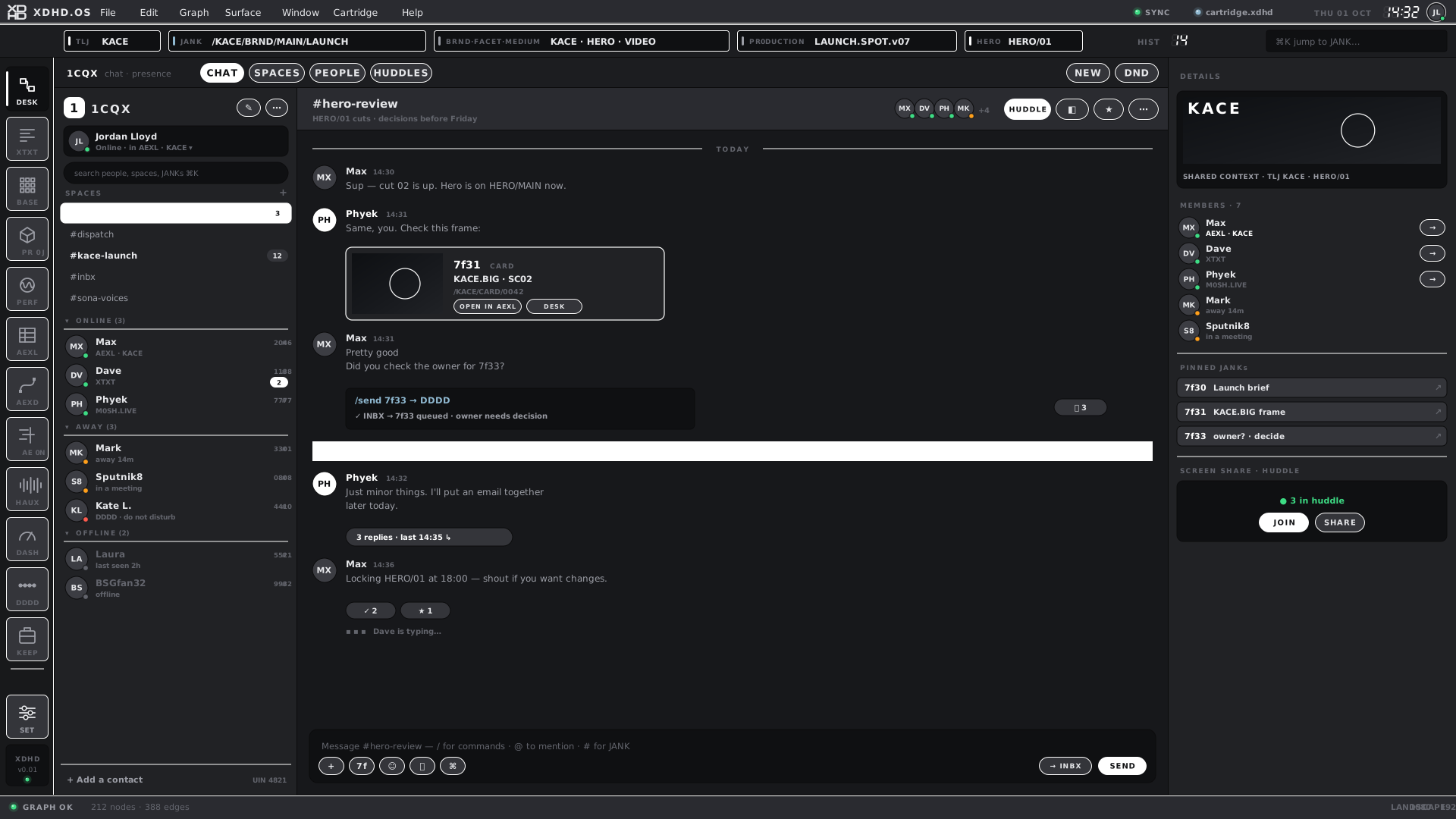
XDHD.OS desktop — the original lookXDHD · DESKTOP.XDHD · L · v01
01
Overview
This is a single reference for how XDHD.OS looks, behaves and is built — and where it is going. It covers the brand, the visual foundations, the interaction profiles (desktop, portrait, touch, iPad), the family of operating environments that share one kit, and the plan.
One platform, several flavours. HAUX.OS is the templateable base UI operating system. XDHD.OS (the modern TechPro interface), SRZA.OS (our audio apps) and BLNK.OS (the blank template) are flavours of it. Tables throughout this document show the same colour, component or screen in each.
It is generated from the same tokens.json files the prototype kit builds from. Colour values, contrast ratios, render counts, coverage and the audit of the running shell are computed at build time, so they cannot drift from the kit. The prose and the status flags are written by hand and live in src/content.py.
BUILTExists and is verified in the kit or shell.
PARTIALExists, with named gaps.
PLANNEDDecided or documented direction; not yet built.
OPENA question or conflict that needs a decision.
Design principles
01
One environment, one graph
Switching surface is not switching context. TLJ, JANK, HERO and selection persist across every surface. Surfaces are windows into one production, not separate apps.
1920×1080 and 1080×1920, exactly. No responsive breakpoints; any other size scales uniformly and letterboxes. Portrait is a recomposed control surface, not a reduced desktop.
A surface takes its domain's accent, and the accent drives the dock highlight, LEDs, pads, knobs, LCDs and meters. Nothing is coloured for decoration.
↗ README.md
04
Tactile and dark-first
Hardware vocabulary — pads, knobs, LCDs, LEDs — on flat, utilitarian surfaces with hairlines. White is the main highlight with a soft glow; orange is a rare accent.
↗ README.md
05
A flavour is a configuration, not a fork
XDHD.OS, SRZA.OS and BLNK.OS differ in domain, dock, chips and vocabulary. Tokens, components, geometry and motion preparation stay shared.
↗ README.md
06
Touch is a profile, not a fork
One kit builds desktop, touch and iPad. Tokens, domains, components, data and naming are shared; only the interaction profile differs.
↗ XDHD.TOUCH.OS.md
07
Honest states
Active, selected, focused and ready / hold / error are different things with different looks. The UI never implies a host connection or a state it has not observed.
Every SVG carries stable names and ids so it can become After Effects layers without a cleanup pass. Text is never outlined.
↗ NAMING-RULES.md
09
Two layers of control
Touch is the fast control layer. Keyboard and Magic Trackpad remain the precision and text layer.
↗ XDHD.OS.HAUX.UIUX-TOUCH-RULES.md
The system at a glance
Read top to bottom: each layer depends only on the ones above it.
Authority
XDHD.CORE · Pr0j.COREOwn data, commands and meaning. Surfaces read them; they never read surfaces.
BUILT
Design foundation
HAUX.CORETokens, components, interaction states, navigation and context continuity. Extraction still to do.
PLANNED
The platform
HAUX.OSThe templateable, customisable base UI OS: tokens, components, shell geometry and the flavour switch.
BUILT
Flavours
XDHD.OS · SRZA.OS · BLNK.OSConfigurations of HAUX.OS. XDHD.OS and SRZA.OS render today; BLNK.OS is the template and has no palette of its own yet.
PARTIAL
Profiles
Desktop · Portrait · Touch · iPadThe same product on a different interaction profile.
BUILT
Surfaces
BASE · FLOW · AEXL · AEXD · …Apps, windows and views inside the environment.
BUILT
02
Brand PARTIAL
How the system presents itself.
There is no ratified brand guide yet. This section records the brand as it is observed across the kit, the specs and the shell, so it can be reviewed and promoted deliberately. Items marked proposed are inferred from consistent usage, not from a written rule.
Name architecture
Device
Rule
Examples
.OS
An operating environment over a shared graph. HAUX.OS is the platform; the others are its flavours.
HAUX.OS · XDHD.OS · SRZA.OS · BLNK.OS
.CORE
A stable contract with its own semantics and consumers — not every product or screen.
XDHD.CORE · HAUX.CORE · Pr0j.CORE
0 for O, 1 for I
A deliberate numeric substitution. Established codes keep their spelling.
Stream, screen, orientation, version. Earlier versions are kept, never overwritten.
OS.HAUX.PADS.L.v02.svg
Mark system — the tile
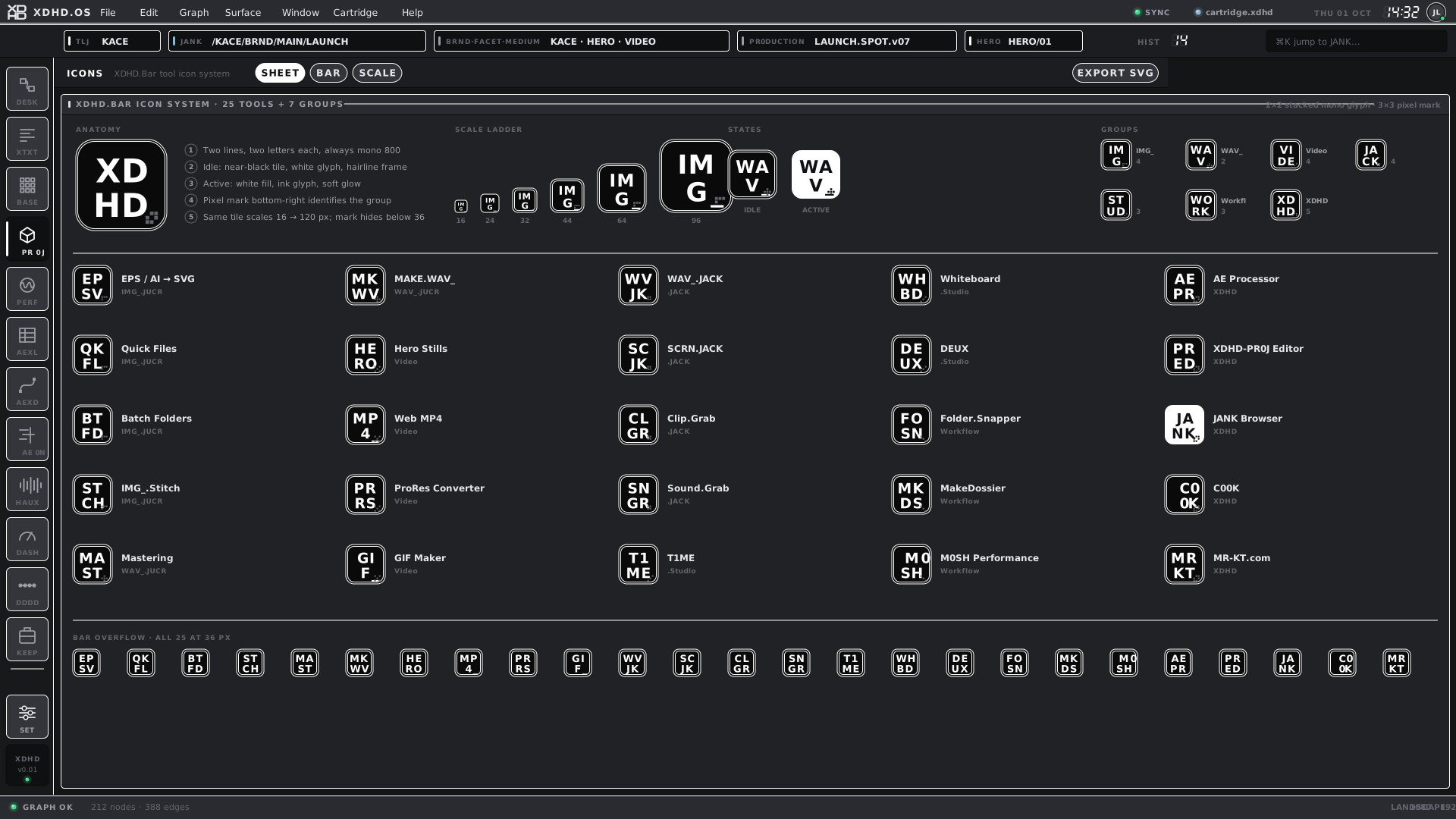
Two lines, two letters each, always mono 800.
Idle: near-black tile, white glyph, hairline frame.
Active: white fill, ink glyph, soft glow.
A pixel mark at the bottom-right identifies the group.
The same tile scales from 16 to 120 px; the mark hides below 36 px.
XD HDAE XLAE XDAE 0NIM G_WA V_M0 SH1C QX
live specimens, drawn from the rules at left
Scale ladder · px
XD HD16
XD HD24
XD HD32
XD HD44
XD HD64
XD HD96
States
WA V_IDLE
WA V_ACTIVE
The XDHD.Bar icon system — 25 tools in 7 groupsXDHD · ICONS · L · v01
Typeface
The probe re-runs the measurement in your browser, so this warning clears by itself once the full licence is installed.
All text — interface and mono — is specified as MonoTrial, with JetBrains Mono as the fallback. Interface type is therefore monospaced throughout: labels are uppercase and tracked, readouts use 7-segment LCD numerals, and tile glyphs are mono 800.
MonoTrial / JetBrains Mono
ABCDEFGHIJKLMNOPQRSTUVWXYZ
0123456789 · LABELS · TRACKING
HAUX.Clock BPMtimecode
The trial cut — measured
The installed MonoTrial files are the trial cut, and they are not usable for running copy. Measured in a browser, the characters below all draw as one identical dot, and 0 and O are the same glyph. Letters, digits other than zero, comma, period, hyphen, slash and the middle dot · are fine.
The brand's zero-for-O device is invisible: PR0J and PROJ look identical.
A dot address loses its colon: xdhd:// draws as a dot followed by two slashes.
Parentheses, colons, semicolons, quotes, +, =, _, ? and ! are all unusable.
This document therefore sets body text in the fallback and keeps MonoTrial for labels and display.
Voice and copy — proposed
Guideline
Do
Don't
Why
State a verifiable fact
SIDECAR LOADED · LOCAL EDITS
“All synced!”
The shell shows two states and means exactly them.
Say what is not known
unobserved · simulation · FPO
“Offline” when the state is simply not observed
Unknown host state is labelled unobserved rather than guessed.
Address first
xdhd://KACE.BRND.MAIN.LAUNCH
“Open the launch spot brand file”
The address is the identity; prose is a gloss on it.
Use hardware verbs
ARM · IDLE · HOLD · PUSH · SCAN · OPEN IN
“Click here to start”
Short, uppercase, tracked micro-labels; the interface is an instrument.
Never imply a connection
No AE or RT host connection is implied.
A control that looks live but is a mockup
Mockup and simulation are labelled as such wherever they appear.
Avoid
Colour used for decoration rather than domain.
Hover-only reveals — nothing may depend on hover on a touch profile.
Hidden scrollbars on any region that scrolls.
Outlined text in anything headed for After Effects.
Overwriting a version instead of adding the next one.
03
Flavours and the family PARTIAL
One platform, configured three ways.
HAUX.OS and its flavours
The platform diagram is drawn from the tokens and the kit's dock sets, not typed.
HAUX.OS is the product; the flavours are how we show it. HAUX.OS is a templateable, customisable base UI operating system. XDHD.OS, SRZA.OS and BLNK.OS are our own flavours of it — the personal surface customisations we use to illustrate what the system can do.
A flavour is a short list of choices, not a fork. It decides where a surface starts, what it carries and what it is called. Everything else — tokens, components, shell geometry, motion preparation and the touch profiles — is shared, which is why the same artifact can be shown in every flavour below.
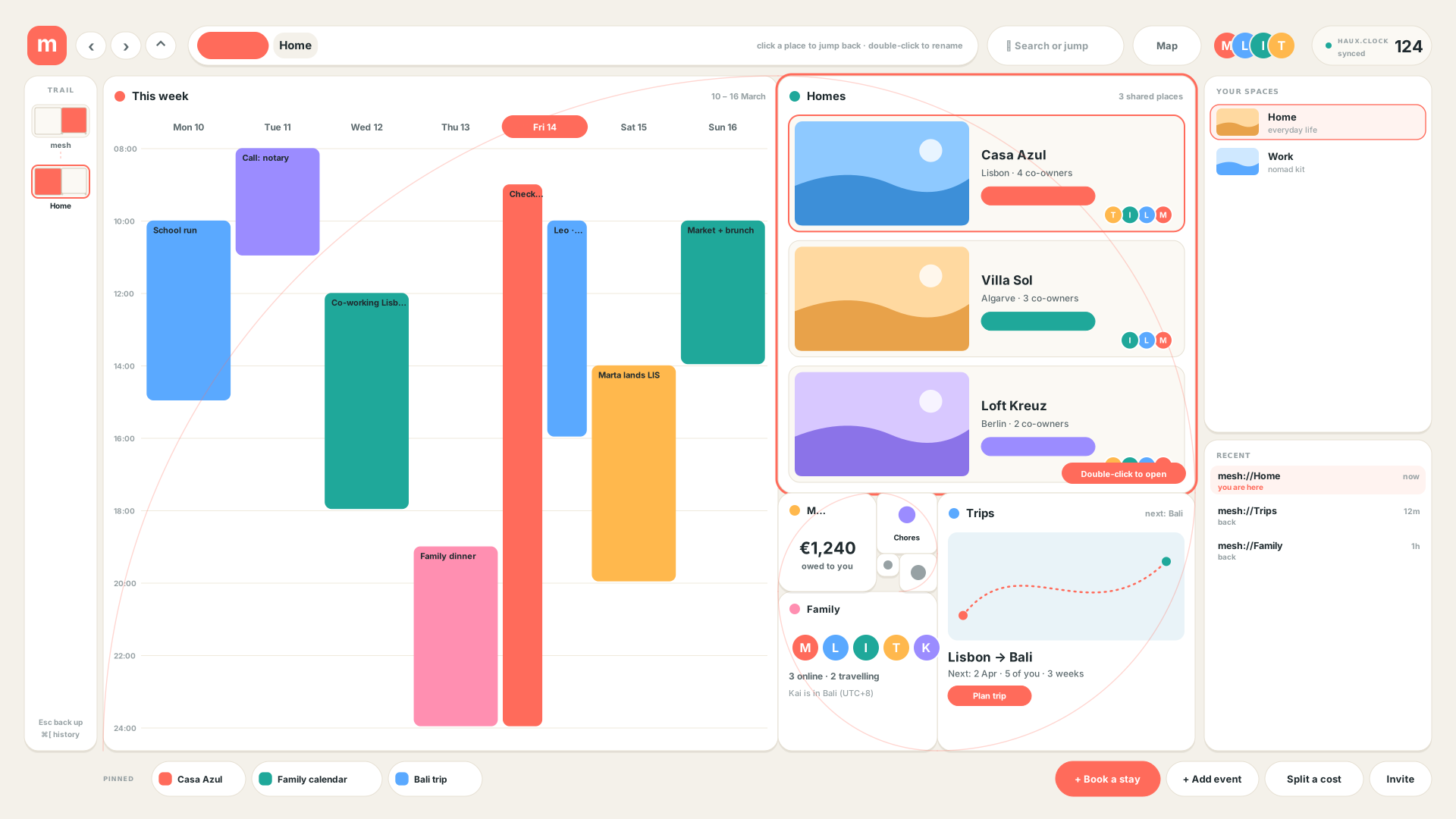
A fourth, MESH, is an exploration at the other end of the range: where XDHD.OS is dark and technical, MESH is light, warm and rounded, built for families and everyday life.
HAUX.OStemplateable base UI operating system
TokensComponentsShell geometryMotion preparationTouch and iPad profilesFlavour switch
configured as
BLNK.OStemplate
The blank starting point
starts in XDHD · HOME + 15 dock
XDHD.OSTechPro
Modern production interface
starts in XDHD · HOME + 15 dock
SRZA.OSaudio
Our audio apps
starts in AUDIO · HOME + 8 dock
MESHeveryday life · exploration
Family, calendars, shared homes
own light palette · golden-grid navigation
What a flavour decides
Detail
Where it lives
Domain and accent
Which of the nine colour-codes a surface takes, and whether its content is soft or chamfered.
tokens.json › domains · set_screen(domain)
Eco
The kit's switch between the XDHD and audio sets: dock keys, HOME mark, top-bar chips and address.
set_screen(eco) in core.py
Dock
Which surfaces get a key, in what order, coloured by which domain.
DOCK_X · HAUX_SURF · dockDomain
Top-bar chips
The context shown beside the address: TLJ and JANK, or project and the HAUX.Clock BPM.
topbar in core.py
Address prefix
xdhd://, pr0j://, wwww:// by domain; the audio eco always shows m0sh://.
PROTO · jank_addr()
`.HAUX` flavour key
A second key under the corner mark that says which flavour you are in.
flavour() in core.py
↗ core.py
Members
Pr0j classification: project TYPE 0S__, production TYPE UIUX. Live rollout of the four OS entries is pending.
HAUX.COREFoundation library
PLANNED
The shared design overlap of HAUX.OS and its flavours: tokens, components, interaction states, navigation and context continuity, extracted into one verified library.
Look
—
Chrome
—
Design direction recorded 2026-10-02. Extraction has not started; existing shared UI files stay in place until consumers can use a verified library.
↗ README.md
HAUX.OSThe platform
BUILT
The templateable, customisable base UI operating system we are building. It owns the tokens, the components, the shell geometry and the flavour switch. Every flavour below is a configuration of it, not a fork.
Look
_src.HAUX · base look v02 onward
Chrome
HOME + 15 dock, a .HAUX flavour key, one top bar
The current working kit; renders in OS.HAUX, OS.TOUCH and OS.IPAD.
↗ README.md
BLNK.OSFlavour · the template
PARTIAL
The blank, generic template: HAUX.OS in its default state, with no flavour opinions. The starting point for a new flavour, and the baseline the others are read against.
Look
HAUX base look, default white domain
Chrome
BLNK and BLNK.SRZA chrome exports
Structurally blank, not yet unstyled: it still wears the HAUX chamfer and typeface, and its components are identical to the XDHD flavour's. A neutral token set is planned.
↗ README.md
XDHD.OSFlavour · TechPro
BUILT
Our modern, technical production interface: TLJ and JANK context, the full dock of fifteen apps, soft white, blue and orange domains for production surfaces and chamfered ones for motion and live.
Look
_src.XDHD original (soft, pill) — and the HAUX look from v02
Chrome
HOME + 15 dock · TLJ and JANK chips · address prefix by domain
The web shell hosts the canonical surfaces over one isolated demo cartridge.
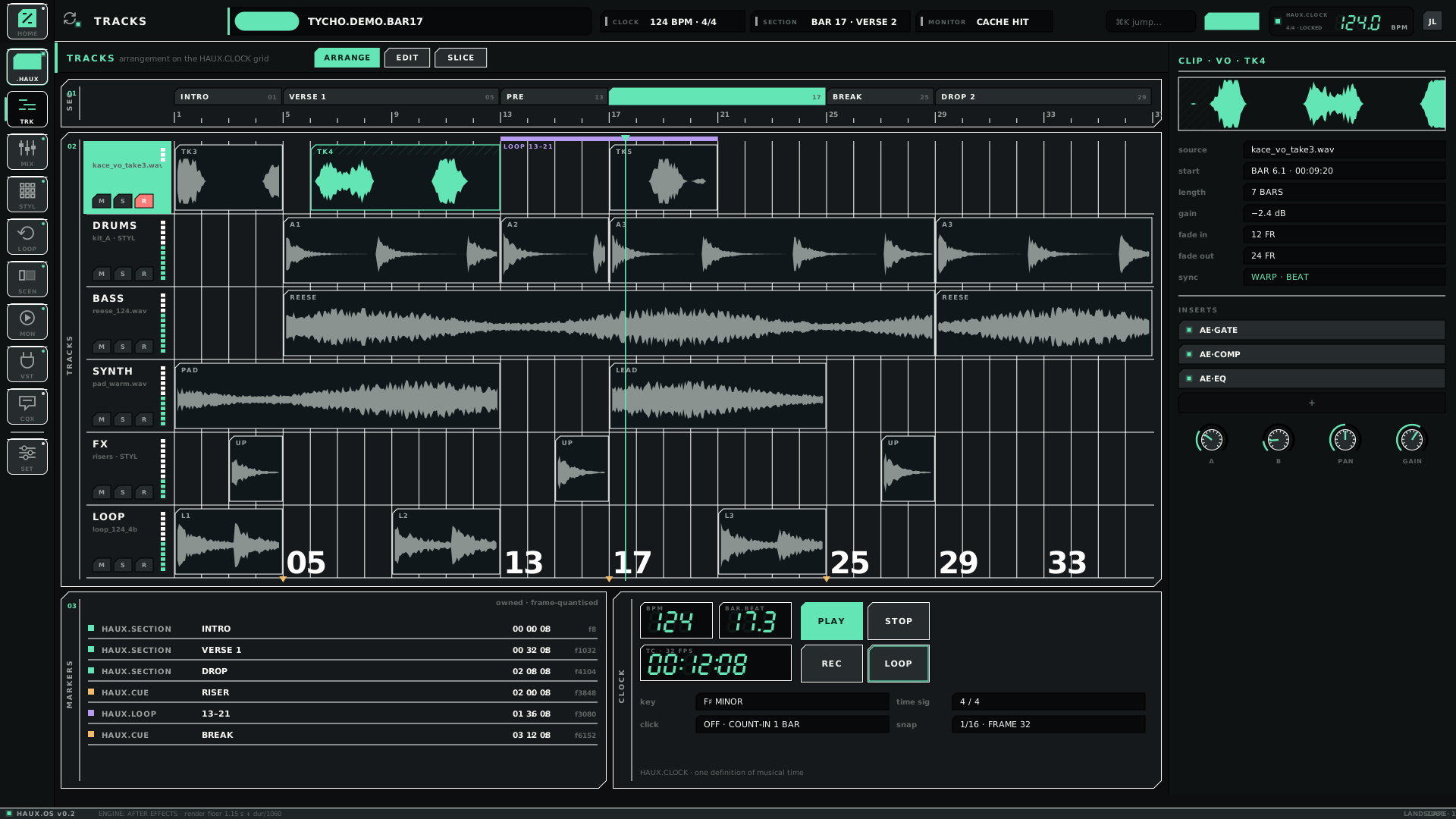
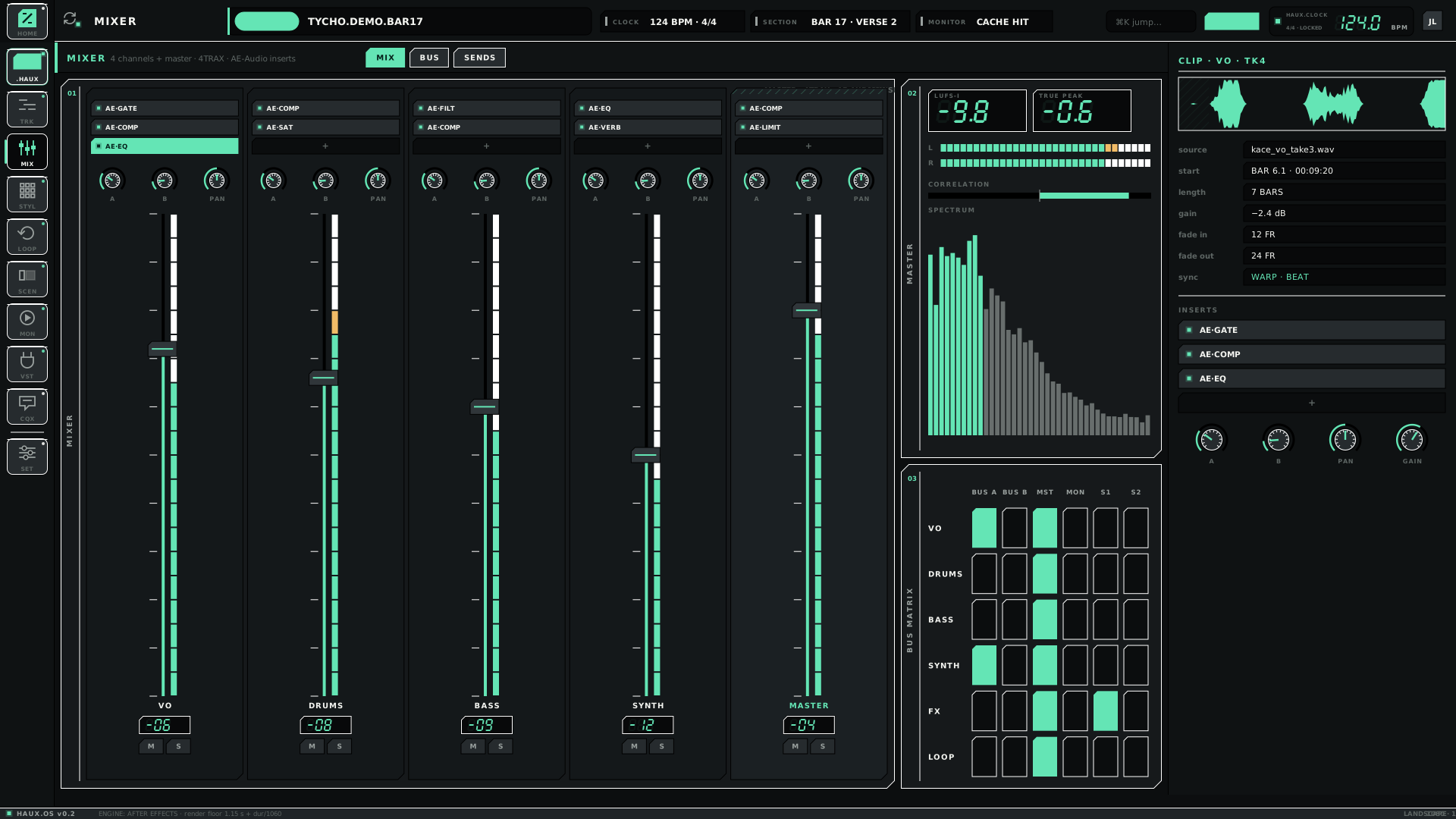
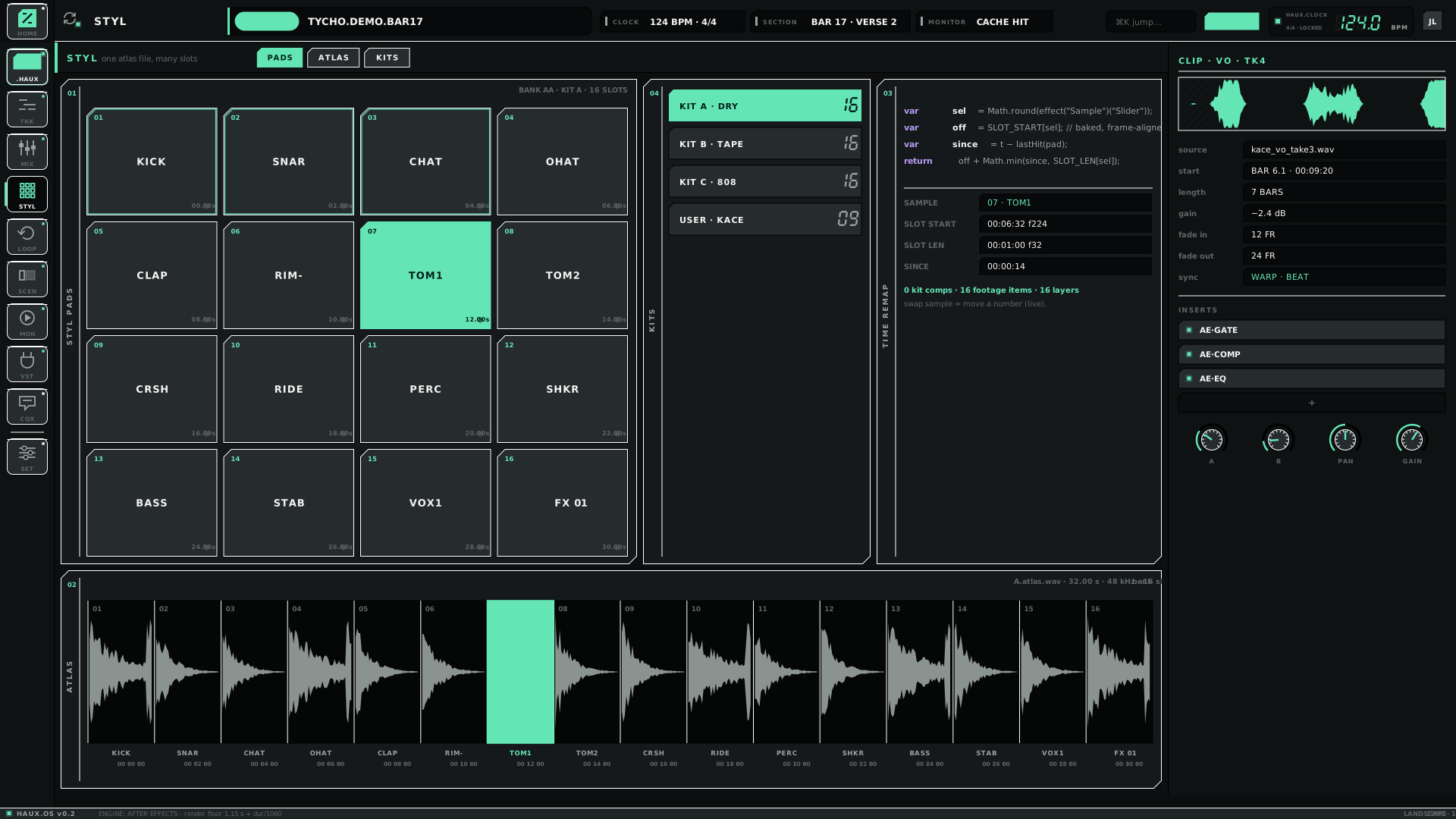
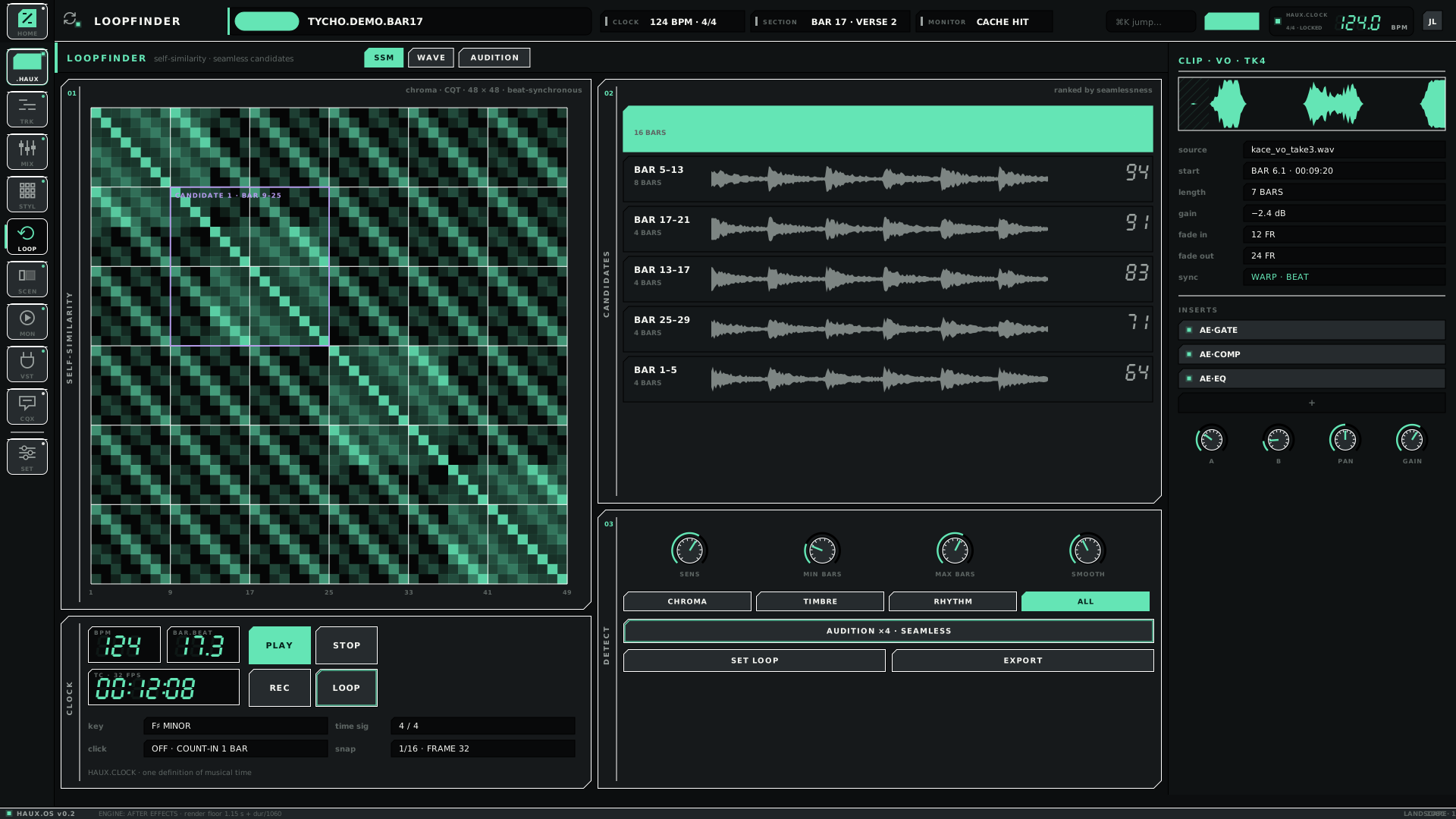
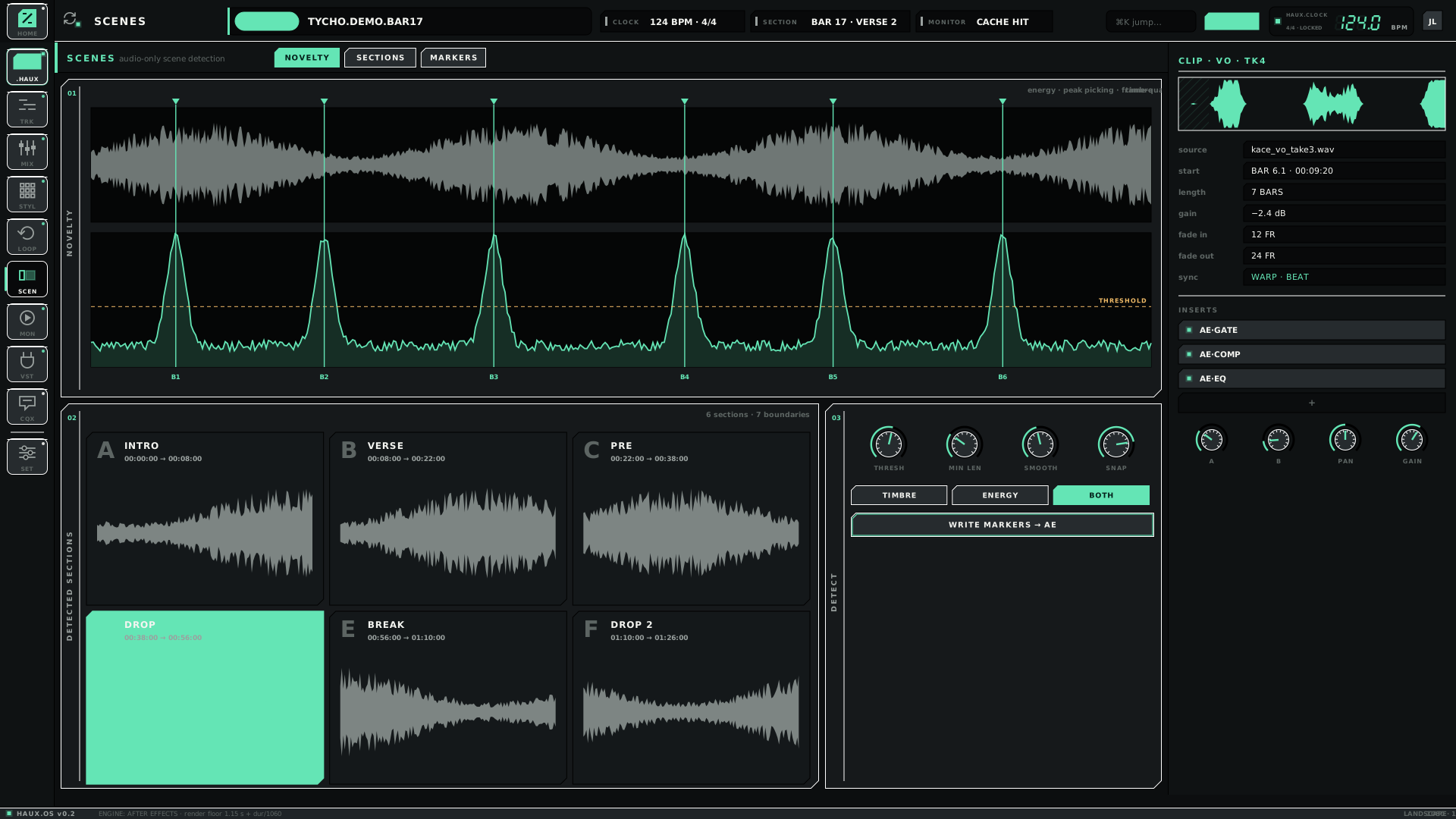
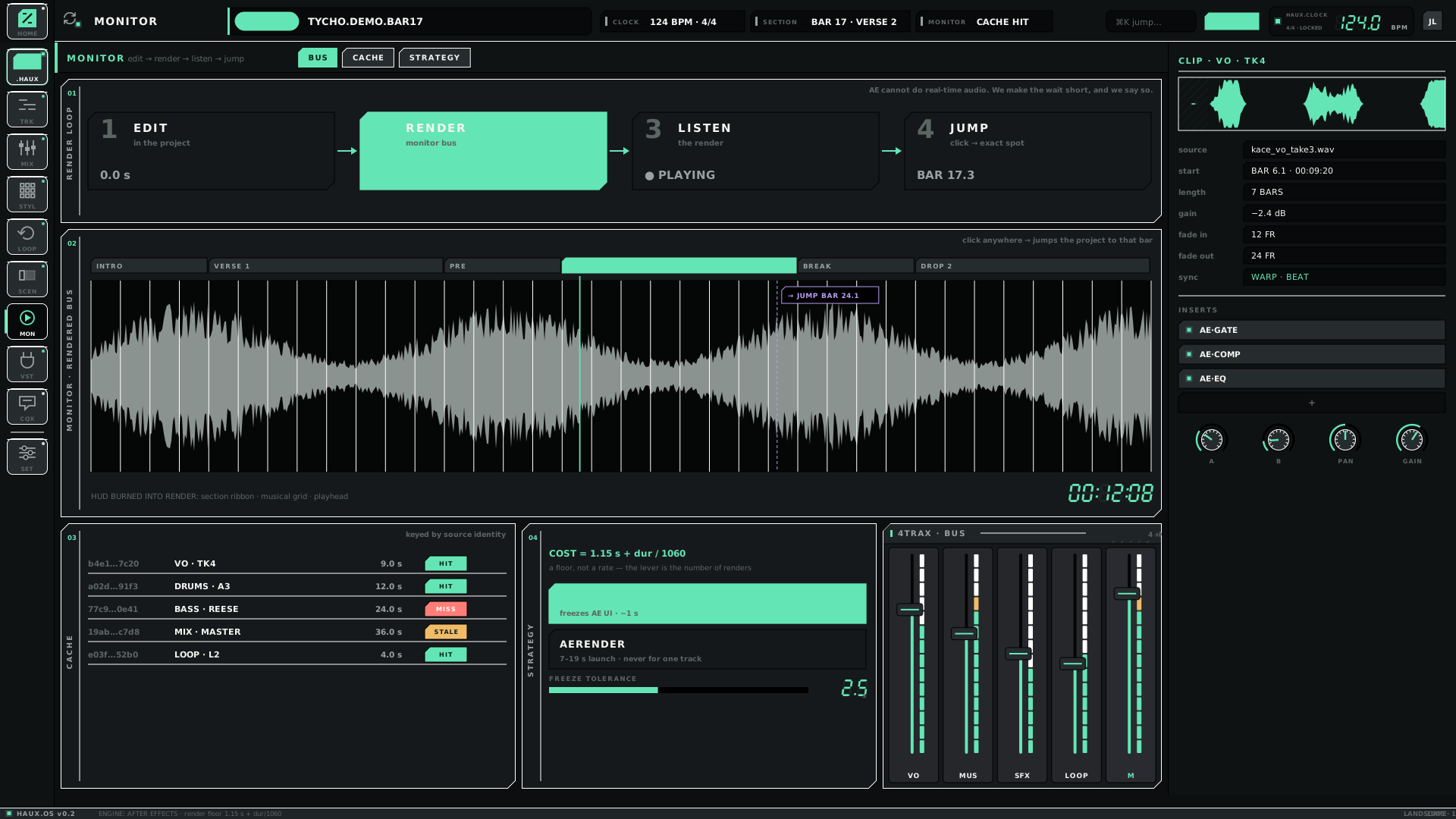
Our audio-apps surface: four tracks plus master, loops, scenes and a monitor, with the HAUX.Clock BPM. The music domain's mint accent colours the whole screen.
Look
HAUX base look, music domain (mint, chamfered); the V1 mint-only look is archived
Chrome
HOME + 8 audio dock · project and HAUX.Clock chips · m0sh://
Formerly SRZA.HAUX.OS. Seven of the eight dock keys have renders; VST is not mocked. Renders live in OS.HAUX — OS.SRZA/ is still empty.
↗ README.md
MESHFlavour · everyday life · exploration
PARTIAL
The family and everyday-life flavour: calendars, bookings, shared homes and co-ownership, for digital nomads and families. Deliberately the opposite look — light, warm and rounded — to show how far the platform stretches.
Look
Its own light palette, set in build_mesh.py, with an Inter text face
Chrome
No dock yet — navigation is the recursive golden grid: Trail · Pinned · Search or jump · Recent
Ten v01 renders in OS.G0LD.OS/MESH: three golden-grid screens and the seven-screen events flow. The mesh:// prefix is an assumption and the flavour is not named in the plan.
↗ README.md
Flavours side by side
Where each flavour starts and what its dock holds are read from the tokens and the kit source.
TLJ · JANK · HERO · BRND / FACET / MEDIUM · PRODUCTION
Tracks and master · STYL · loops · scenes · monitor
Trail · Pinned · Search or jump · Recent
Chrome exports
BLNK
XDHD, HAUX
SRZA.HAUX (V1), BLNK.SRZA
none
Surface renders in
none of its own
OS.XDHD, OS.HAUX, OS.TOUCH, OS.IPAD
OS.HAUX, OS.TOUCH
OS.G0LD.OS/MESH — ten v01 screens
What is shared. Tokens, the component library, naming and motion preparation, dot-addressed JANK and the interaction profiles are common to every flavour. What differs is the domain, the dock, the chips and the vocabulary — not the foundation.
A fourth flavour is already in the code. The .HAUX key can read SRZA · AE0N · XDHD. AE0N appears when the motion domain runs the AE0N app. It is not named as an OS in the plan — worth deciding whether it should be.
The same chrome in each flavour
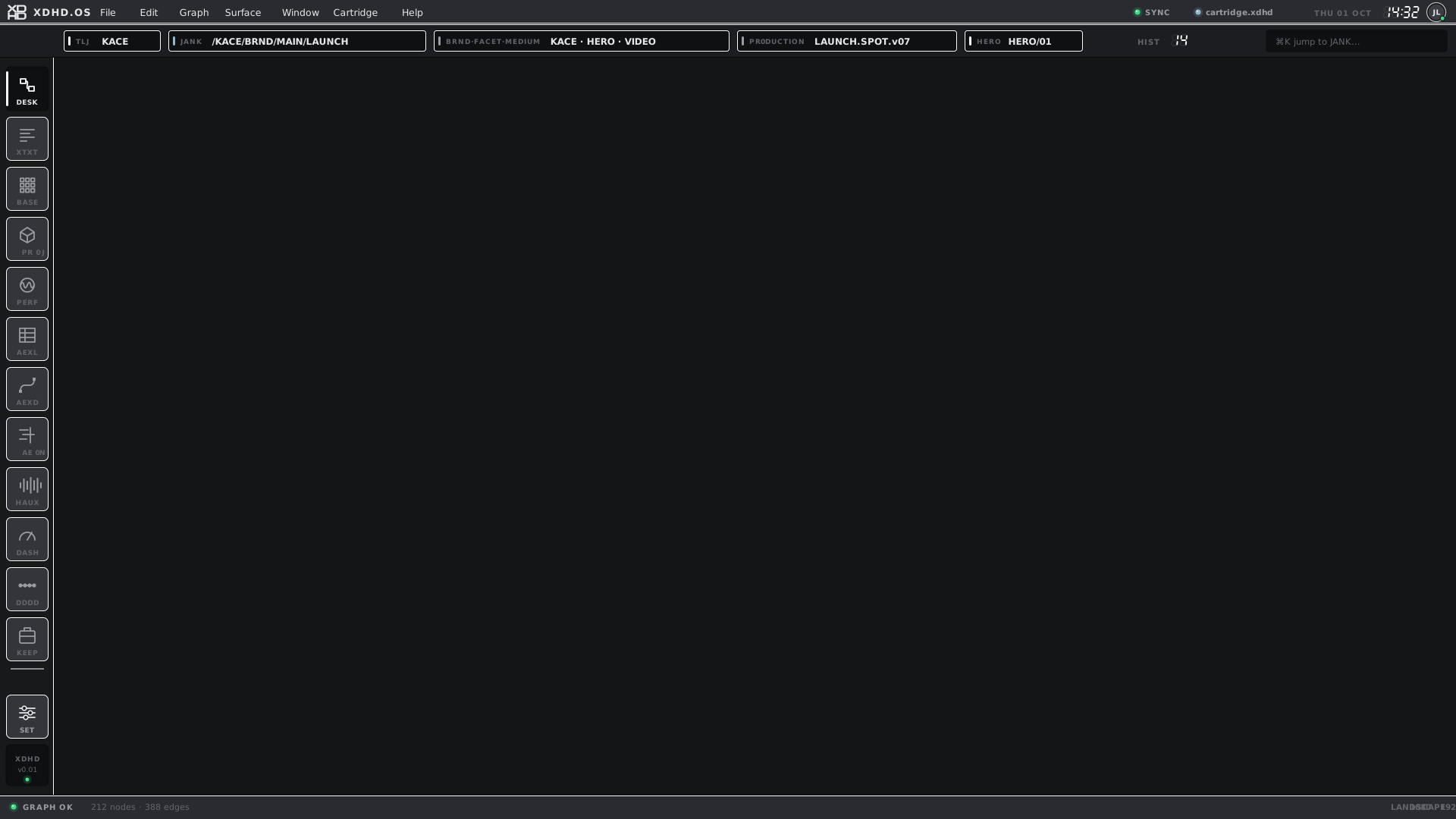
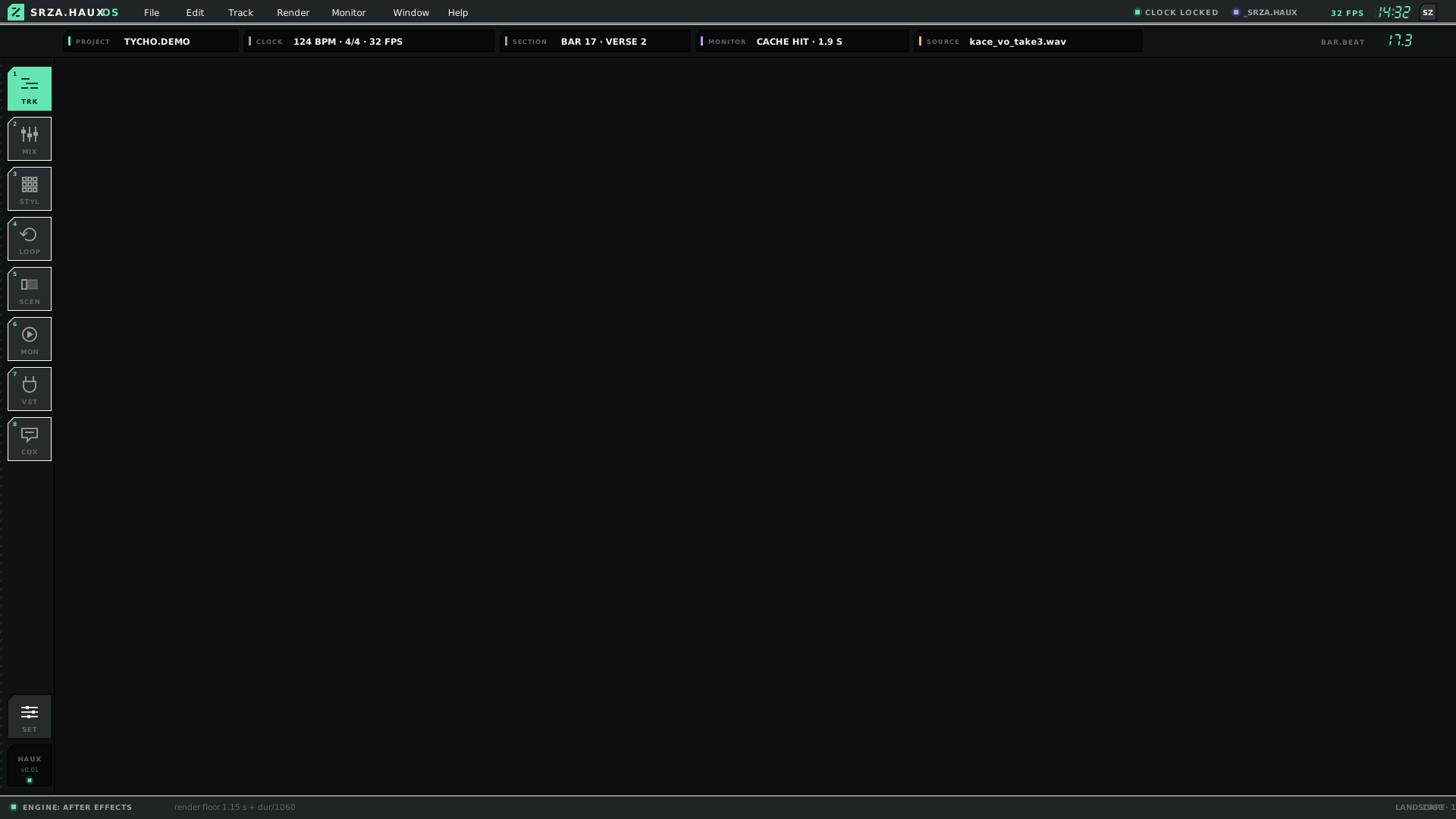
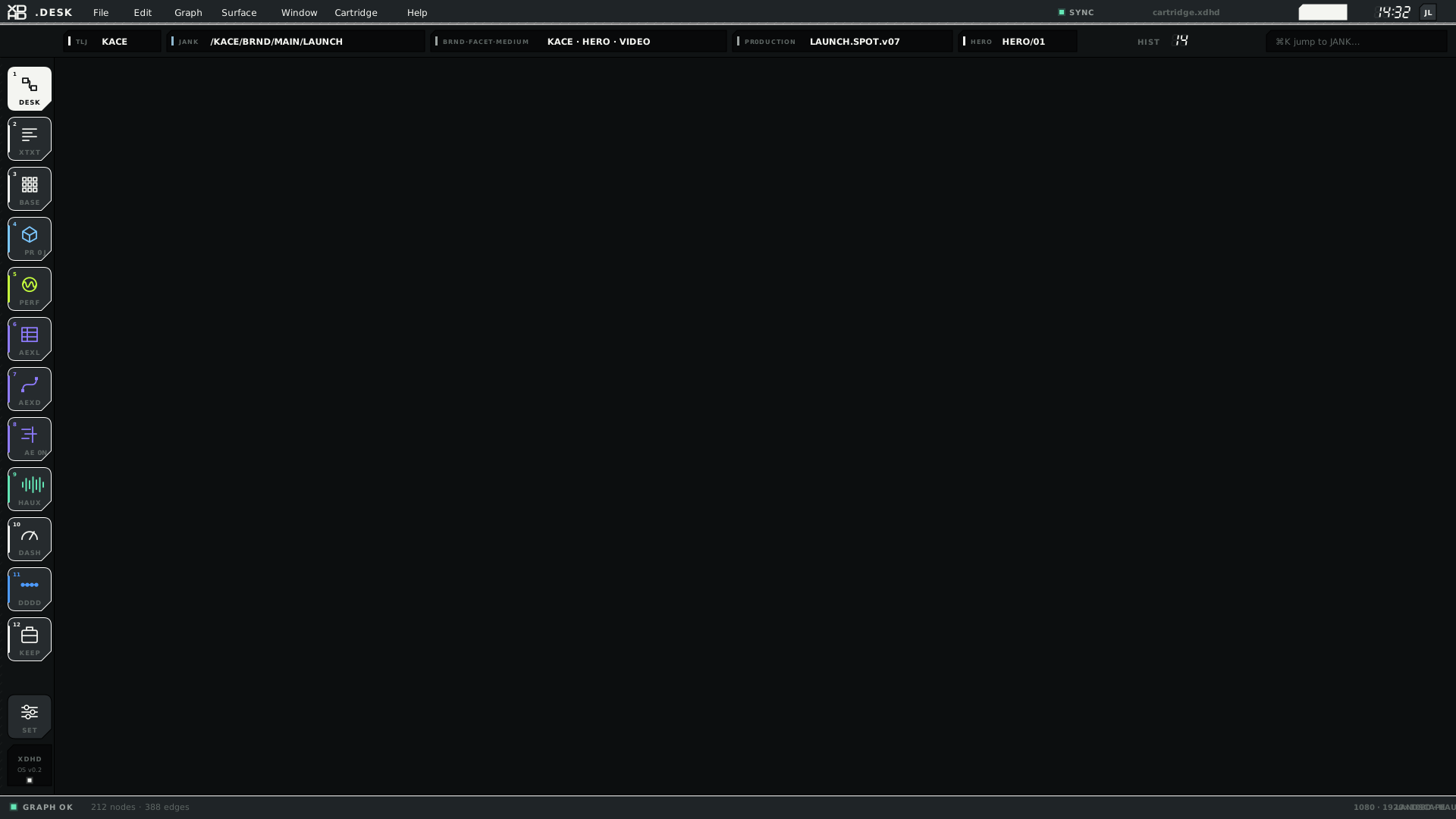
Empty canvases with only the shell, cropped to the top-left where the mark, top bar and dock sit. Click one for the full canvas.
BLNK — the templateCHROME · BLNK · L · v01BLNK.SRZA — the template, SRZA flavourCHROME · BLNK.SRZA · L · v01XDHD — the original XDHD shellCHROME · XDHD · L · v01SRZA.HAUX — the V1 audio shell, archivedCHROME · SRZA.HAUX · L · v01HAUX — base look, before the 16-key shellCHROME · HAUX · L · v01
Name
What it is
Source
XDHD
Original XDHD.OS shell
_src.XDHD
SRZA.HAUX
Original V1 shell — 8-key audio dock
_archive/HAUX.OS.V1.kit
HAUX
HAUX base look, before the HOME + 15 dock and unified-bar changes
_src.HAUX
BLNK
Current hybrid: HOME + 15 dock, .HAUX key, one top bar
_src.HAUX
BLNK.SRZA
BLNK inside the HAUX audio ecosystem
_src.HAUX
One navigation, two flavours
The recursive golden-grid navigation is shared; the look, the wording and the palette are the flavour.
HOME in the dark HAUX lookG0LD.OS · G0LD.OS · L · v01HOME in MESH — the same golden-grid navigation, re-worded for everyday lifeG0LD.OS · MESH · L · v01
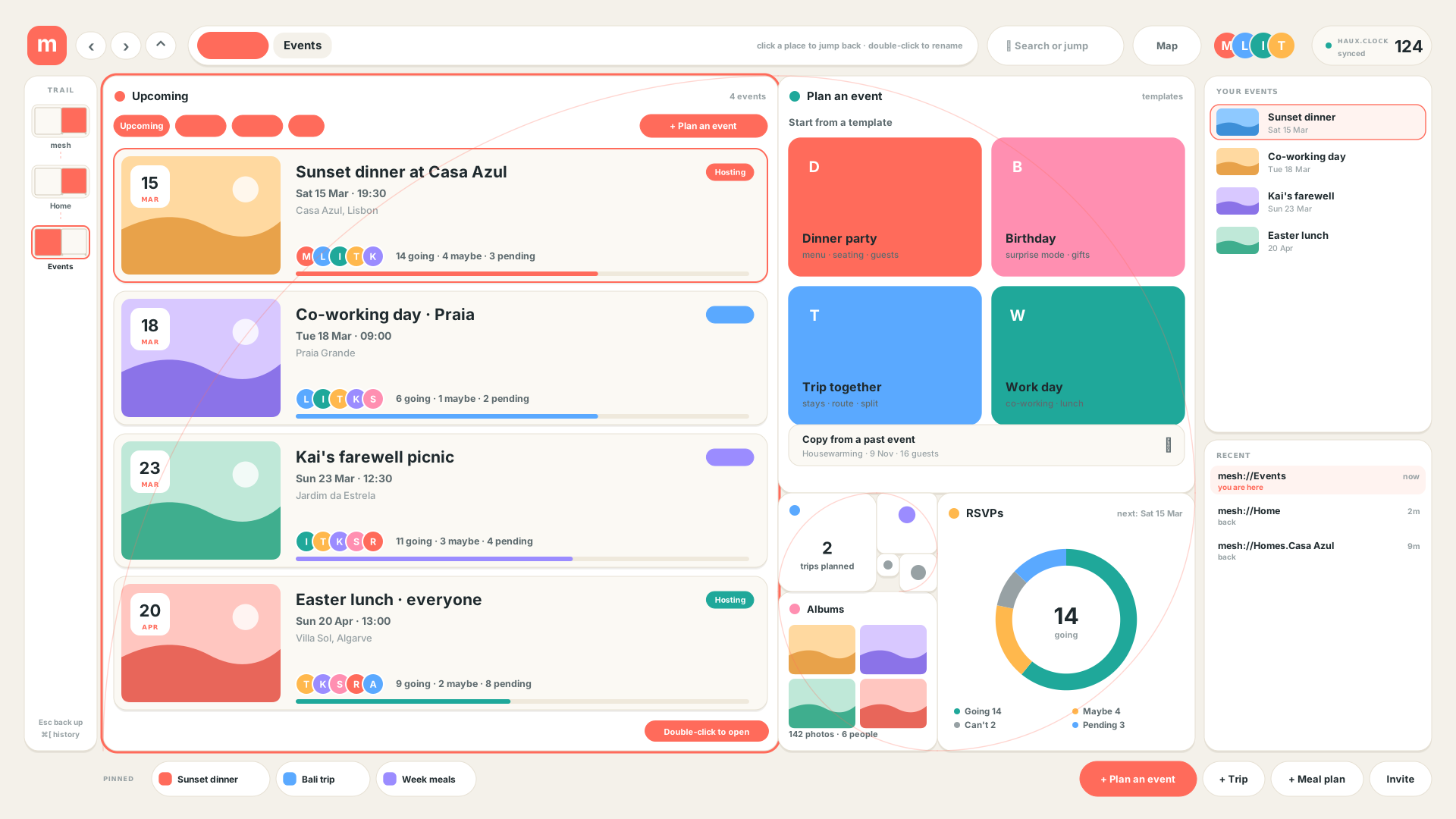
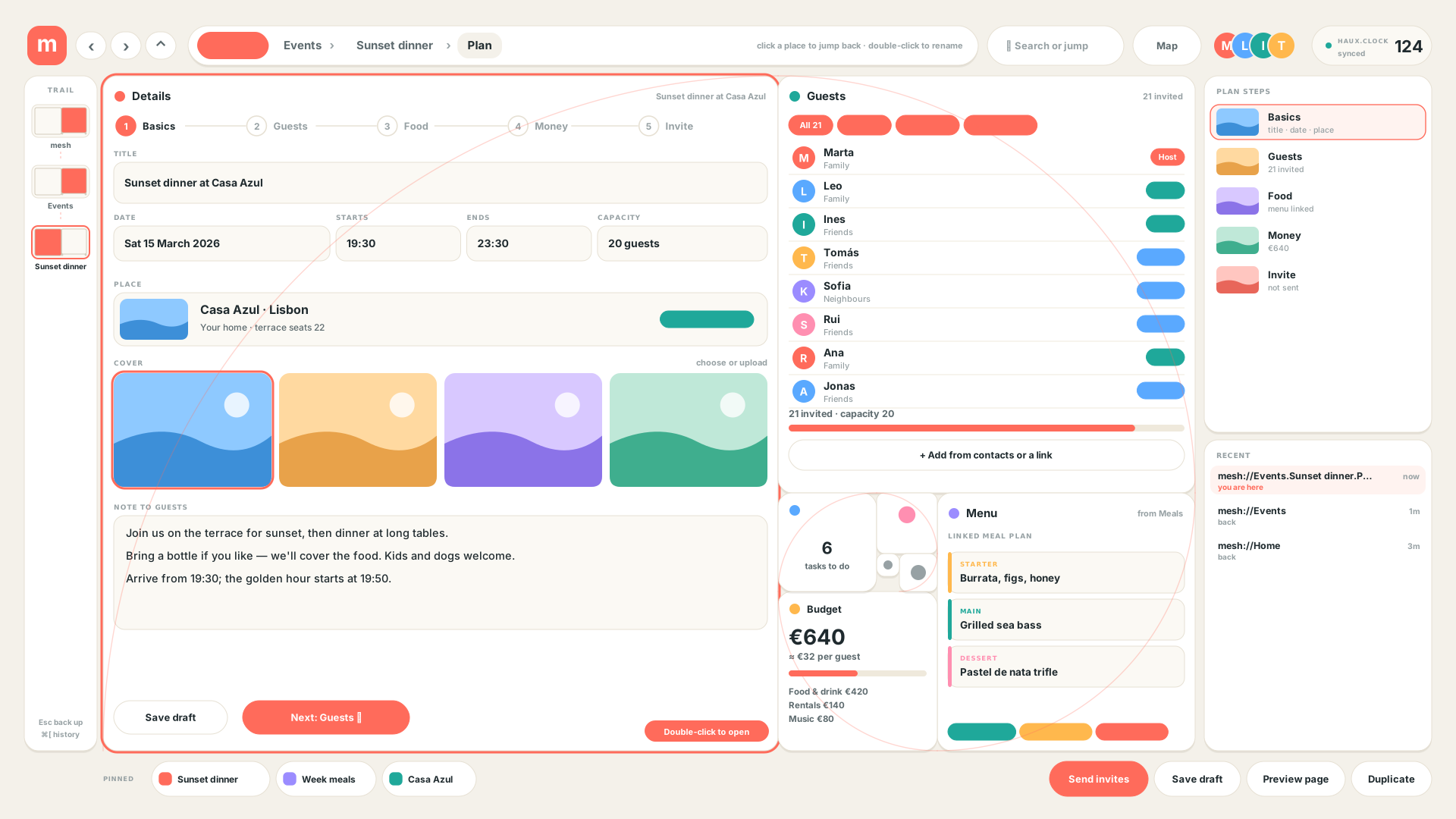
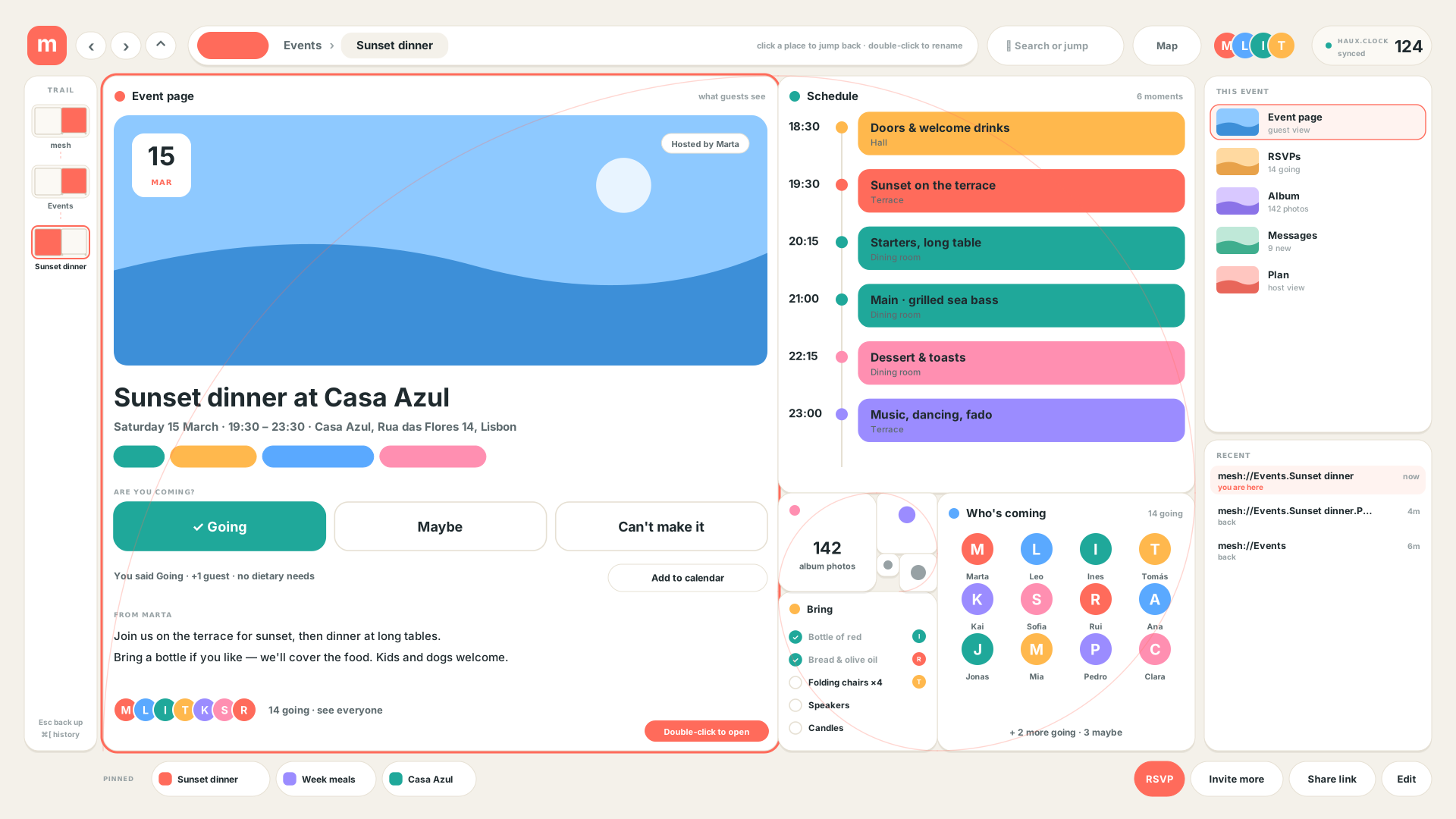
MESH events flow
Seven v01 screens. Click any to open it full size.
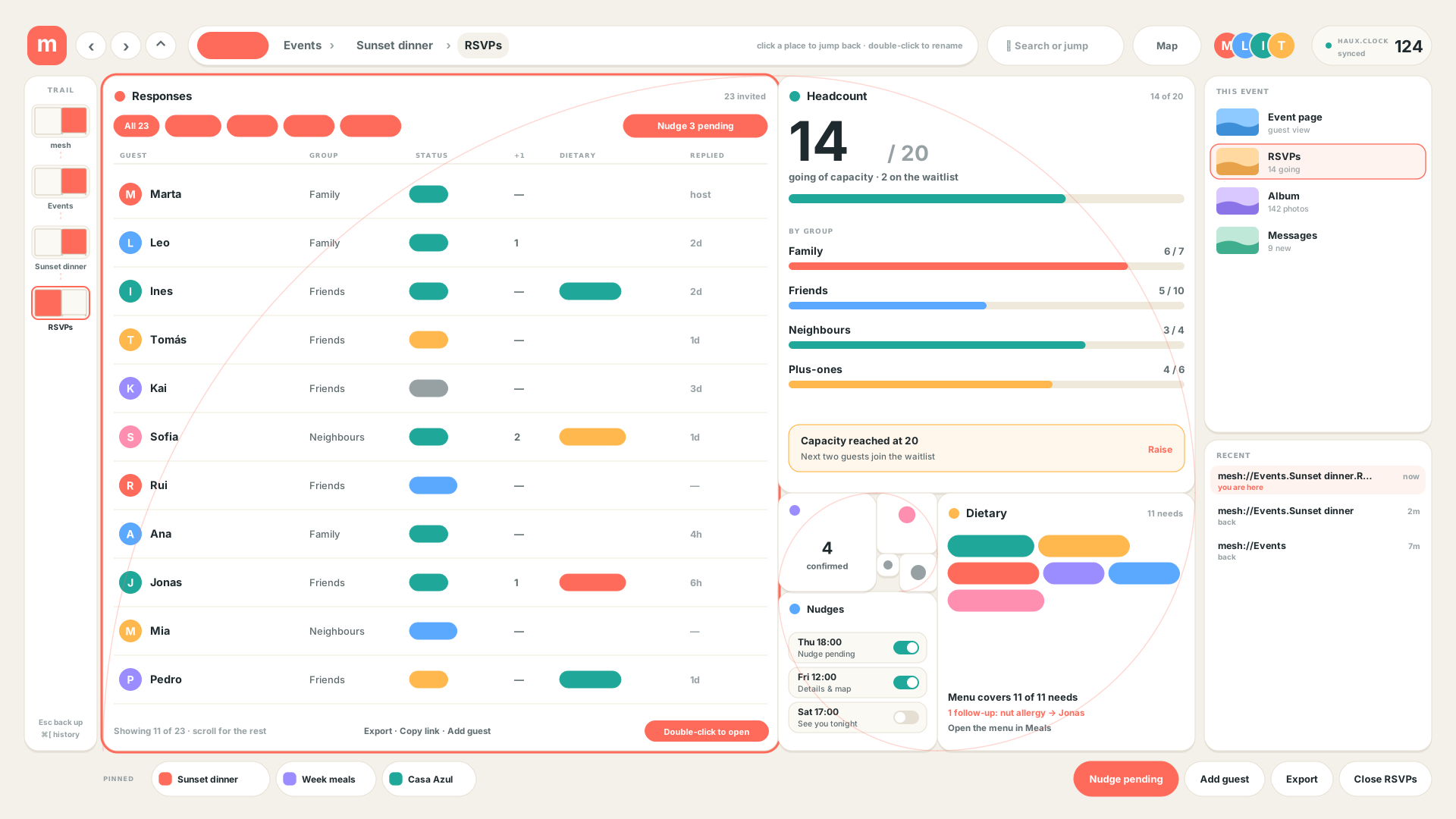
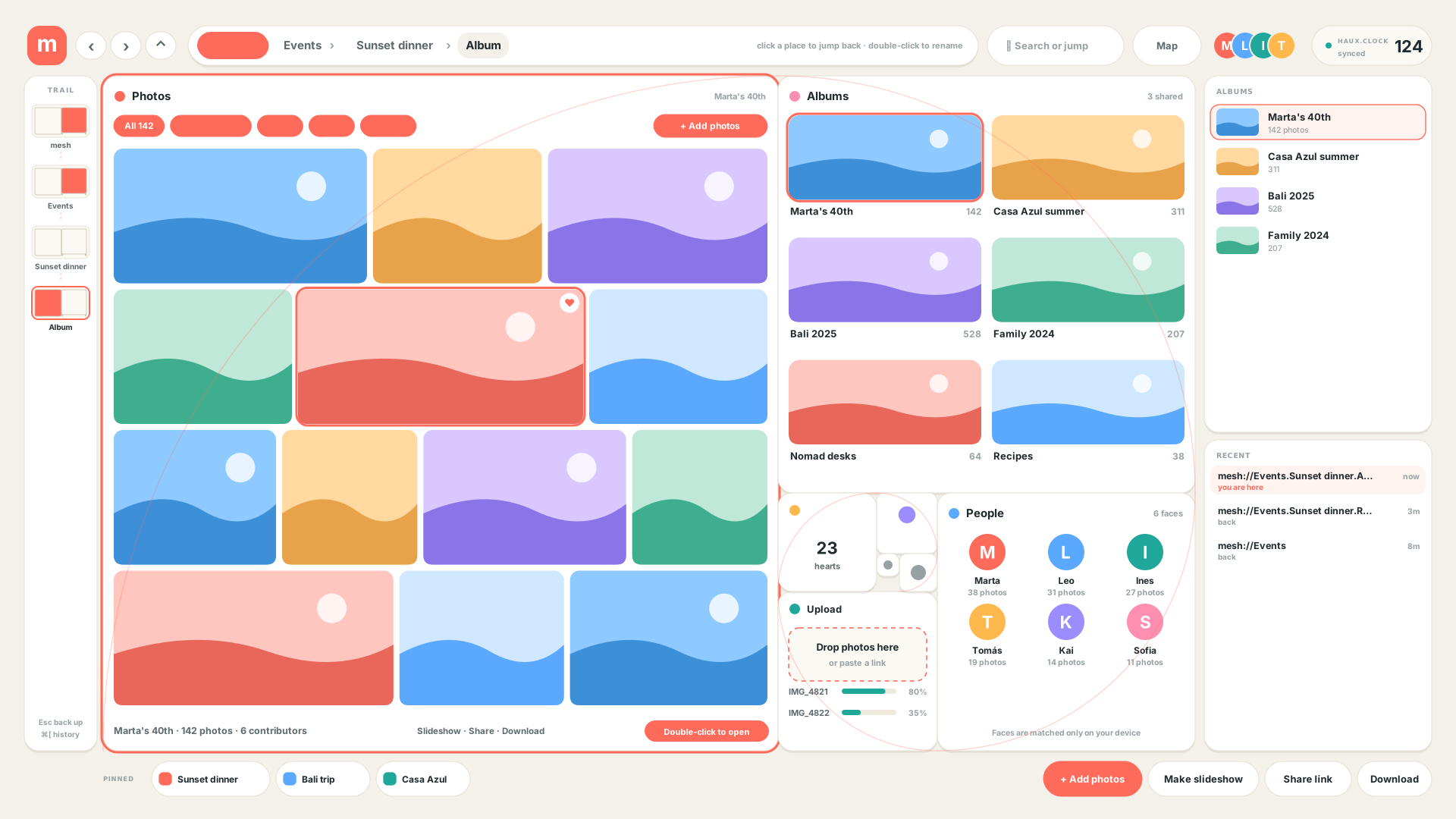
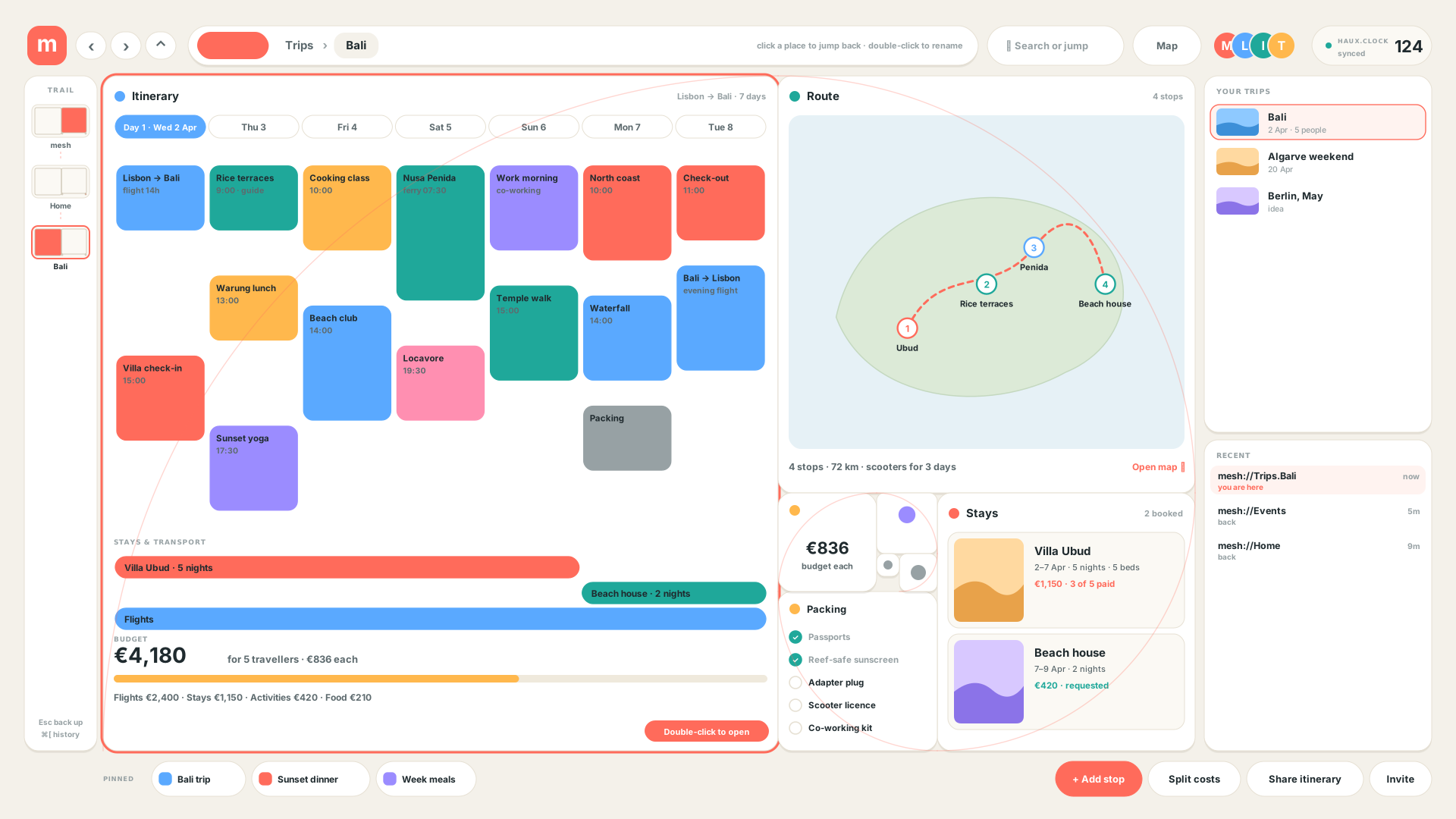
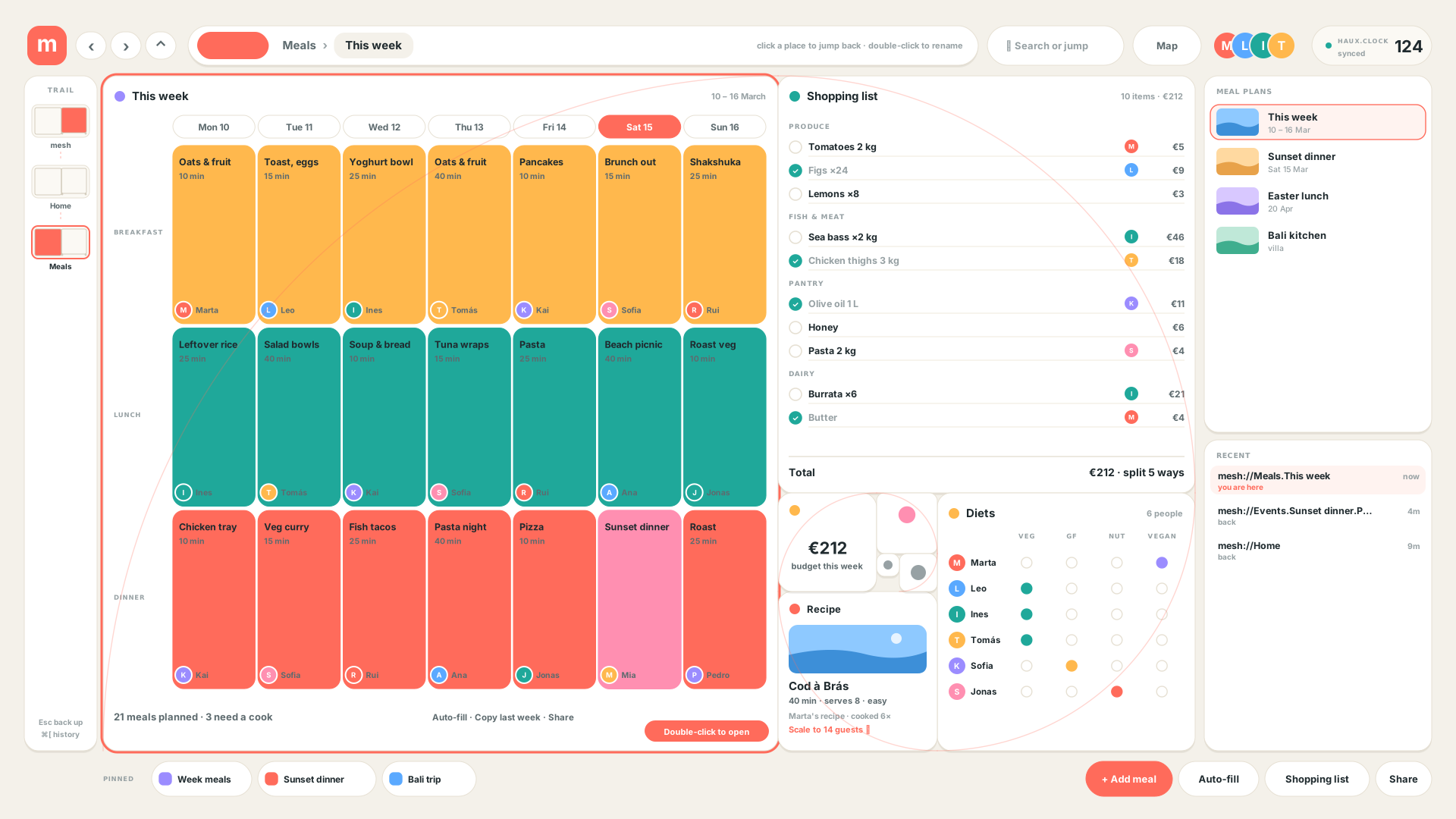
One flow, two companions. An event moves Hub → Plan → Page → RSVPs → Album. The trip and meal planners sit beside it and link in: an event's menu comes from a meal plan, and a trip's stays come from your homes. All seven screens use the same golden-grid navigation and the MESH skin, with placeholder data, and are generated by build_mesh_events.py.
Events hub
Upcoming events, templates to start from, a live RSVP count and the shared albums.
Plan an event
Title, date and place with an availability check, a cover, a note, and the guest list, linked menu and budget beside it.
Event page
What a guest sees: cover, date, a one-tap RSVP, the schedule, who is coming and what to bring.
RSVP management
Every response with plus-ones and dietary needs, headcount against capacity, a waitlist and scheduled nudges.
Photo albums
A shared album for the event, the other albums, faces matched on device, and an upload tray.
Trip planner
A day-by-day itinerary, the route, stays tied to your homes, a packing list and the split budget.
Meal planner
The week's meals with who cooks, a shopping list with buyers and costs, and a diet matrix.
The SRZA audio set
Each key of the SRZA dock, the screen behind it and the profiles it has been drawn for.
Dock key
Screen
Role
Profiles
HAUX render
TRK
TRACKS
Track view
HAUXTOUCHIPAD
MIX
MIXER
Four tracks plus master
HAUXTOUCHIPAD
STYL
STYL
STYL view — not described in the kit docs
HAUXTOUCHIPAD
LOOP
LOOPFINDER
Loop finding
HAUXTOUCHIPAD
SCEN
SCENES
Scene view
HAUXTOUCHIPAD
MON
MONITOR
Monitor view
HAUXTOUCHIPAD
VST
—
Plug-in host — not mocked
HAUXTOUCHIPAD
no render
CQX
1CQX
Spaces and chat — shared with the XDHD flavour
HAUXTOUCHIPAD
Dock keys by domain
Computed from the tokens' dockDomain map. Each key carries its surface's domain colour.
XDHDsoft
#F4F5F1
DESKXTXTBASEDASHKEEPCQXHOMEFLOWTIME
PR0Jsoft
#7CC8FF
PR0JPROXPRXD
AUDIOchamfer
#64E5B5
HAUXTRKMIXSTYLLOOPSCENMONVST
MOTIONchamfer
#8F7CFF
AEXLAEXDAE0N
M0SH LIVEchamfer
#2BFF5A
no dock keys — reached through screens
PRE-FORMchamfer
#FF3DDC
no dock keys — reached through screens
PER-FORMchamfer
#C6FF3D
PERF
DDDDsoft
#4D9BFF
DDDD
.STUDIOsoft
#FF7A45
STUD
Explorations on the base
Built on the HAUX kit but not flavours: studies of how the whole OS could navigate.
Exploration
What it is
Source
OS.FNDR
File and folder navigator: columns, grid, triage, dual pane and a golden-grid treemap. Every item has an address, a view and a location.
↗ README.md
OS.G0LD.OS
An entire UI built from nested golden-grid panels, where depth is zoom and the address is the path. Its MESH variant is the everyday-life flavour above.
↗ README.md
04
Foundations BUILT
Colour, type, form, layout and state.
Colour principles
One domain per surface. The domain sets the accent, and the accent colours the dock key, LEDs, pads, knobs, LCDs and meters on that surface.
White is the default. It is the XDHD domain accent, shown with a soft glow rather than saturated.
Orange is rare.pop is reserved for the occasional accent, never a second highlight.
Shell chrome is always chamfered.soft domains keep pill-style content; hardware-like domains chamfer their content as well.
Neutrals
The current HAUX look beside the original XDHD look. Left swatches respond to the Token Lab.
HAUX look — current
Backgroundbg#0C0E0F
Panelpanel#16191B
Panel, raisedpanelHi#1D2124
Window headhead#1F2427
Inset wellinset#08090A
Buttonbtn#262B2E
Button, raisedbtnHi#30363A
XDHD look — original
Backgroundbg#141517
Panelpanel#212225
Panel, raisedpanelHi#26272B
Window headhead#2A2B30
Inset wellinset#0F1012
Buttonbtn#34353A
Button, raisedbtnHi#3C3D43
The palette across looks
The same token in each look the kit has produced. SRZA V1 is the archived audio look, MESH is read from its generator, and BLNK has no token set yet.
Token
XDHD original
HAUX base
SRZA V1
MESH v01
BLNK
Backgroundbg
#141517Δ 3
#0C0E0Fbase
#0C0E0Fsame
#F4F1EAΔ 91
not defined
Panelpanel
#212225Δ 5
#16191Bbase
#16191Bsame
#FFFFFFΔ 91
not defined
Window headhead
#2A2B30Δ 4
#1F2427base
#1F2427same
not defined
not defined
Inset wellinset
#0F1012Δ 2
#08090Abase
#08090Asame
not defined
not defined
Buttonbtn
#34353AΔ 6
#262B2Ebase
#262B2Esame
not defined
not defined
Primary texttx
#E6E7EAΔ 6
#F4F5F1base
#F4F5F1same
#1F2A2EΔ 80
not defined
Secondary texttx2
#9A9CA4Δ 6
#9AA19Fbase
#9AA19Fsame
#5D6A6EΔ 22
not defined
Tertiary texttx3
#62646CΔ 7
#5D6563base
#5D6563same
#97A1A4Δ 24
not defined
Main highlightacc
#FFFFFFΔ 4
#F4F5F1base
#64E5B5Δ 49
#FF6B5BΔ 74
not defined
Ink on highlightaccInk
#101113Δ 4
#06100Cbase
#04201AΔ 11
not defined
not defined
Poppop
#FF9F1AΔ 31
#F1BB67base
#F1BB67same
not defined
not defined
Readyok
#3DDC84Δ 24
#64E5B5base
#64E5B5same
not defined
not defined
Errorerr
#FF5A4DΔ 21
#FF7D78base
#FF7D78same
not defined
not defined
Δ is the CIE76 colour distance from the HAUX base: under 2 is imperceptible, over 10 is clearly different.
Token
XDHD original
HAUX base
SRZA V1
MESH v01
BLNK
Form
soft (pills, no chamfer)
chamfer · cut 8px
cut 8px
rounded · r 18 / 10 · soft shadow
not defined
Glow
3.0 · α 0.65
3.5 · α 0.75
3.5 · α 0.75
none
not defined
Text face
MonoTrial → Inter
MonoTrial → JetBrains Mono
MonoTrial → JetBrains Mono
Inter → SF Pro Text
not defined
Primary text on background
14.78:1 · AAA
17.67:1 · AAA
17.67:1 · AAA
13.03:1 · AAA
not defined
Tertiary text on panel
2.70:1 · FAIL
2.95:1 · FAIL
2.95:1 · FAIL
2.64:1 · FAIL
not defined
Highlight on background
18.27:1 · AAA
17.67:1 · AAA
12.36:1 · AAA
2.48:1 · FAIL
not defined
SRZA V1 and the HAUX base share every neutral. Their backgrounds, panels, text and strokes are identical to the digit; only the accent family differs. The HAUX base took the V1 palette and made the accent depend on the domain — and V1's mint is now the music domain's accent.
The XDHD original is a different palette, not a variation. Cooler, lighter greys, a brighter orange and green, soft content with no chamfer, and a sans fallback face.
MESH is the far end of the range. A light, warm page with white cards, a coral highlight and a real sans, set in its generator rather than in a token file. Its tertiary text is faint on white too.
BLNK has no palette of its own yet, which is why its column says so.
Text tiers
Primary texttx#F4F5F1
Secondary texttx2#9AA19F
Tertiary texttx3#5D6563
Primary texttx#E6E7EA
Secondary texttx2#9A9CA4
Tertiary texttx3#62646C
Accent and semantic
Main highlightacc#F4F5F1
Ink on highlightaccInk#06100C
Deep tonedeep#2A2E2C
Pop — rarepop#F1BB67
Violetvio#B79BF0
Infoinfo#8FB8D0
Readyok#64E5B5
Errorerr#FF7D78
Main highlightacc#FFFFFF
Ink on highlightaccInk#101113
Pop — rarepop#FF9F1A
Infoinfo#8FB8D0
Readyok#3DDC84
Errorerr#FF5A4D
Domain colour-code
Domain
Accent
Ink
Deep
Form
Accent on bg
Ink on accent
XDHD
#F4F5F1
#0C0E0F
#2A2E2C
soft
17.67:1 · AAA
17.67:1 · AAA
PR0J
#7CC8FF
#06141F
#17394F
soft
10.65:1 · AAA
10.25:1 · AAA
AUDIO
#64E5B5
#04201A
#164D40
chamfer
12.36:1 · AAA
10.94:1 · AAA
MOTION
#8F7CFF
#0B0720
#2B2466
chamfer
5.98:1 · AA
6.10:1 · AA
M0SH LIVE
#2BFF5A
#02140A
#0E5A24
chamfer
14.33:1 · AAA
14.05:1 · AAA
PRE-FORM
#FF3DDC
#1C0318
#6A1560
chamfer
6.41:1 · AA
6.46:1 · AA
PER-FORM
#C6FF3D
#121C02
#4A6A0E
chamfer
16.38:1 · AAA
14.90:1 · AAA
DDDD
#4D9BFF
#04101F
#173A66
soft
6.86:1 · AA
6.78:1 · AA
.STUDIO
#FF7A45
#210A00
#5A2A12
soft
7.48:1 · AAA
7.33:1 · AAA
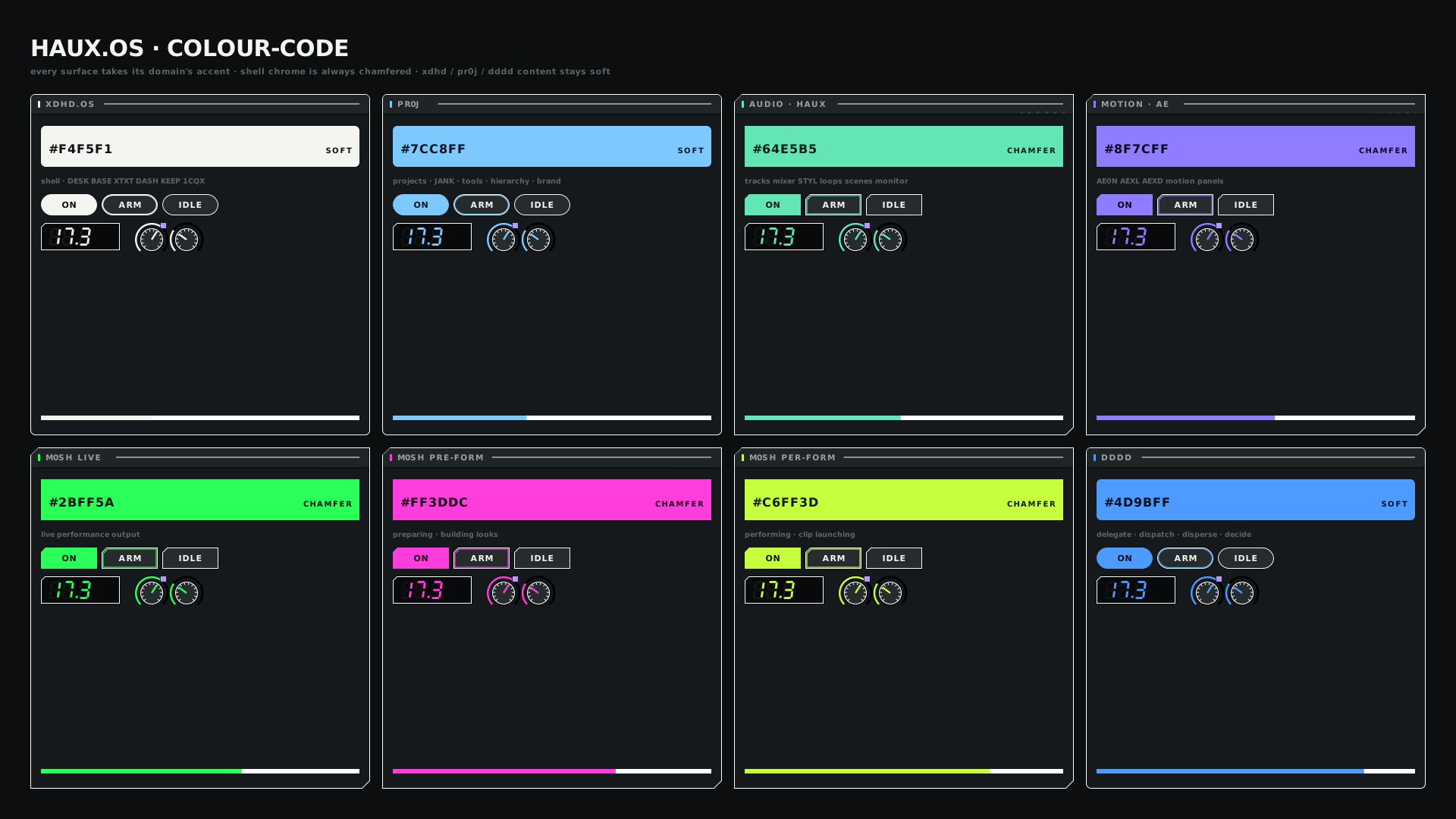
The colour-code legend sheetHAUX · COLOURCODE · L · v02
The legend sheet renders eight domains; the tokens define nine (`.STUDIO` is the addition).
Contrast
Pair
Ratio · WCAG
tx on bg
17.67:1 · AAA
tx on panel
16.13:1 · AAA
tx on inset
18.20:1 · AAA
tx2 on bg
7.35:1 · AAA
tx2 on panel
6.71:1 · AA
tx2 on inset
7.57:1 · AAA
tx3 on bg
3.23:1 · AA-large
tx3 on panel
2.95:1 · FAIL
tx3 on inset
3.33:1 · AA-large
All domain accents pass AA on the background. Tertiary text is the exception — see the Plan.
Typography
Role
Desktop
Touch
iPad
Note
Micro label
7–9 px exist in the kit
floor 10.5 px
floor 10 pt
Uppercase, tracked
Interface
as designed
12–17 px targets
—
MonoTrial
Readout
7-segment LCD
7-segment LCD
7-segment LCD
Clocks, BPM, timecode, values
Tile glyph
mono 800
mono 800
mono 800
Two lines, two letters
Form language
PUSH
Softpill pads — xdhd · pr0j · dddd · studio
PUSH
Chamfercut 8 px — music · motion · live · preform · perform, and all shell chrome
ON
Activewhite fill, ink glyph, soft glow 3.5 px at 0.75
Dimensions and tokens
Token
Value
Used for
Chamfer cut
8 px
Shell chrome and hardware-like domains
Hairline
#ffffff14
Panel and row boundaries
Hairline, strong
#ffffff2a
Focused or raised boundaries
Glow
3.5 px at 0.75
The active highlight
Desktop top bar
56 px
Menus, address pill, context chips
Desktop dock
72 px
16 keys, domain-coloured
Desktop status bar
16 px
Carries the OS version
Touch top bar
72 px
Large buttons, sheet pickers
Touch dock
88 px
Pinned apps plus an ALL APPS grid
Touch status bar
20 px
Portrait bottom bar
104 px
Touch portrait
Spacing scale
4 · 8 · 12 · 16 · 24 · 32
The shell's shared stylesheet
Canonical viewports
LANDSCAPE_10801920×1080
Global menu
Launcher
Persistent context
Surface workspace with Hero and Inspector panes
PORTRAIT_10801080×1920
Global menu and context
Hero canvas
Active controls
Pads and matrix
Inspector as a bottom drawer
This is an intentional product decision, supporting dedicated 1080p and USB-C displays, iPad portrait dashboards, predictable spatial memory and hardware-style interaction. Shell, FLOW, DASH and PERF0RMANCE recompose for portrait; AEXL, AEXD, XTXT and BASE keep their legacy internal layouts until migrated.
State grammar
State
Meaning
Look
Active
The current surface.
Dock key: white fill, ink glyph, soft glow.
Selected
A graph object.
Shared across every surface; changing surface does not change it.
Focused
The keyboard target.
A focus ring, independent of selection.
Ready
Operational and healthy.
LED in the ok colour.
Hold
Waiting or held.
LED in the pop colour.
Error
Failed or blocked.
LED in the err colour.
ReadyHoldError
Identity and motion naming
Identity
Example
Notes
Local id
a2ff
Assigned once and persisted per stream, screen, orientation and address.
Canonical production id
pending
Not yet bound — PR0J / PR0D binding is provisional.
Human address
HAUX.OS.BASE.L.Shell.Topbar.Button.DESK
Dot-separated roles.
Display name
Button.DESK {a2ff}
The After Effects compatible form.
XML id
n-a2ff
Stable across rebuilds.
Role
Applied to
precomp
Viewport regions, BASE cells, knobs and sections.
layer
Buttons, chips, labels, surfaces and needles.
group
Decorative elements such as texture and ticks.
Roles are proposed attributes (data-aexd-role) and are not yet read by the AEXD importer. Text is never outlined; font stacks are preserved byte for byte.
↗ NAMING-RULES.md
05
Shell and chrome BUILT
The parts the operating system owns, so surfaces do not.
Anatomy
Region
Size
Contents
Top bar
56 px
Mark and home, global menus, the dot-address pill, context chips and the HAUX.Clock BPM.
Launcher dock
72 px
Sixteen keys, each in its surface's domain colour. The active key is lit; SET sits below.
Context strip
—
TLJ · JANK · BRND-FACET-MEDIUM · PRODUCTION · HERO · HIST. Persists across surfaces.
Workspace
—
The active surface, with shell-owned Hero and Inspector panes.
Status bar
16 px
OS version, graph health with node and edge counts, the active viewport profile.
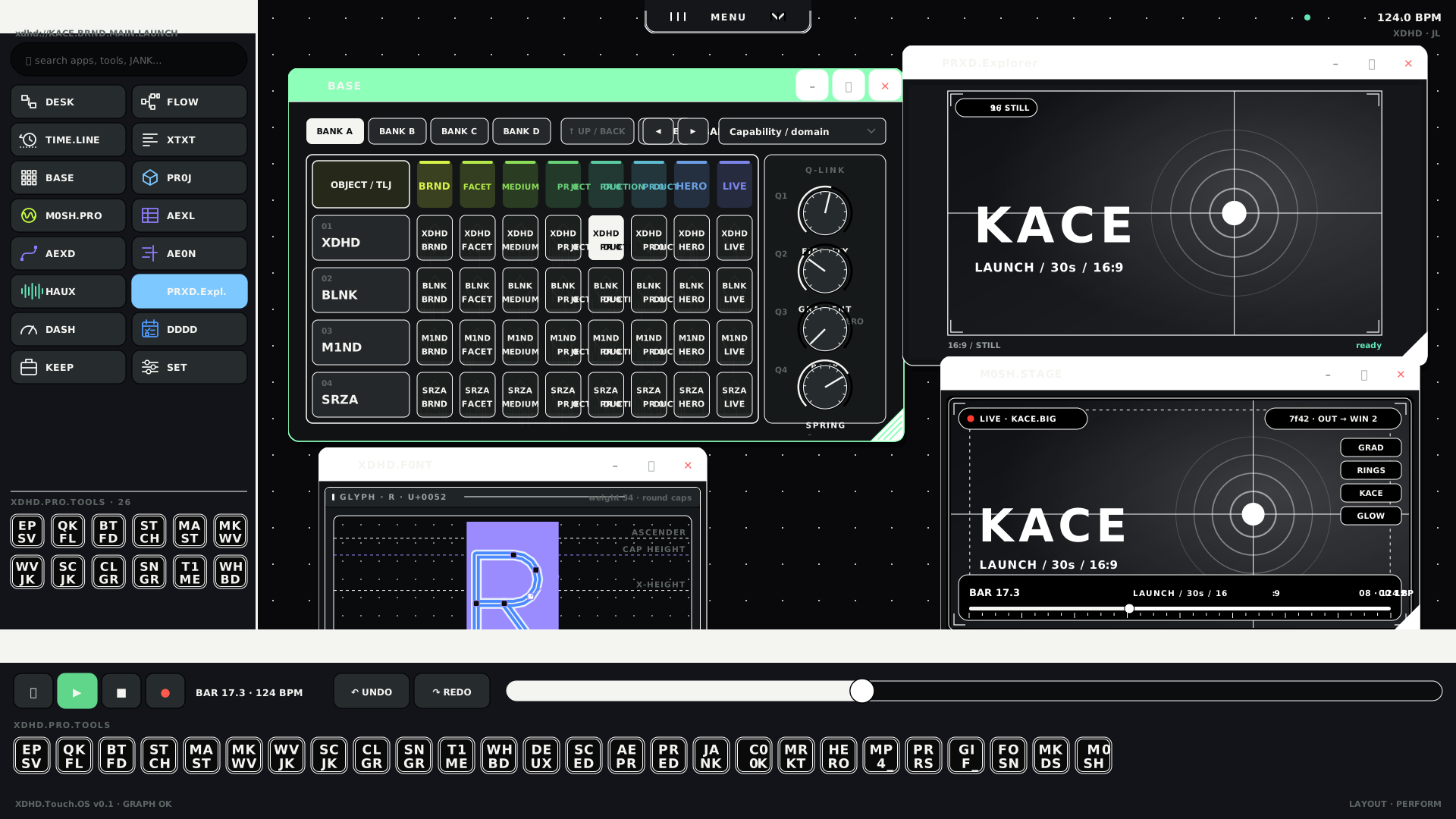
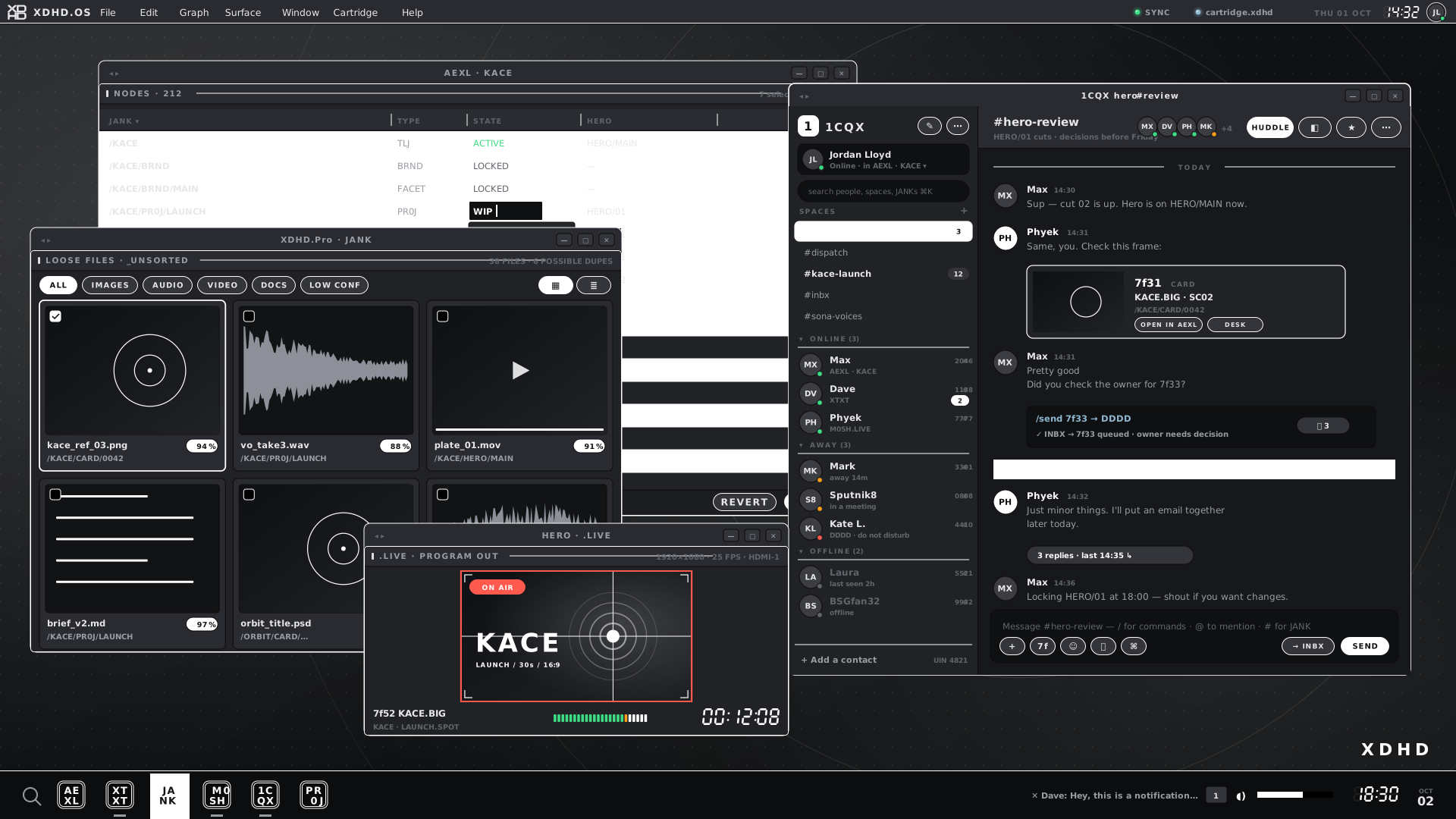
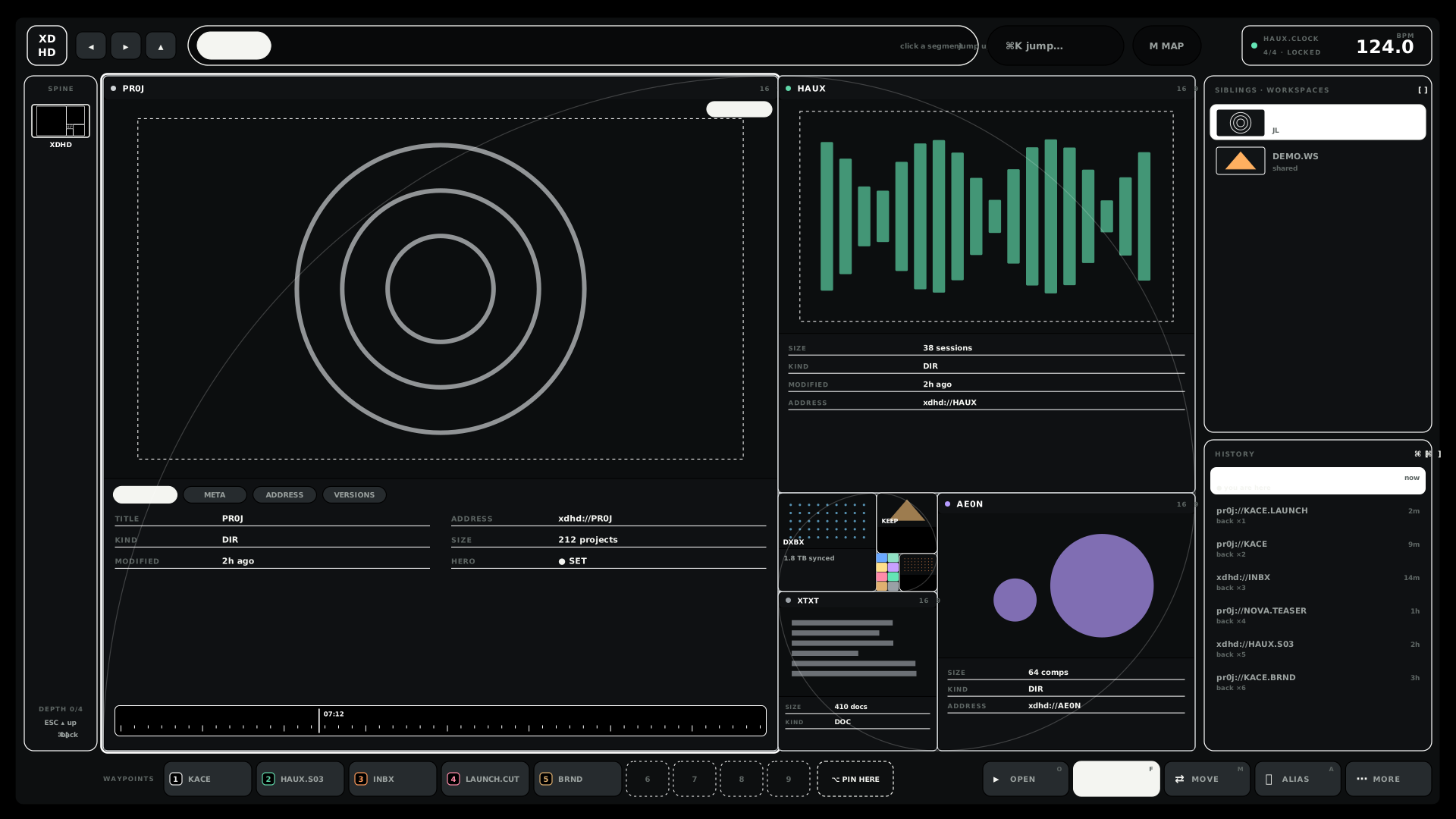
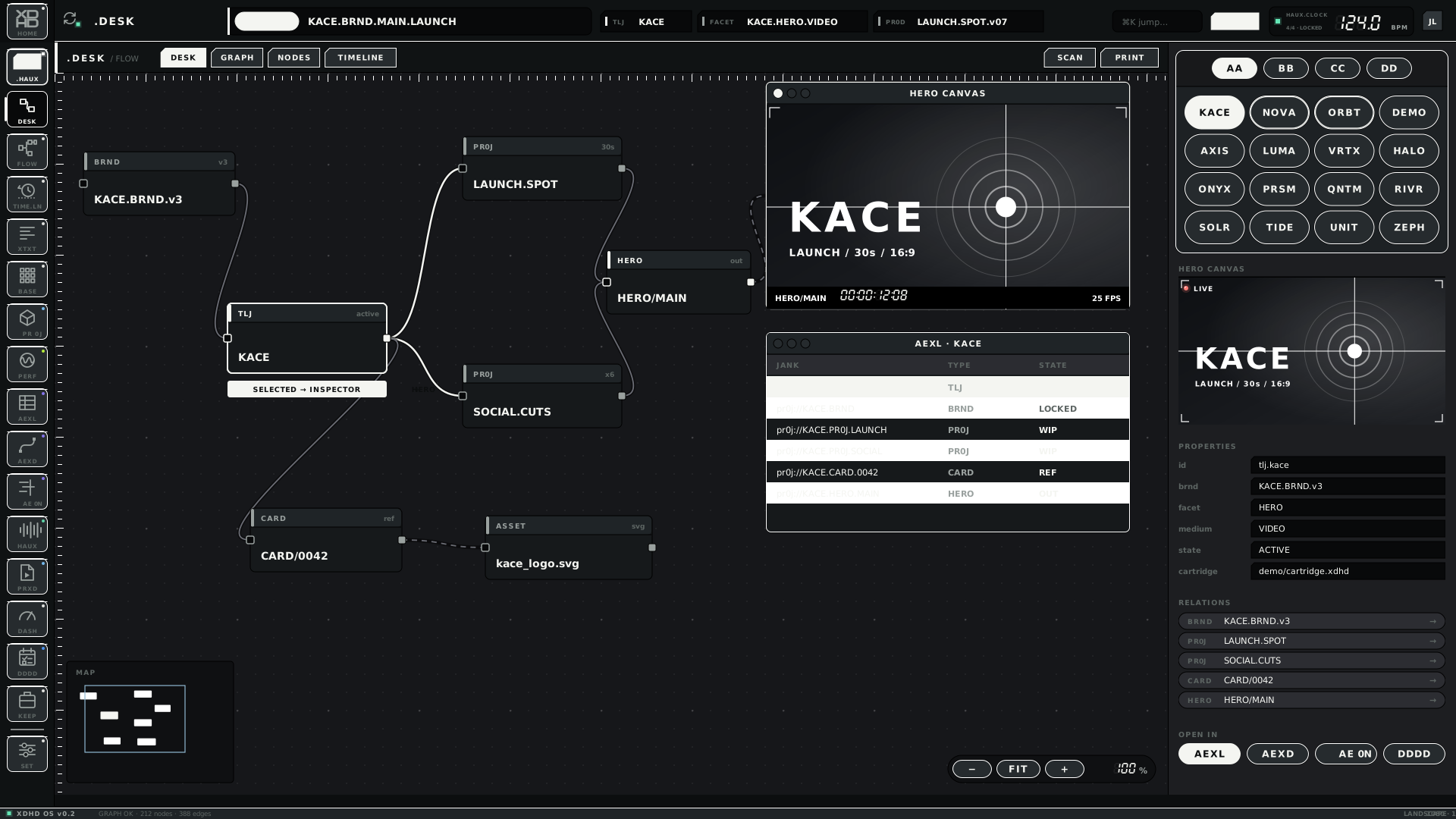
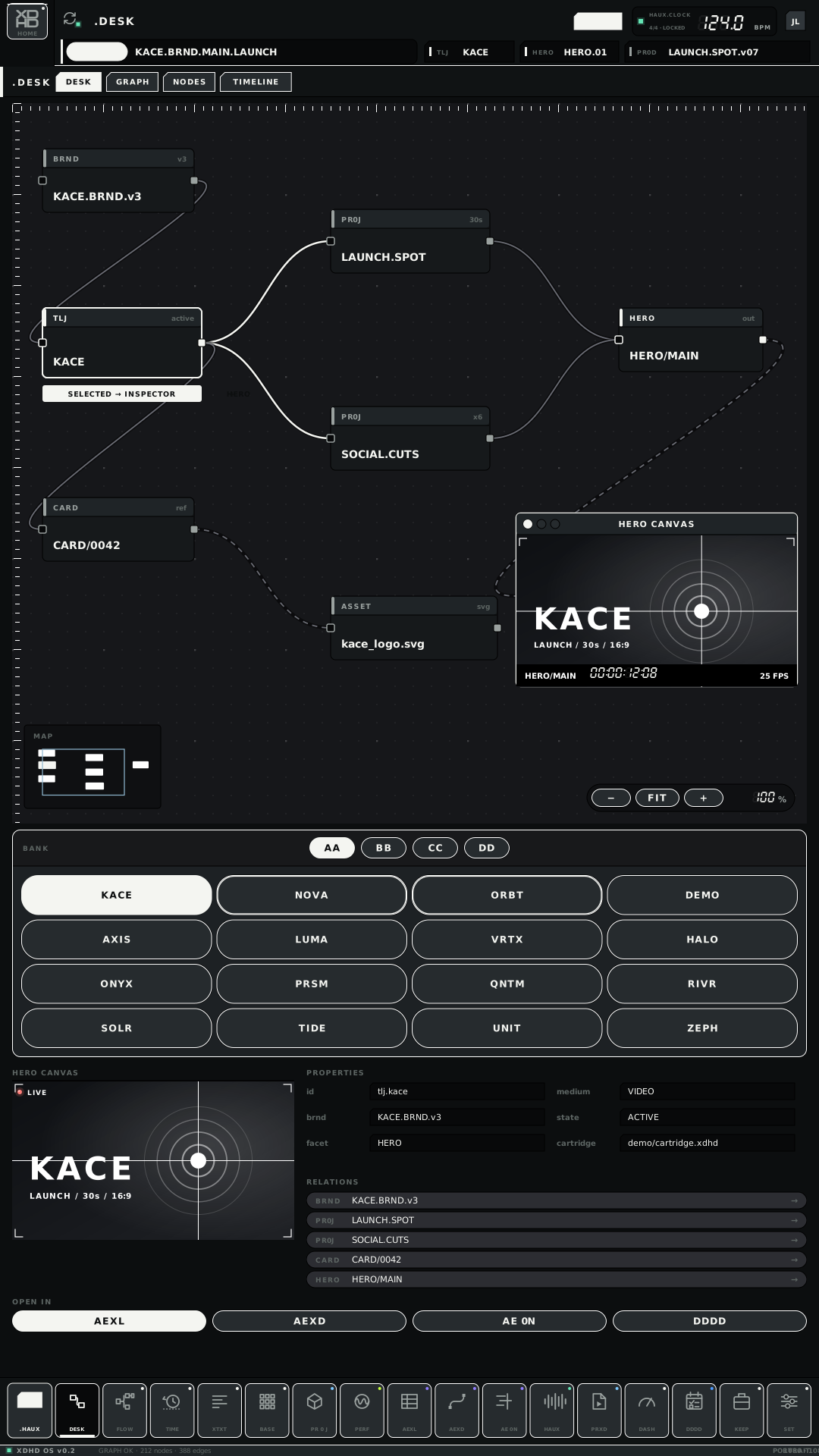
The .DESK / FLOW surface in the HAUX look: top bar, dock, context, Hero and InspectorHAUX · DESK.FLOW · L · v02
The top bar carries the domain
Four of the 56 px top bars, one per domain, from the extracted component set.
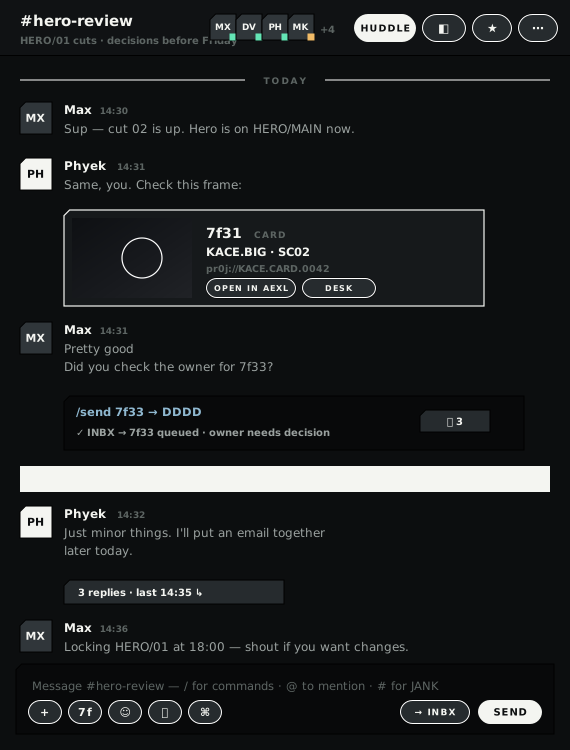
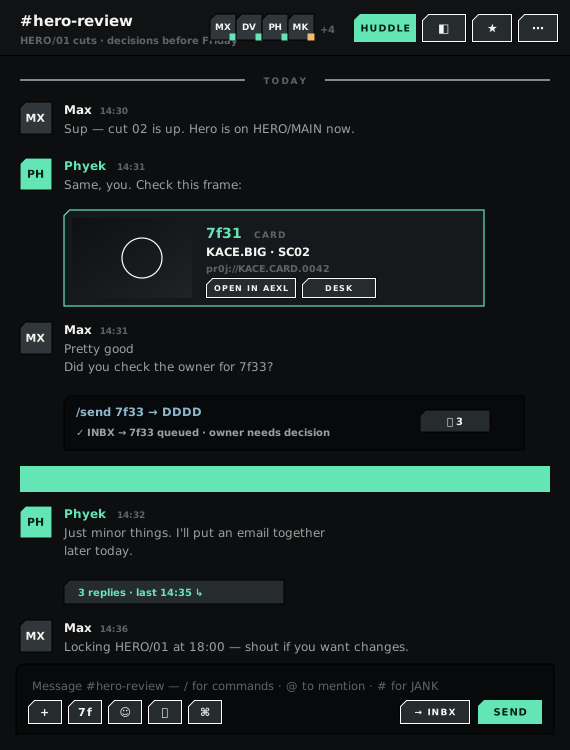
The same component file in the original XDHD look and in the HAUX look under two flavours. The XDHD-flavour column is also what BLNK renders today — it has no components of its own.
Component
XDHD original look
HAUX look · XDHD flavour
HAUX look · SRZA flavour
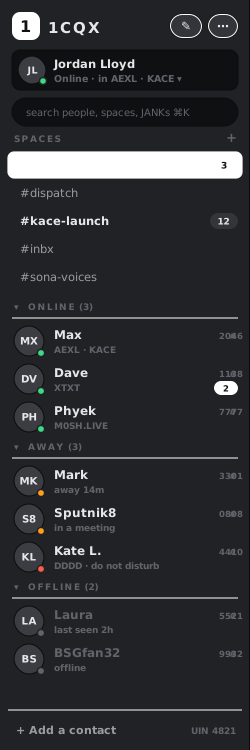
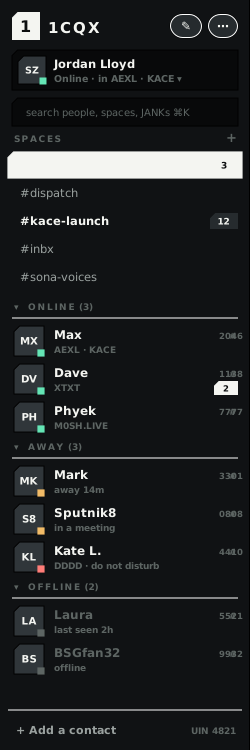
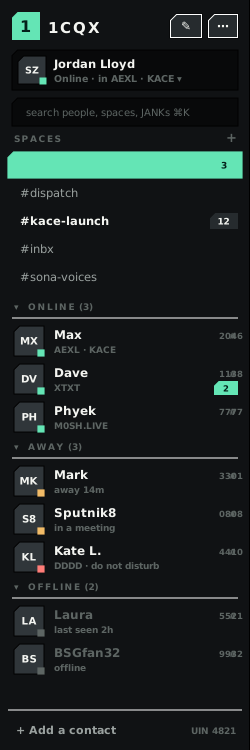
Spaces list250x750
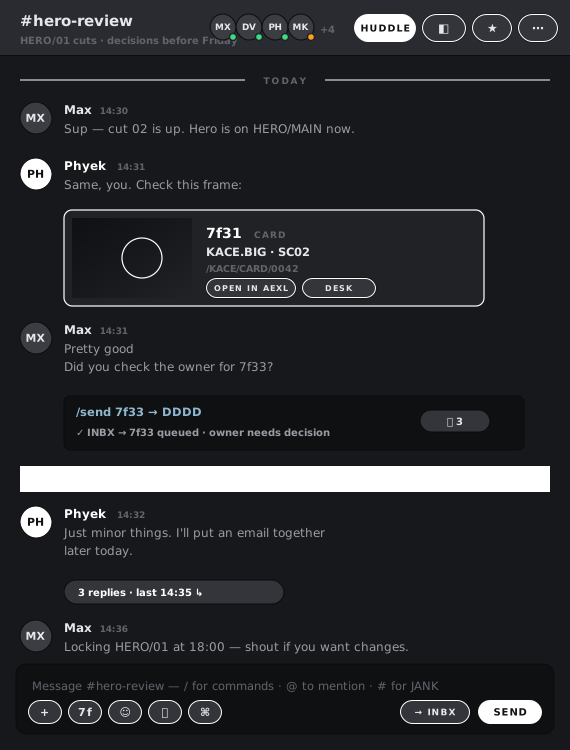
Chat panel570x750
Menu bar 1920x32 · left edge, actual size
XDHD original look
HAUX look · XDHD flavour
HAUX look · SRZA flavour
Context strip 1920x44 · left edge, actual size
XDHD original look
HAUX look · XDHD flavour
HAUX look · SRZA flavour
Status bar 1920x32 · left edge, actual size
XDHD original look
HAUX look · XDHD flavour
HAUX look · SRZA flavour
Taskbar 1920x64 · left edge, actual size
XDHD original look
HAUX look · XDHD flavour
HAUX look · SRZA flavour
Specimens — BASE Q-LINK knobs
Extracted from the motion-prepared component set. Needle pivots are stored as data-pivot.
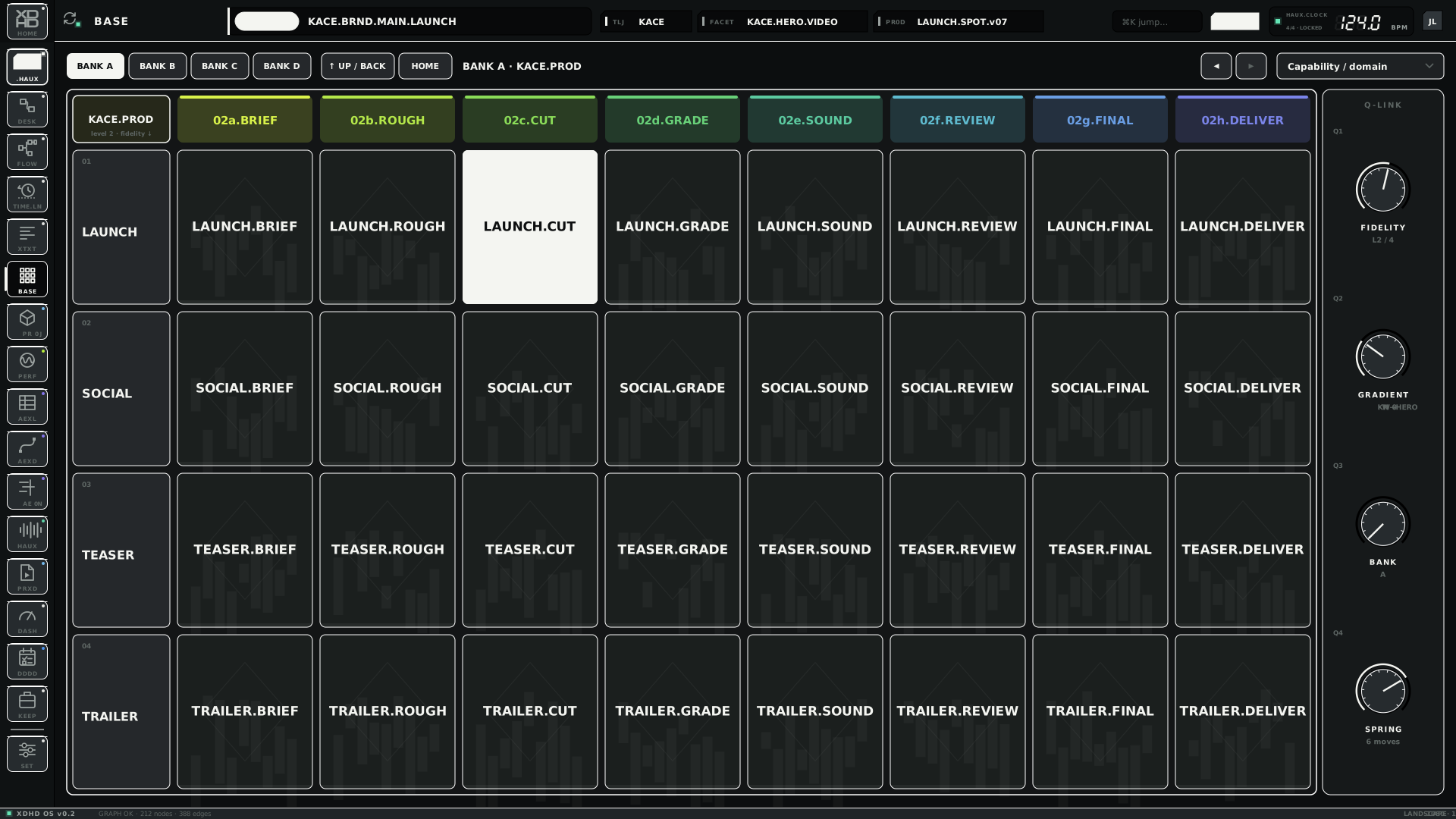
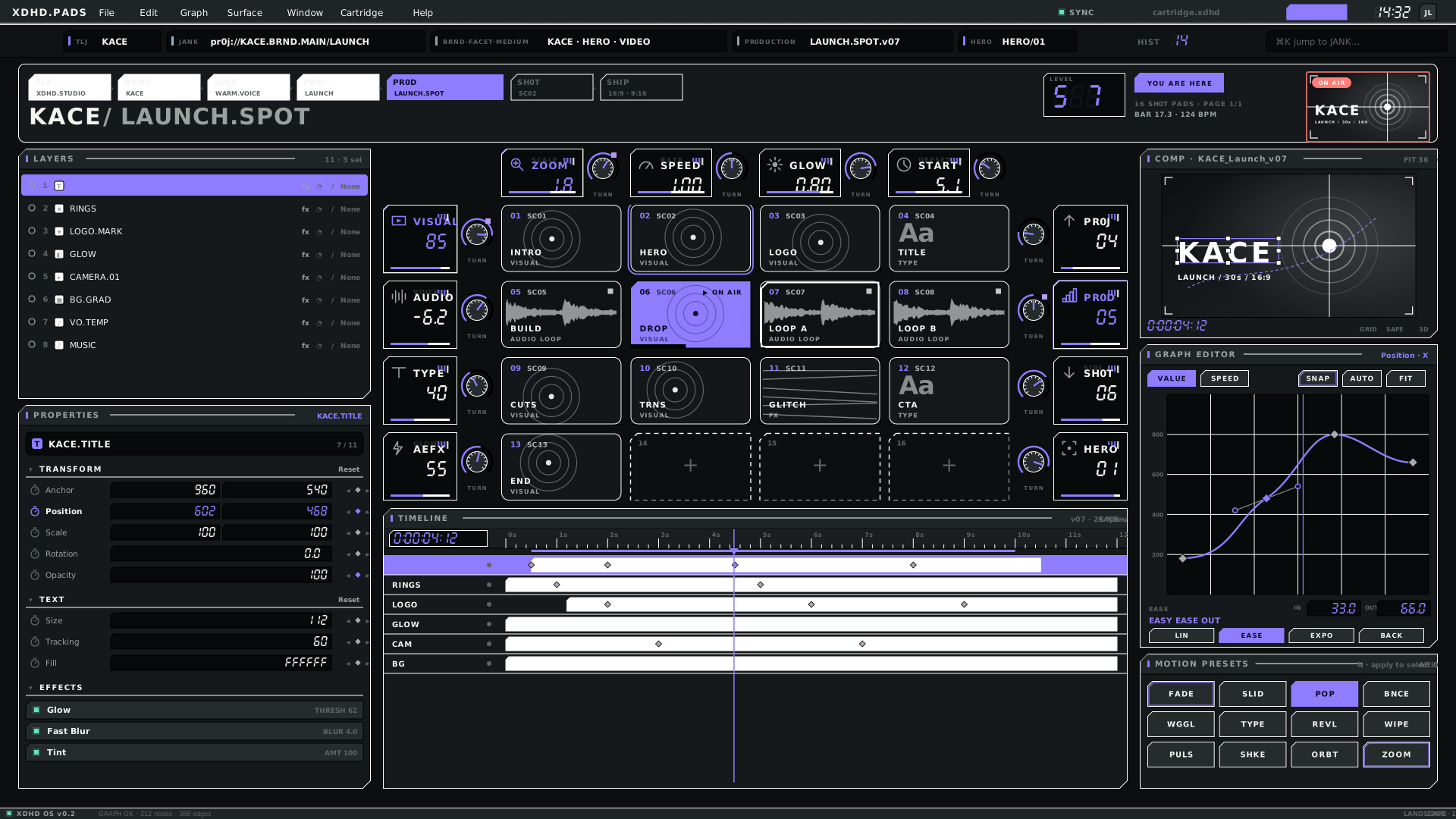
BASE in the HAUX look: matrix of cells with the Q-LINK knobs at the rightHAUX · BASE · L · v04PADS: sixteen visual pads with AE-style panelsHAUX · PADS · L · v0407
Profiles PARTIAL
The same product on different input and display.
Four profiles, one kit
_src.HAUX builds desktop by default, --profile touch for touch and --profile ipad for iPad. There is no code fork.
Desktop
Touch
iPad
Input
Keyboard + Magic Trackpad
Single tap only — no scroll, pinch or swipe
Multi-touch
Canvas
1920×1080 · 1080×1920
1920×1080 · 1080×1920
1024×768 · 768×1024 pt (4:3)
Target size
Desktop scale
≥ 56 px (shell keys 64–80); XDHD.Pro surfaces 44
≥ 44 pt (dock 52)
Type floor
7–9 px labels exist
10.5 px
10 pt
Scrolling
Native, invisible
Touch strips on every scrolling region
Native — strips not used
Hover, right-click, modifiers, drag and drop
Allowed
Banned
Allowed
Undo
⌘Z
Persistent UNDO / REDO
System
Top bar / dock / status
56 / 72 / 16 px
72 / 88 / 20 px
Top bar 44 pt, dock keys 52 pt
Desktop and portrait
The desktop profile stays traditional — keyboard and trackpad, dense, hover and modifier friendly — and keeps developing independently. Portrait is the same 1080 canvas turned through 90°, recomposed rather than reduced.
Desktop — dense, hover and modifier friendlyHAUX · DESK.FLOW · L · v02
Touch
Test hardware is a portable ~15 in 1080p touchscreen at about 141 ppi (1 mm ≈ 5.6 px) that delivers a single tap or click only. Scrolling is therefore the one thing the interface must always show.
The eight rules
1
No hidden-scroll dependency
Any scrollable region has a persistent, chunky touch affordance.
2
Touch strips
Vertical or horizontal scrub bars wherever scrolling matters. The strip is the scroll bar.
3
Pages over scroll
Prefer page and section switching to long free-scrolling screens.
4
Generous targets
Minimum 56×56 px (about 10 mm), comfortable 64 px, gap at least 8 px.
5
No hover-only states
Nothing is revealed by hover; every function is reachable with one tap.
6
Draggable looks draggable
Grips have ridges and end chevrons.
7
Precision is a big secondary control
Steppers, page buttons, nudge and a zoom pad — never a tiny scrollbar.
8
Two layers
Touch is fast control; keyboard and trackpad stay the precision and text layer.
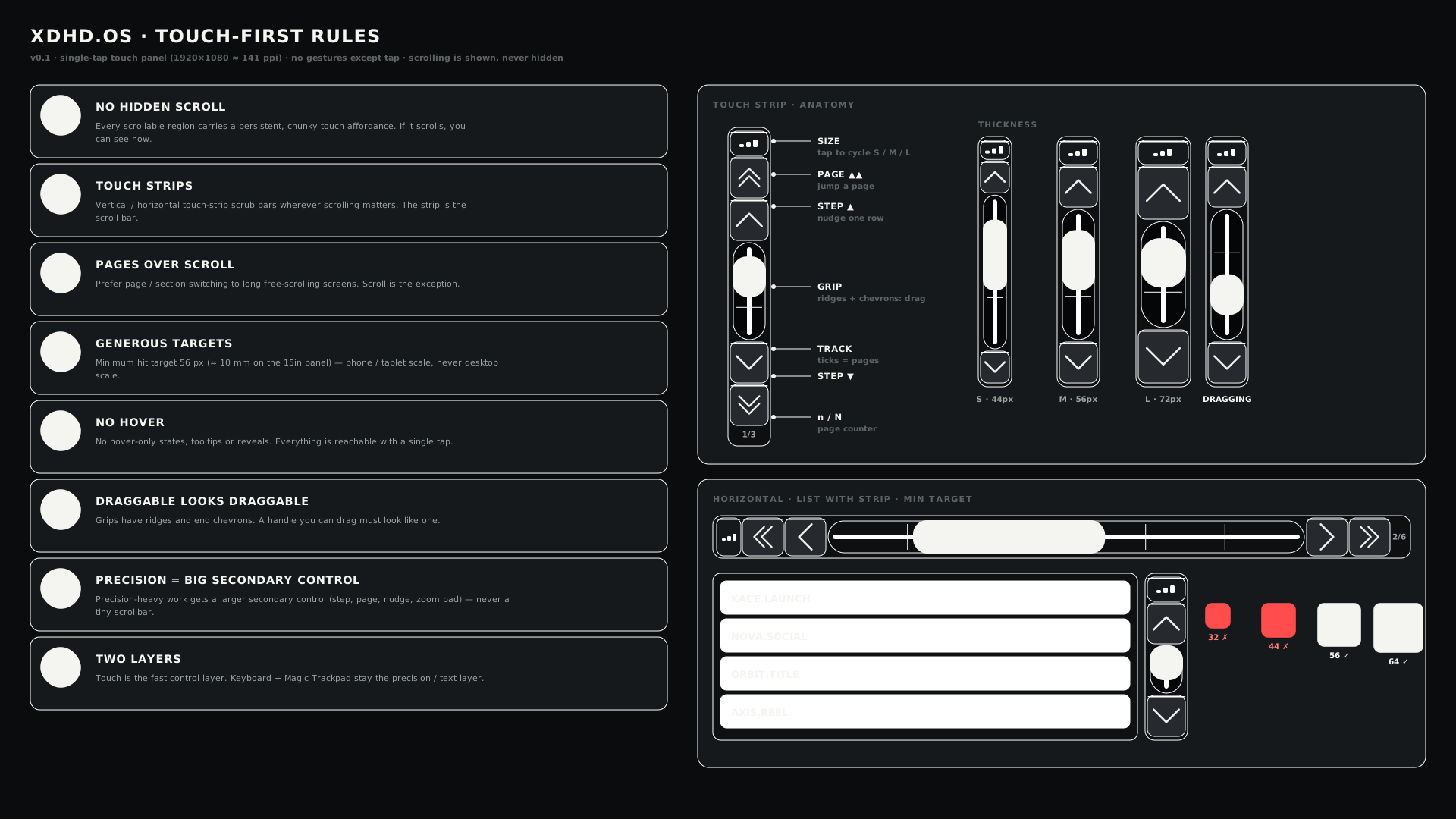
The touch-first rules sheet, with strip anatomyTOUCH · TOUCH.RULES · L · v01
Touch strip
Every button is as thick as the strip. States: idle, dragging (filled with glow), at-end (step button dims).
Part
Does
SIZE
Cap that cycles S 44 · M 56 · L 72 px.
PAGE ▲▲
Jump a page.
STEP ▲
Nudge one row.
GRIP
Ridges and chevrons; drag.
TRACK
Ticks mark pages.
n / N
Page counter.
How much is left
Desktop kit
98%4,033 of 4,115 below 56 px
Touch kit
46%2,201 of 4,705 below 56 px
Share of tap-target-like widgets under 56 px — auto-generated by the touch audit. 67 of 189 screens carry at least one strip (118 strips in total).
Sheets replace gestures
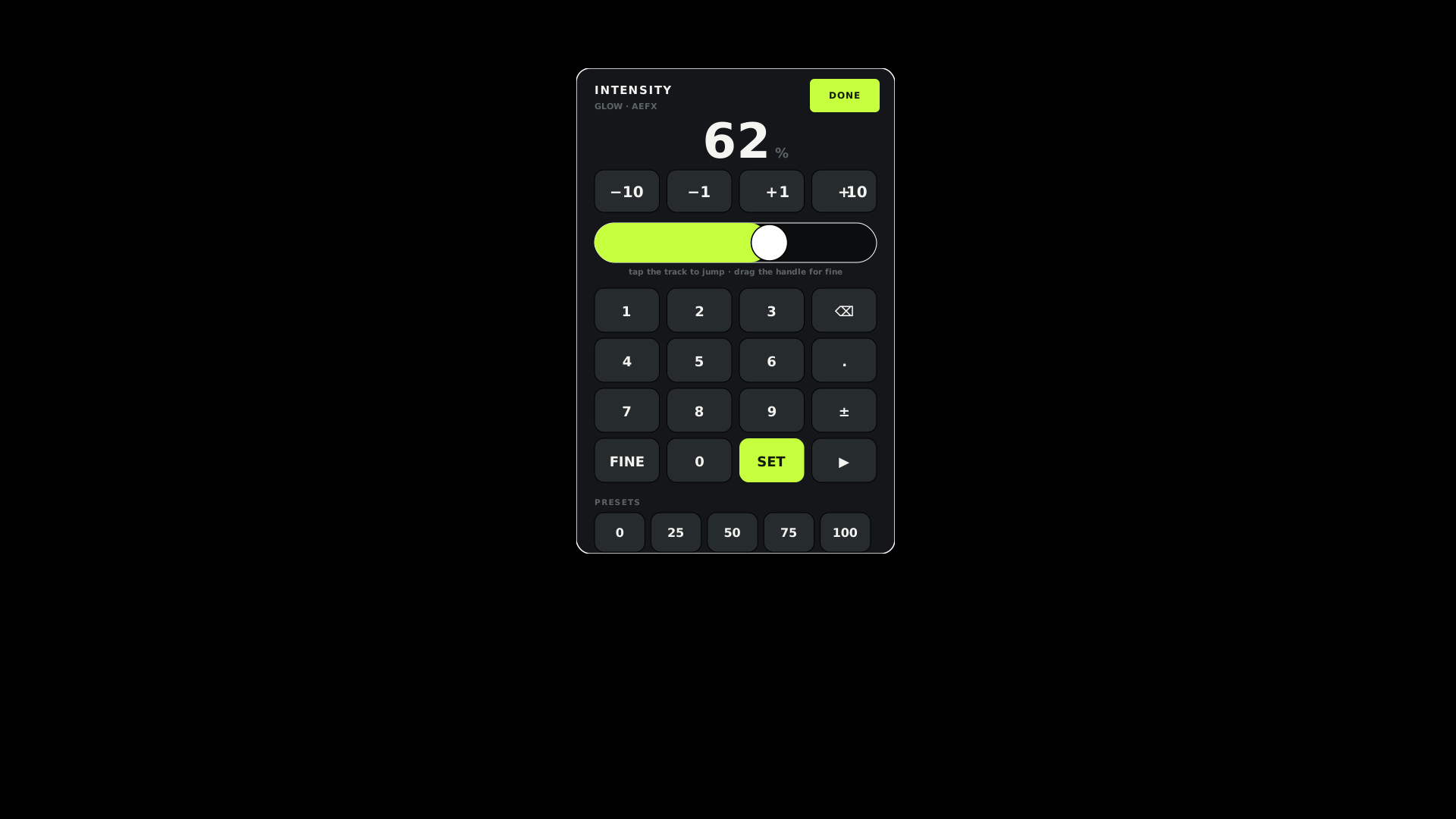
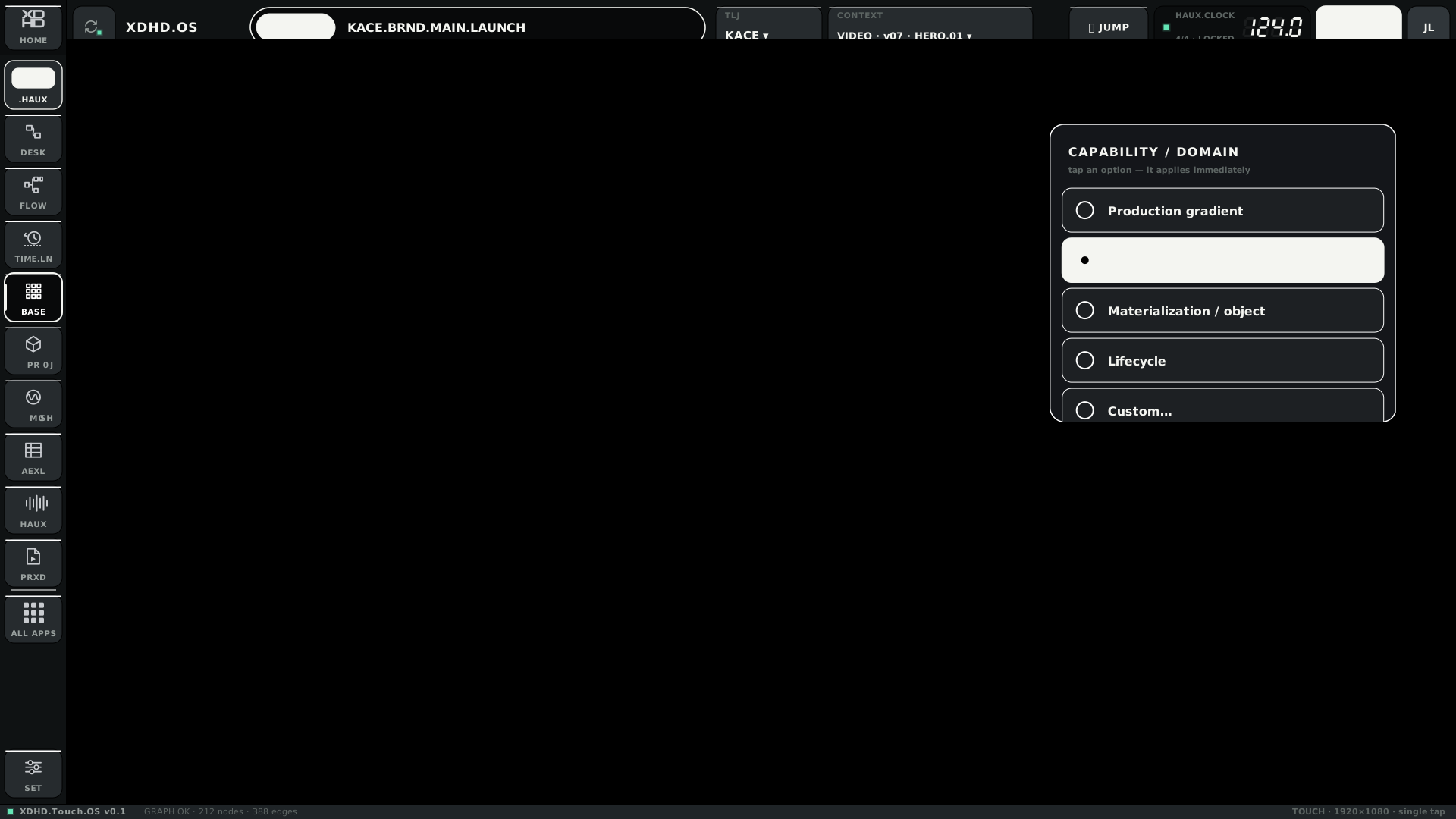
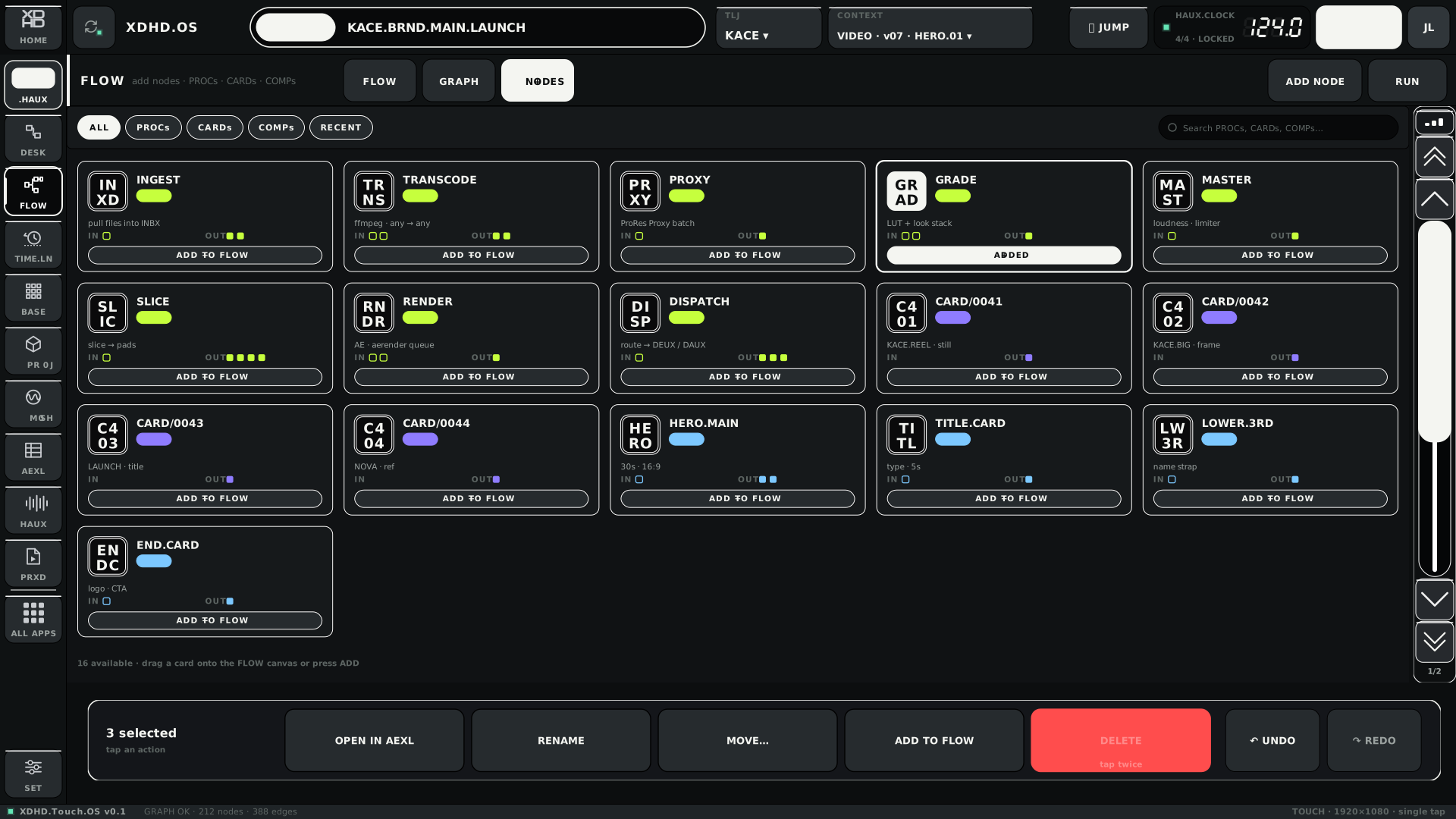
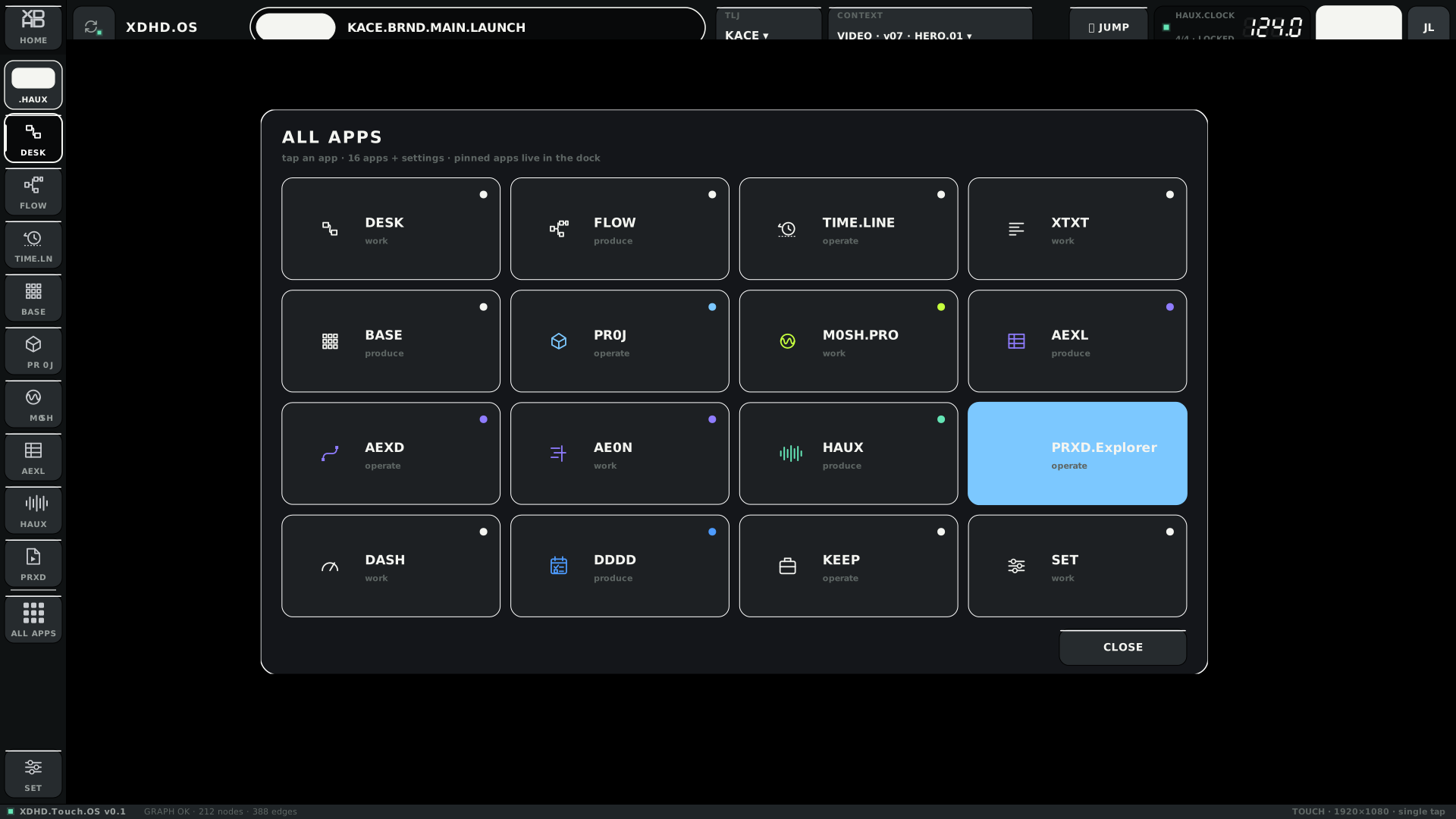
VALUE sheet — replaces dragging knobsTOUCH · TOUCH.VALUE · L · v01PICKER — 56 px rowsTOUCH · TOUCH.PICKER · L · v01ACTIONS — selection bar; delete needs two tapsTOUCH · TOUCH.ACTIONS · L · v01ALL APPS gridTOUCH · TOUCH.APPS · L · v01
Edge-handle motif — a study
Screens 50–55. Whether drag events reach the app on the panel is the first thing to test.
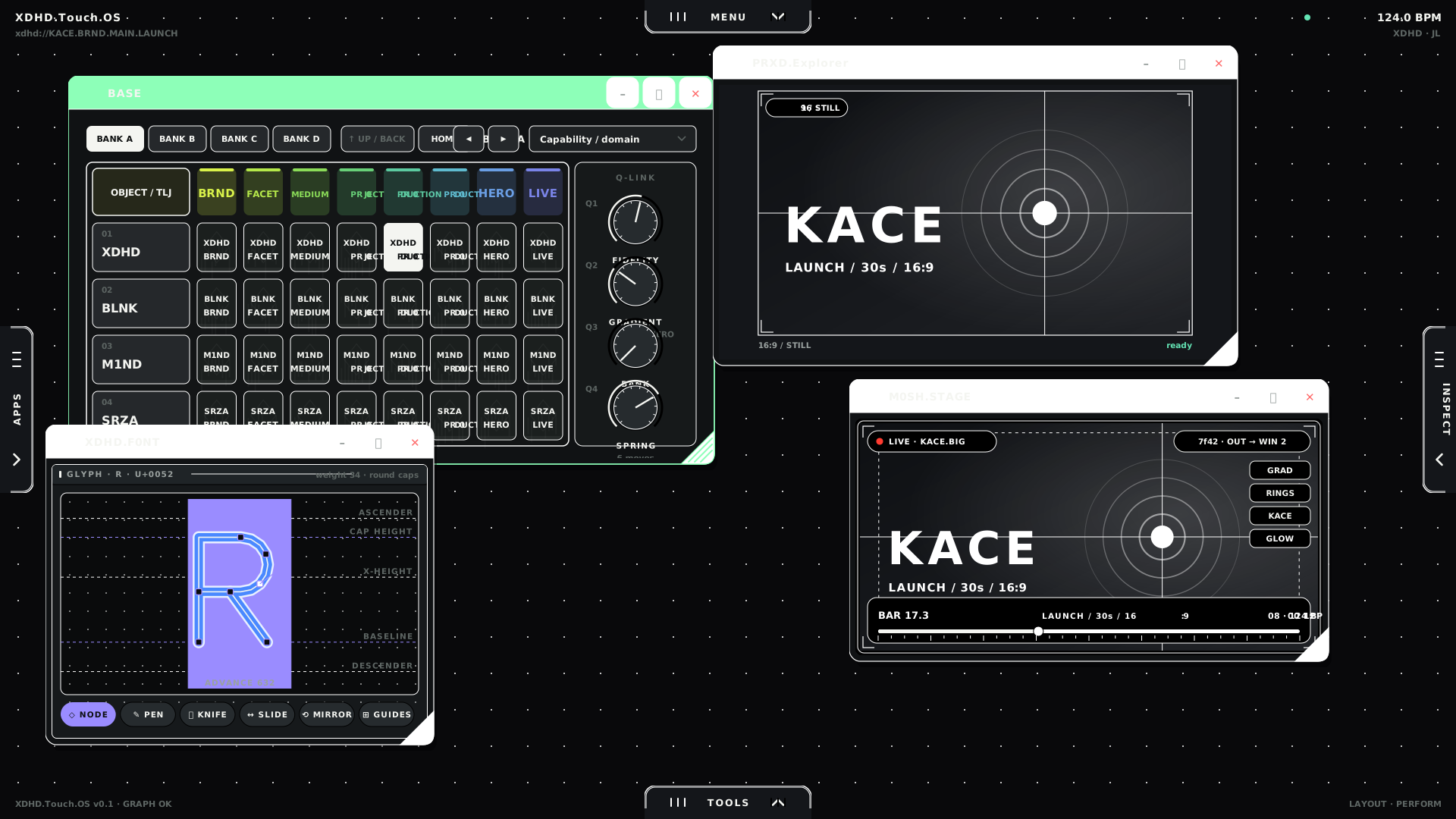
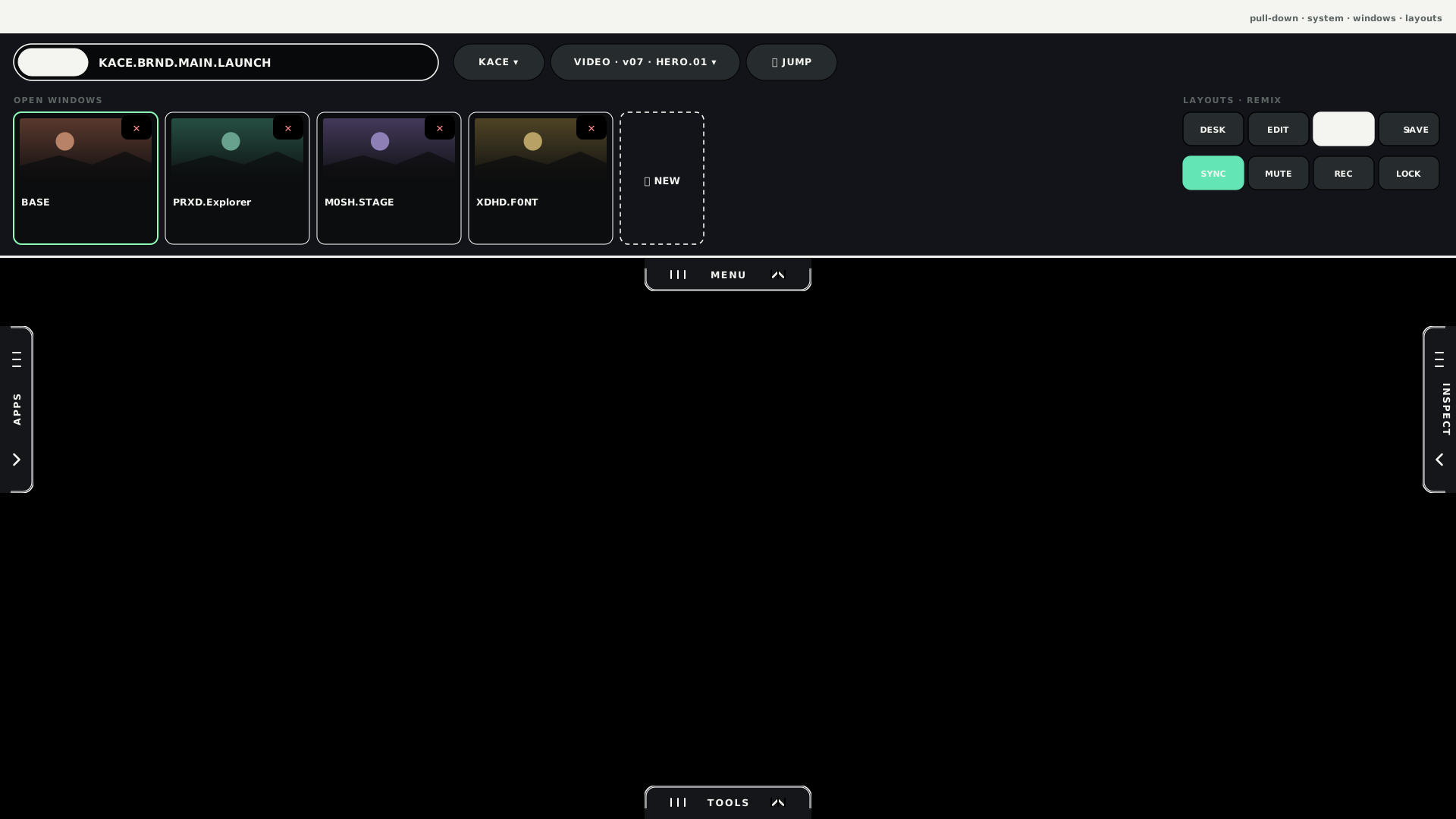
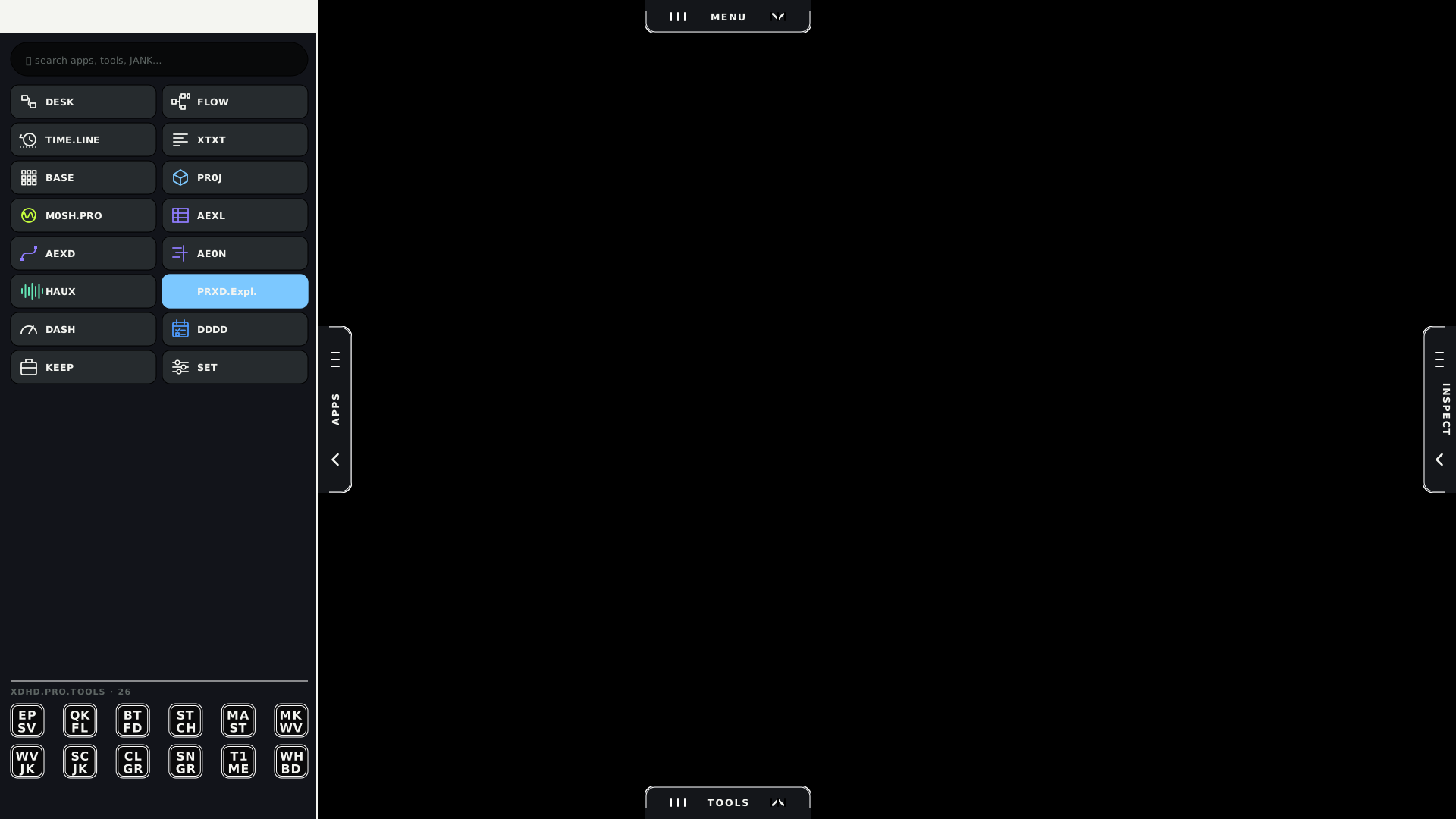
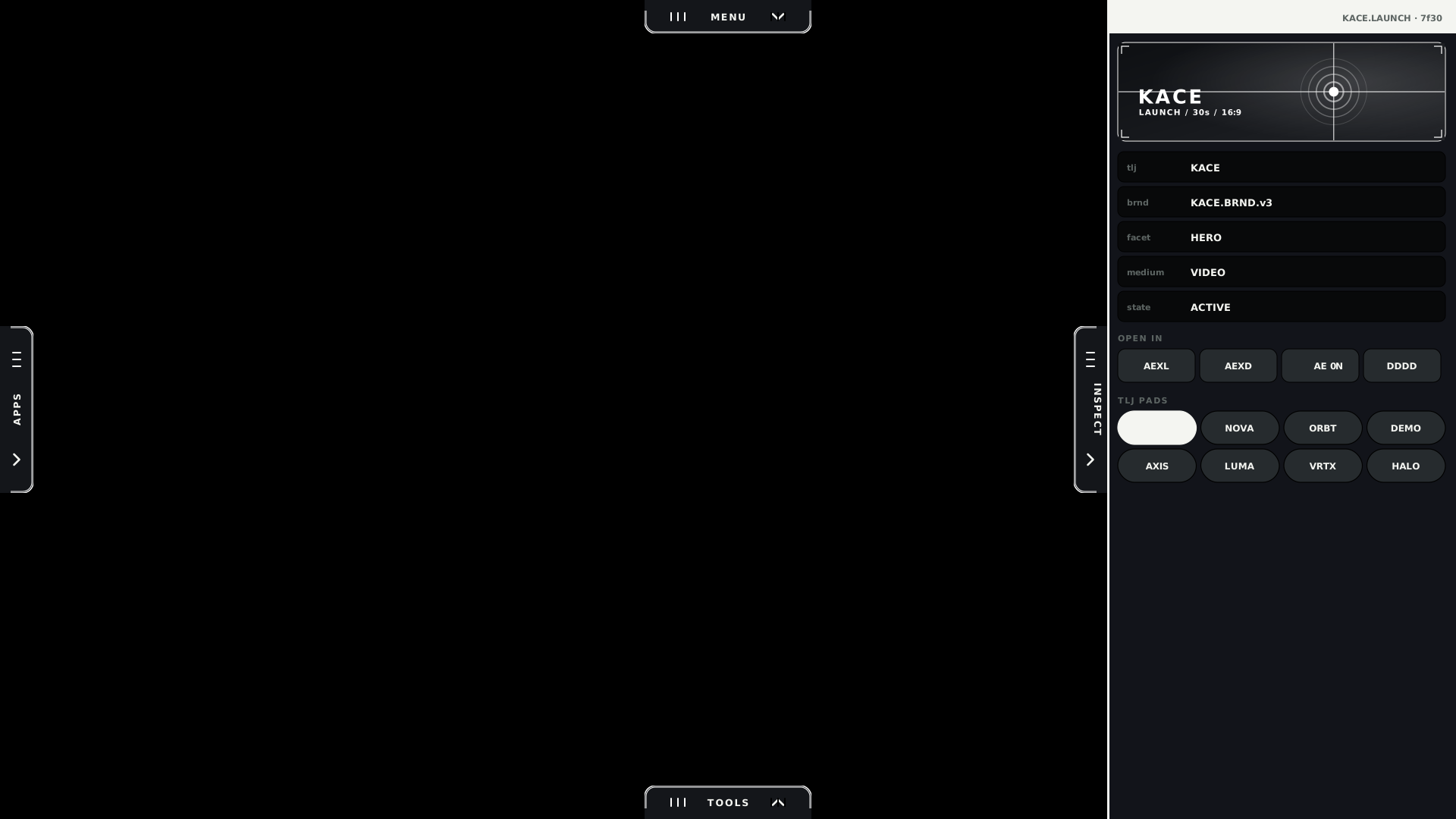
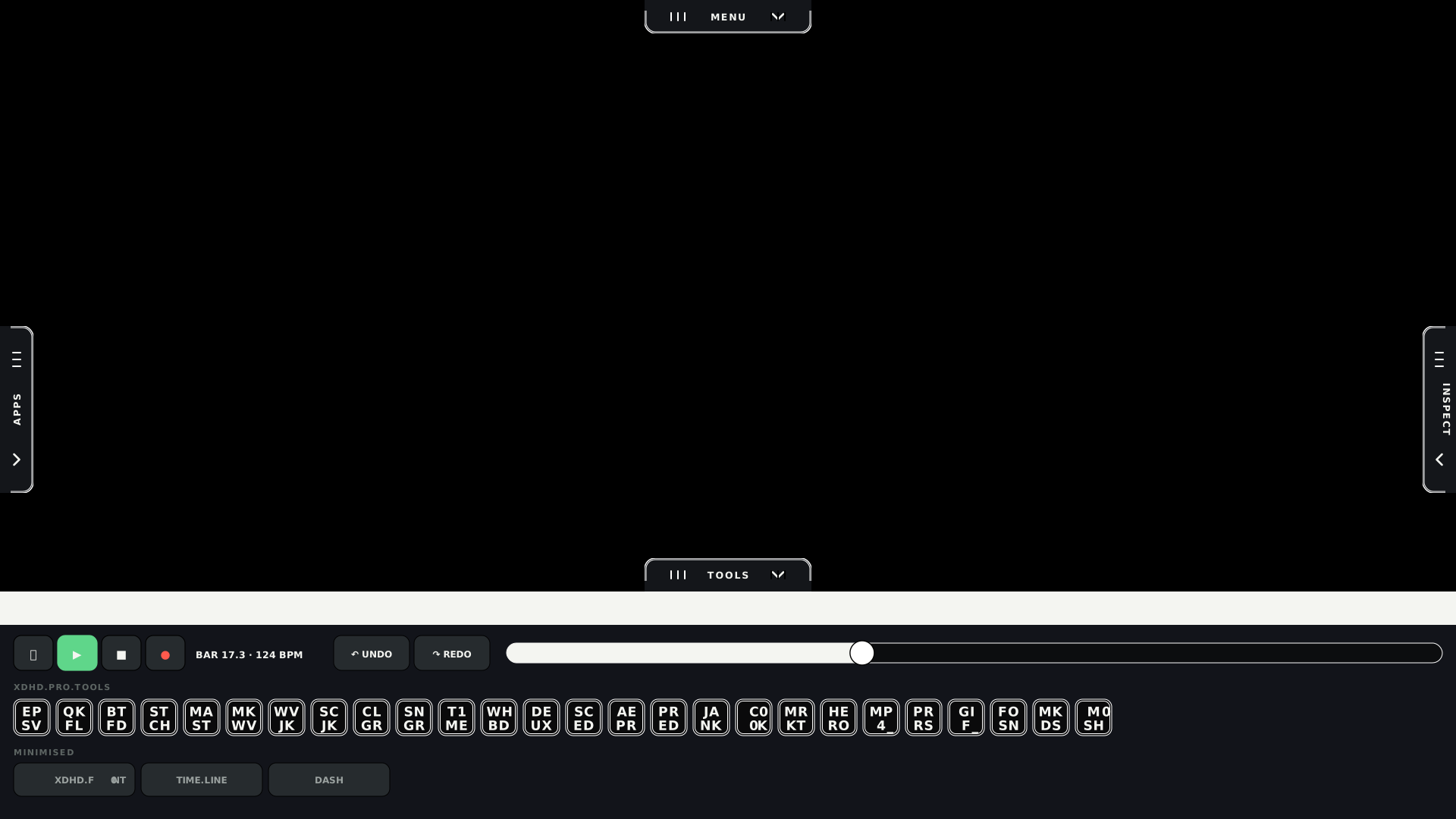
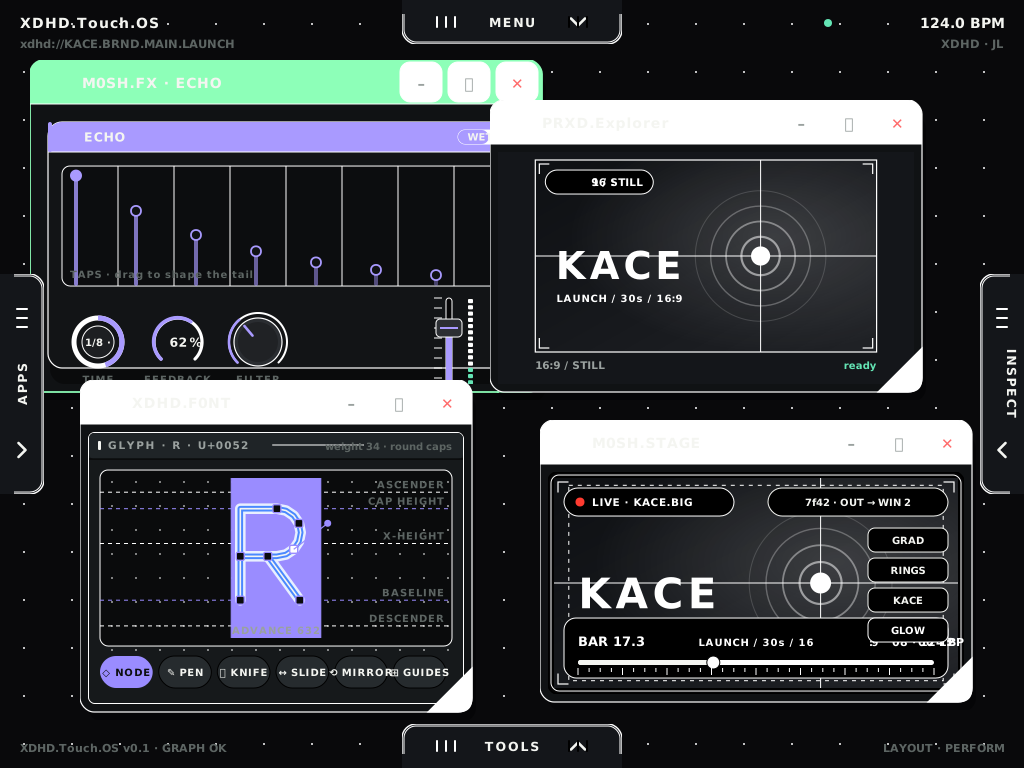
A handle sits on every edge — ridges, a chevron and a label; tap to toggle. Windows float freely with no grid, carry a visible move grip, 44 px window buttons and a resize corner, so interfaces can later be remixed from tools and windows.
Transport, undo and redo, scrub strip, tool tray, minimised windows.
HOME — four free windowsTOUCH · EDGE.HOME · L · v01TOP · MENUTOUCH · EDGE.TOP · L · v01LEFT · APPS & TOOLSTOUCH · EDGE.LEFT · L · v01RIGHT · INSPECTTOUCH · EDGE.RIGHT · L · v01BOTTOM · TOOLS · TIMETOUCH · EDGE.BOTTOM · L · v01REMIX — drawers pinned openTOUCH · EDGE.REMIX · L · v01
iPad
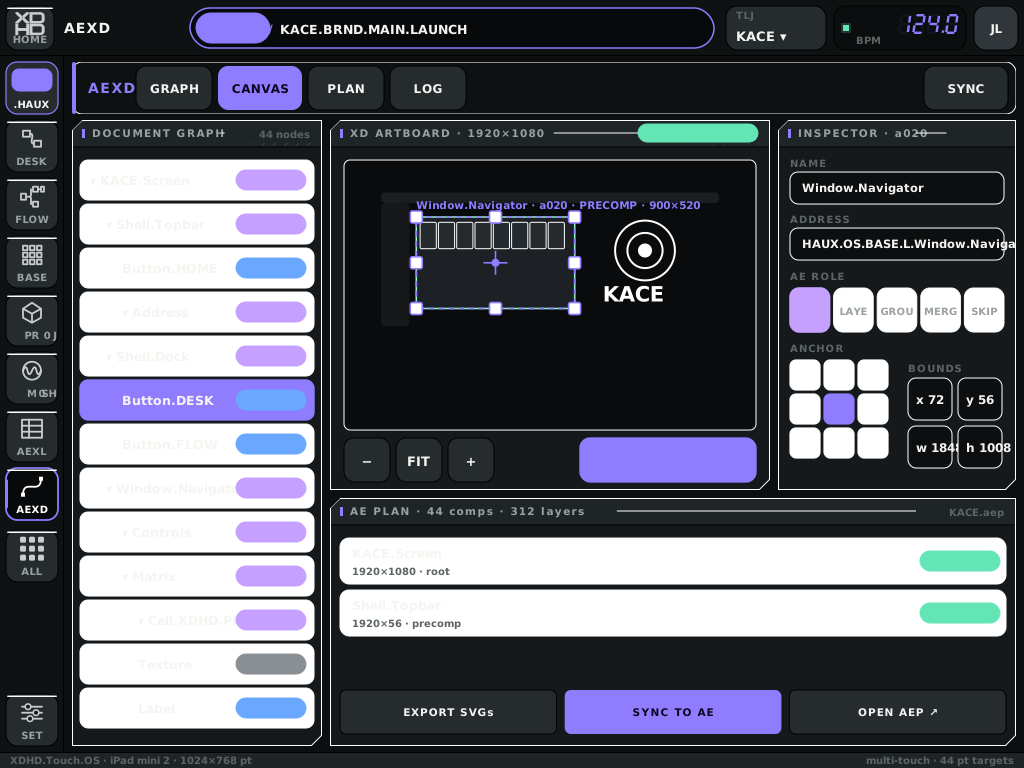
The touch profile re-targeted at an iPad mini 2: 1024×768 pt landscape and 768×1024 pt portrait (2048×1536 at @2x, 326 ppi). Apple's 44 pt minimum applies everywhere; type floor 10 pt. Multi-touch exists, so touch strips are not used.
HOME — edge handles with floating windowsIPAD · HOME · L · v01AEXD — document graph, canvas, AE planIPAD · AEXD · L · v01
Hardware
BASE is a fixed hardware matrix, and the canonical viewports are chosen to suit dedicated 1080p and USB-C displays and instrument-style control. Hardware drawings live in OS.HARDWARE as an Illustrator file and are not yet part of this document.
08
Surfaces BUILT
The apps and views inside the environment.
Each card lists the profiles the surface has been drawn for and whether it is mounted in the running shell. Both are computed from the kit and the shell source at build time.
Canonical surfacesThe eight roles named in the Canonical Surfaces spec.
.DESK / FLOW
Spatial desktop and graph workspace tying contexts together.
MOUNTED IN SHELLXDHDHAUXTOUCHIPAD
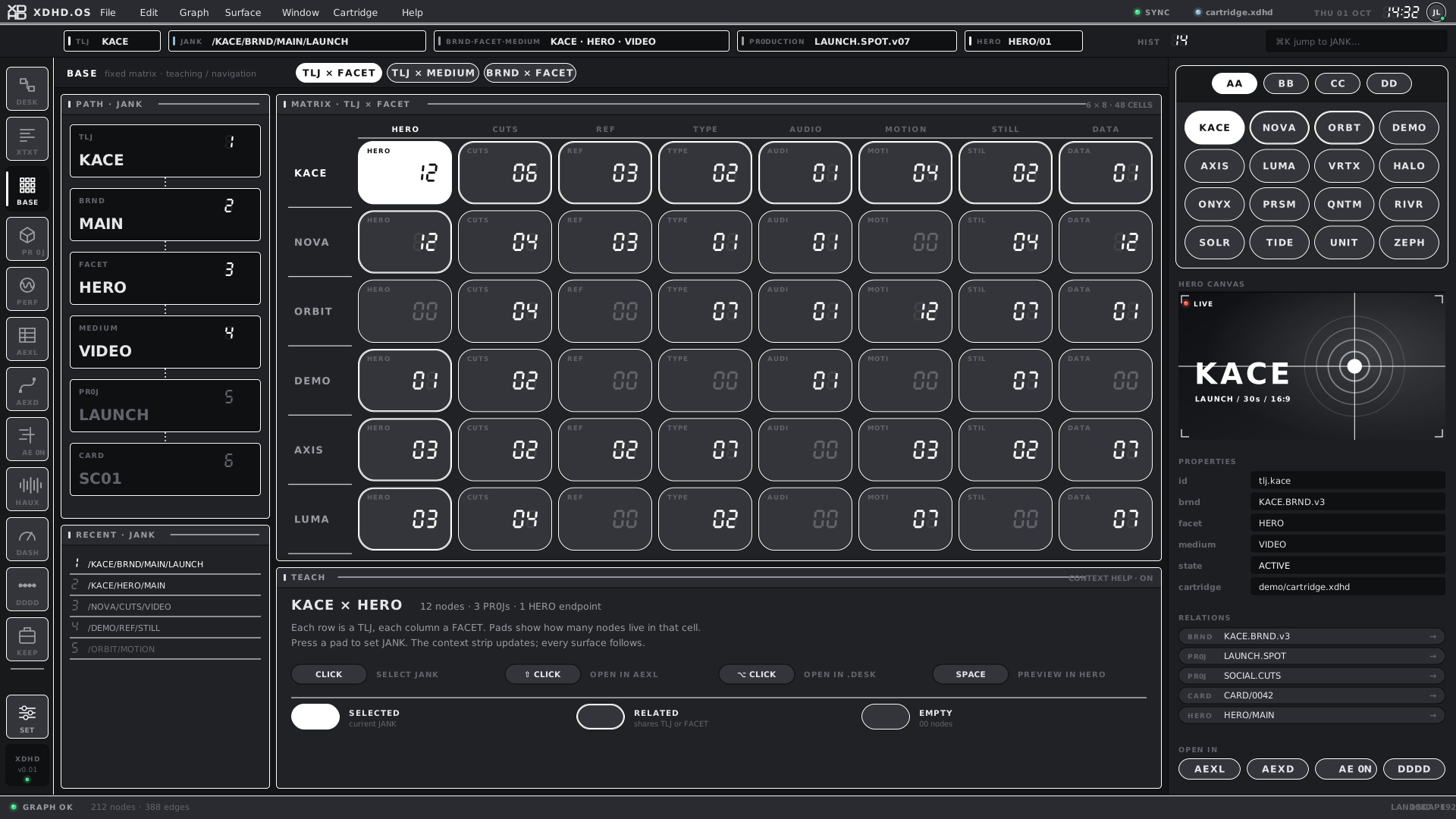
BASE
Fixed matrix, teaching and navigation.
MOUNTED IN SHELLXDHDHAUXTOUCHIPAD
PR0JECTOR
Multidimensional projection and browser.
MOUNTED IN SHELLXDHDHAUXTOUCHIPAD
AEXL
Dense operational data editor.
MOUNTED IN SHELLXDHDHAUXTOUCHIPAD
AEXD
Visual design and materialisation.
MOUNTED IN SHELLXDHDHAUXTOUCHIPAD
XTXT
Text authoring, control and capture.
MOUNTED IN SHELLXDHDHAUXTOUCHIPAD
PERF0RMANCE
Live and instrument control; pr0d.mode and m0sh.mode.
MOUNTED IN SHELLXDHDHAUXTOUCHIPAD
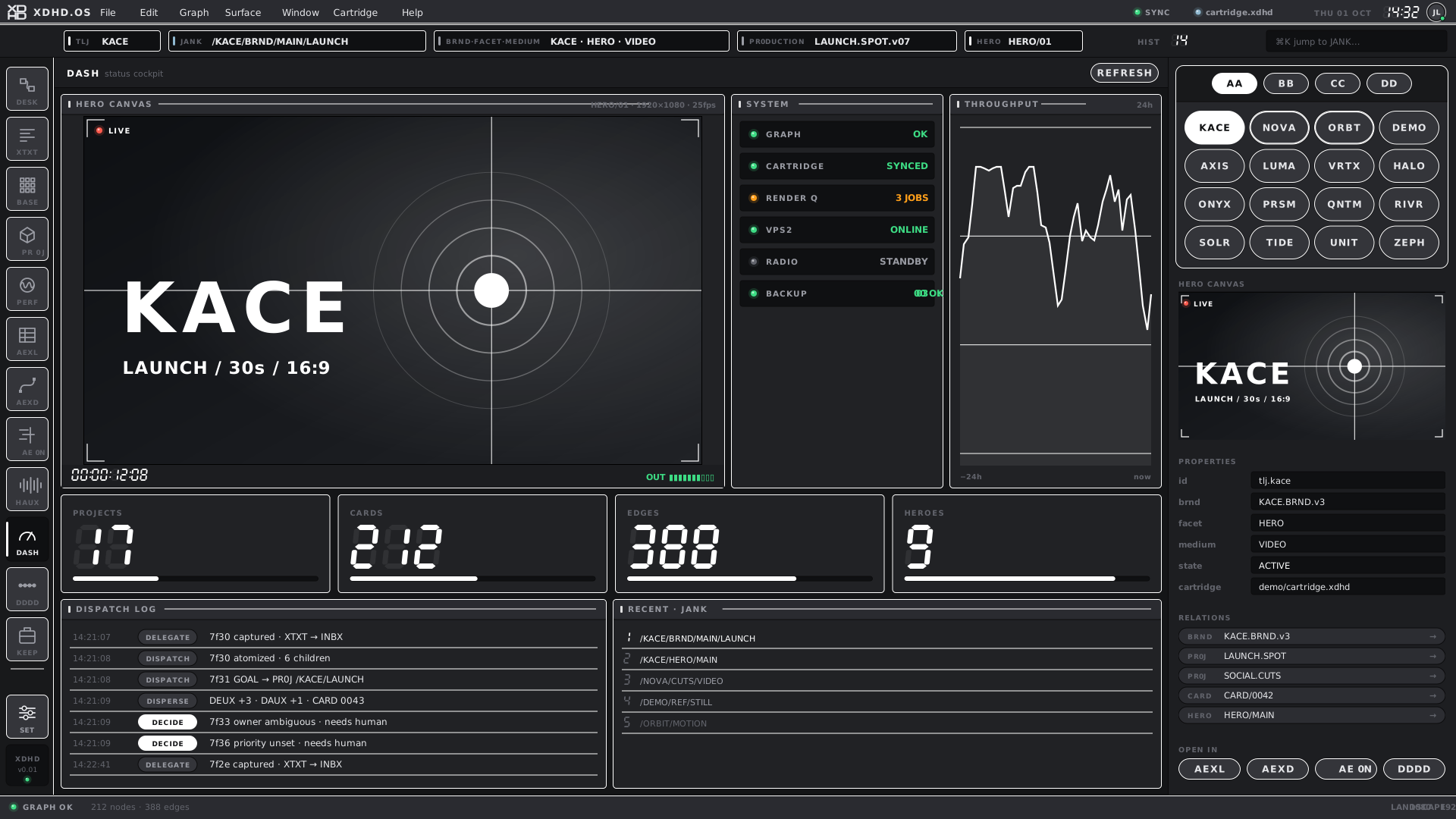
DASH
Status, cockpit and launcher.
MOUNTED IN SHELLXDHDHAUXTOUCHIPAD
MotionAfter Effects-side work in the XDHD.OS look.
AE0N
After Effects-faithful layout in the XDHD.OS look.
MOCKUP ONLYXDHDHAUXTOUCHIPAD
HAUX audio appsThe music and audio-production flavour.
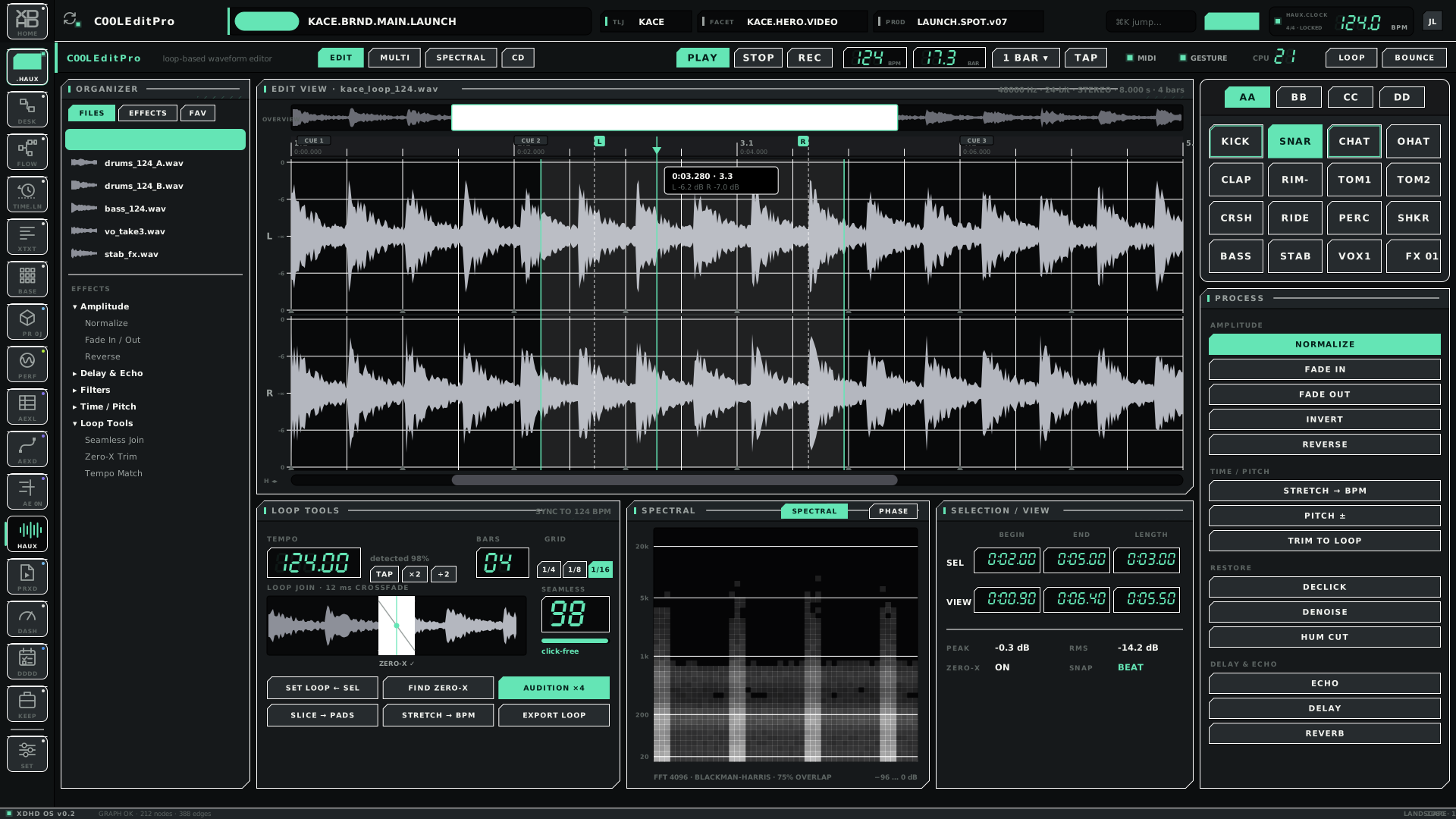
C00LEditPro
Waveform editor.
MOCKUP ONLYXDHDHAUXTOUCHIPAD
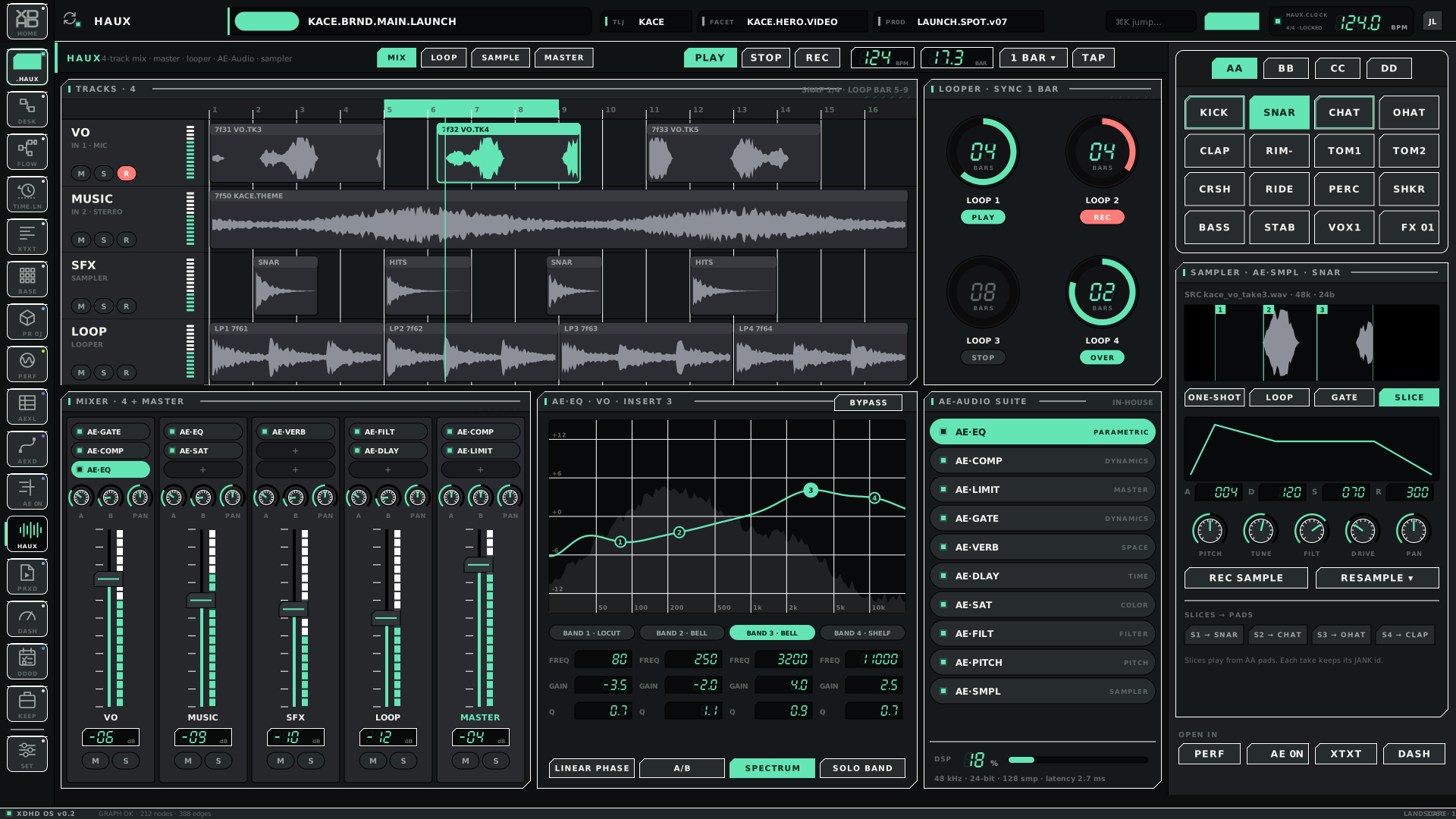
HAUX
Tracks, mixer, STYL, loops, scenes and monitor.
MOCKUP ONLYXDHDHAUXTOUCHIPAD
MIXERSRZA DOCK
Four tracks plus master.
MOCKUP ONLYXDHDHAUXTOUCHIPAD
TRACKSSRZA DOCK
The HAUX track view.
MOCKUP ONLYXDHDHAUXTOUCHIPAD
LOOPFINDERSRZA DOCK
Loop finding.
MOCKUP ONLYXDHDHAUXTOUCHIPAD
SCENESSRZA DOCK
Scene view.
MOCKUP ONLYXDHDHAUXTOUCHIPAD
M0SHLive and pre-form performance.
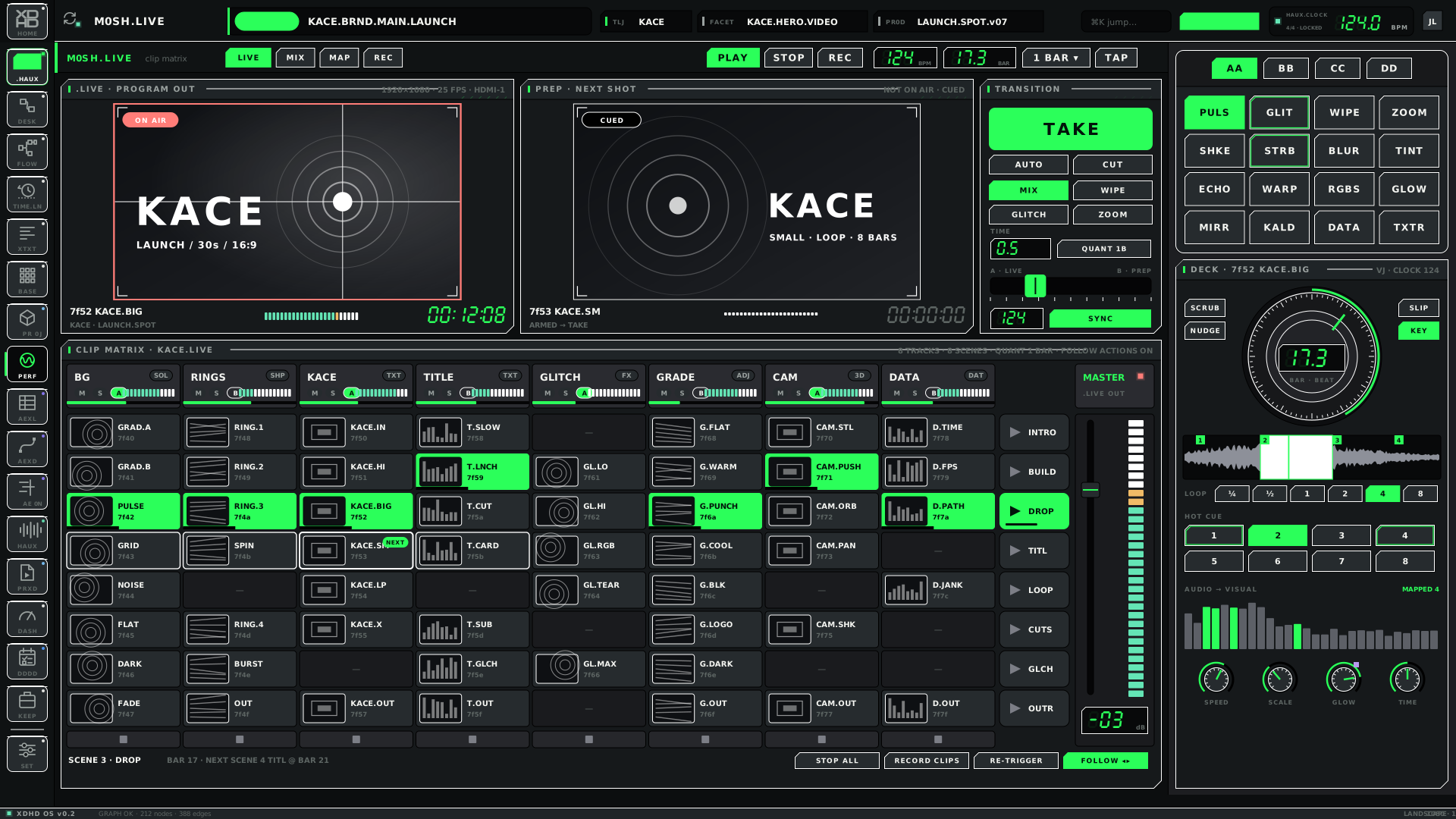
M0SH.LIVE
Live performance output.
MOCKUP ONLYXDHDHAUXTOUCHIPAD
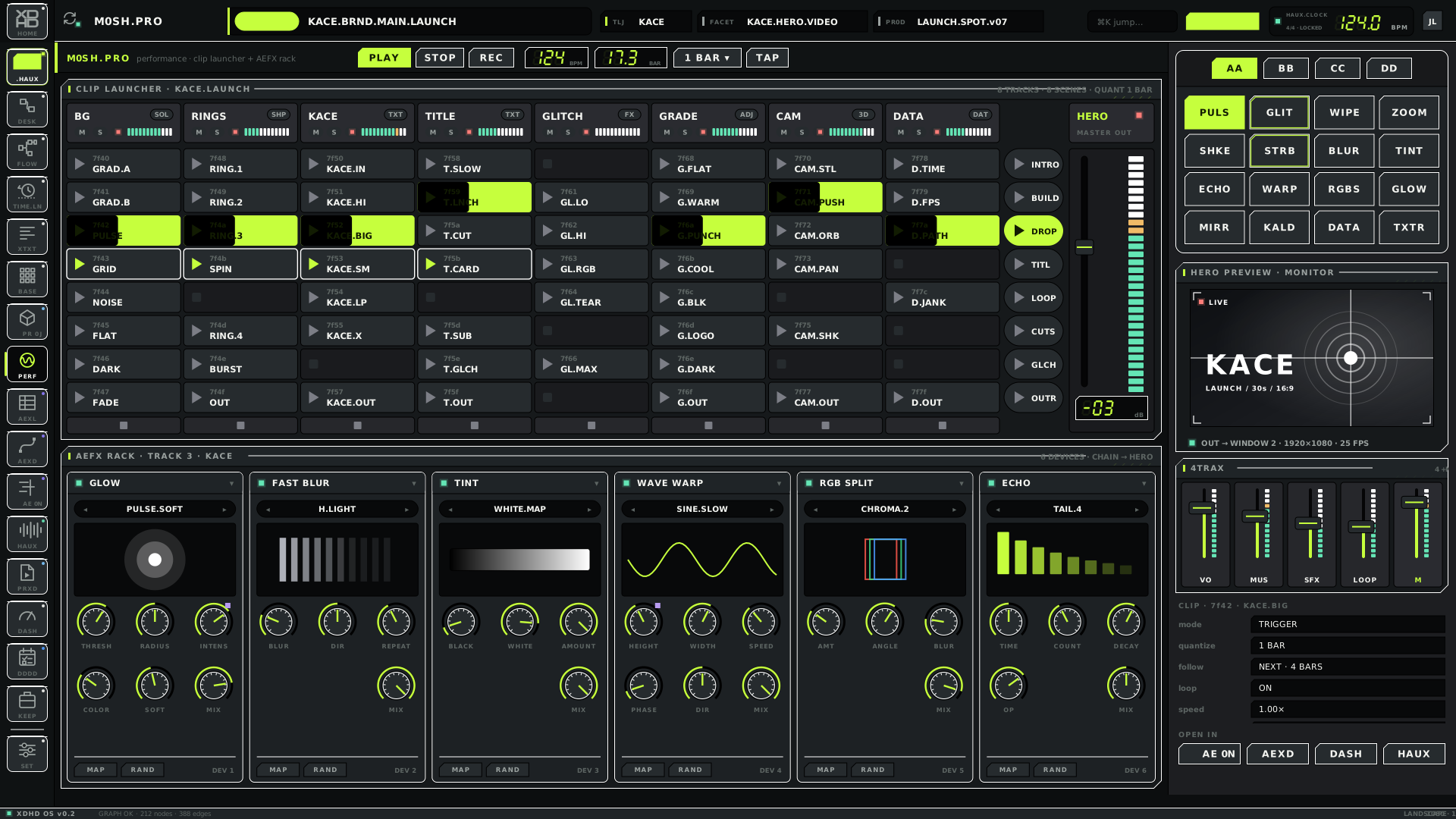
M0SH.PRO
Pre-form: preparing and building looks.
MOCKUP ONLYXDHDHAUXTOUCHIPAD
Other surfacesPresent in the kit; roles beyond the name are not yet documented.
1CQXSRZA DOCK
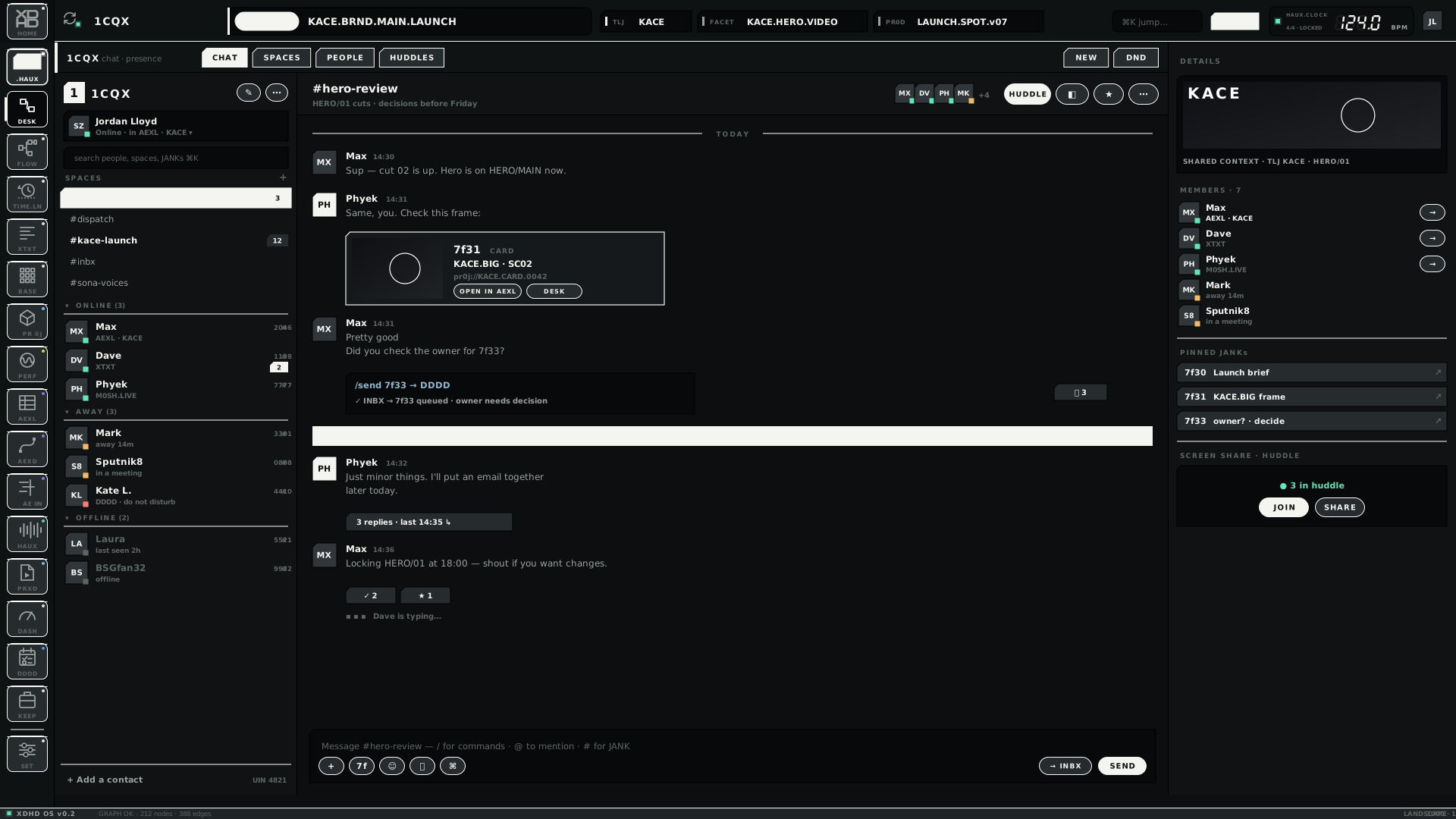
Spaces and chat over the shared graph, with JANK cards and slash commands.
MOCKUP ONLYXDHDHAUXTOUCHIPAD
DDDD
Delegate · Dispatch · Disperse · Decide.
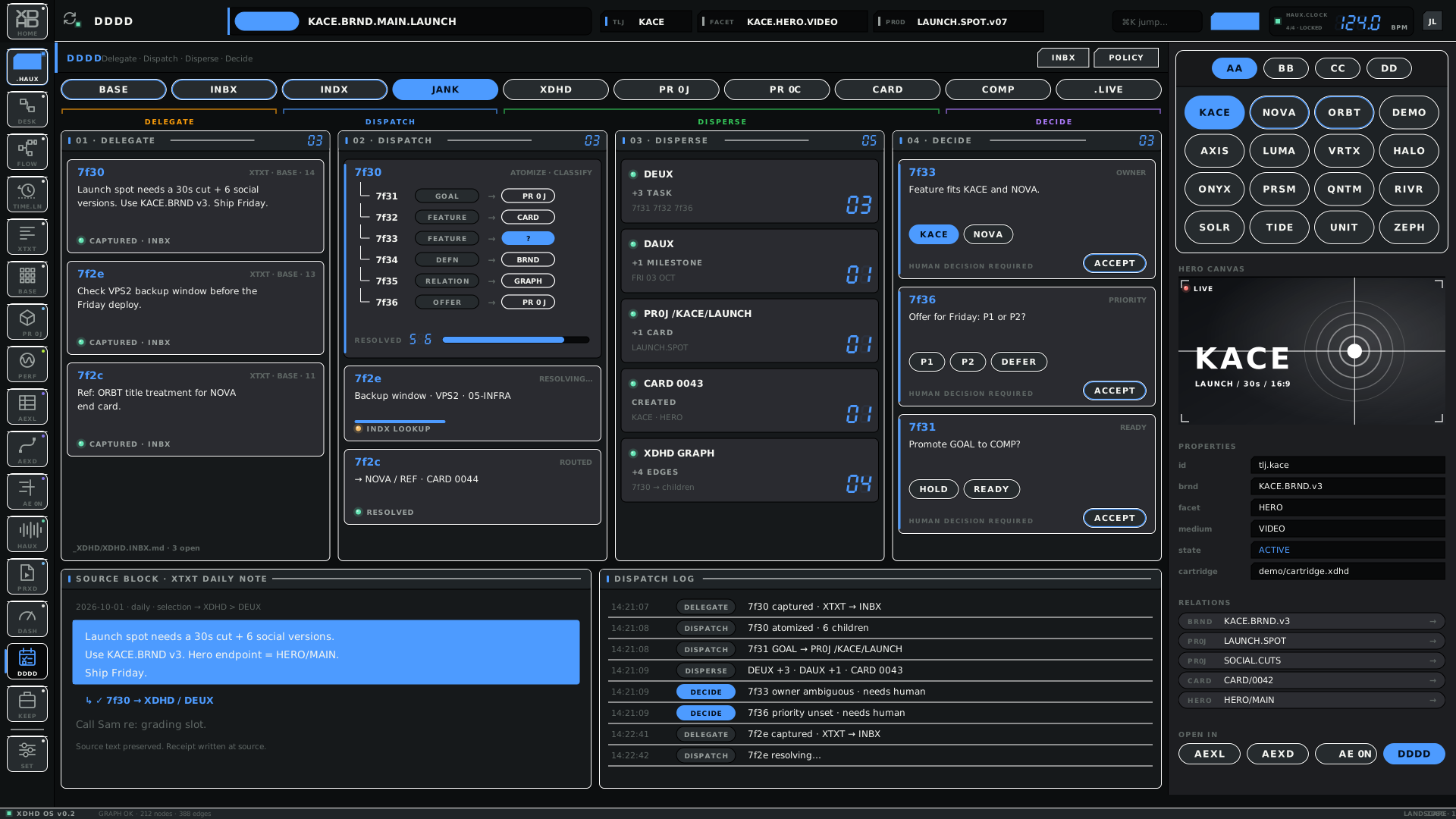
MOCKUP ONLYXDHDHAUXTOUCHIPAD
KEEP
Case, cell and shelf views. Role not yet written up.
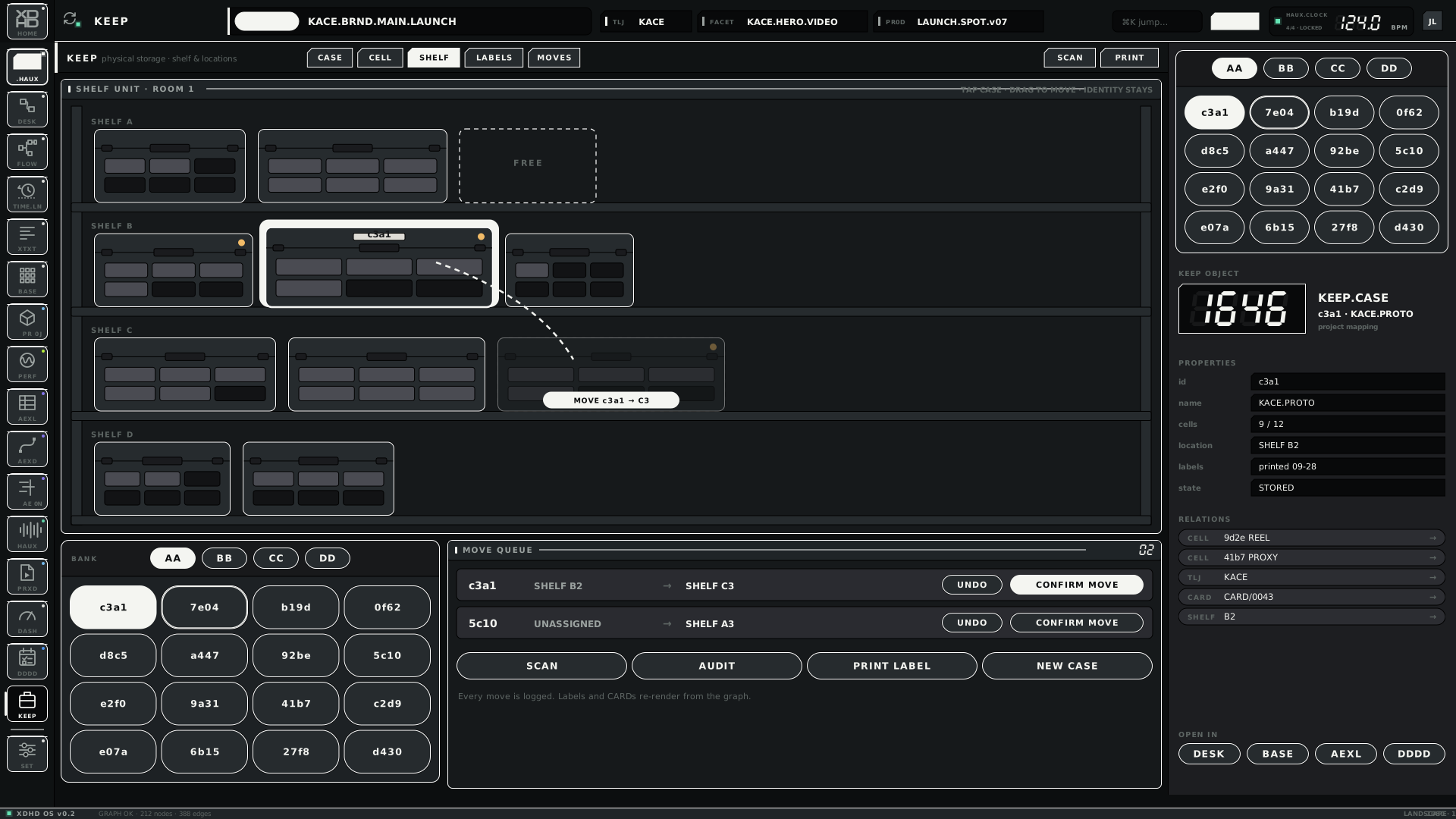
MOCKUP ONLYXDHDHAUXTOUCHIPAD
.STUDIO
Studio dashboard.
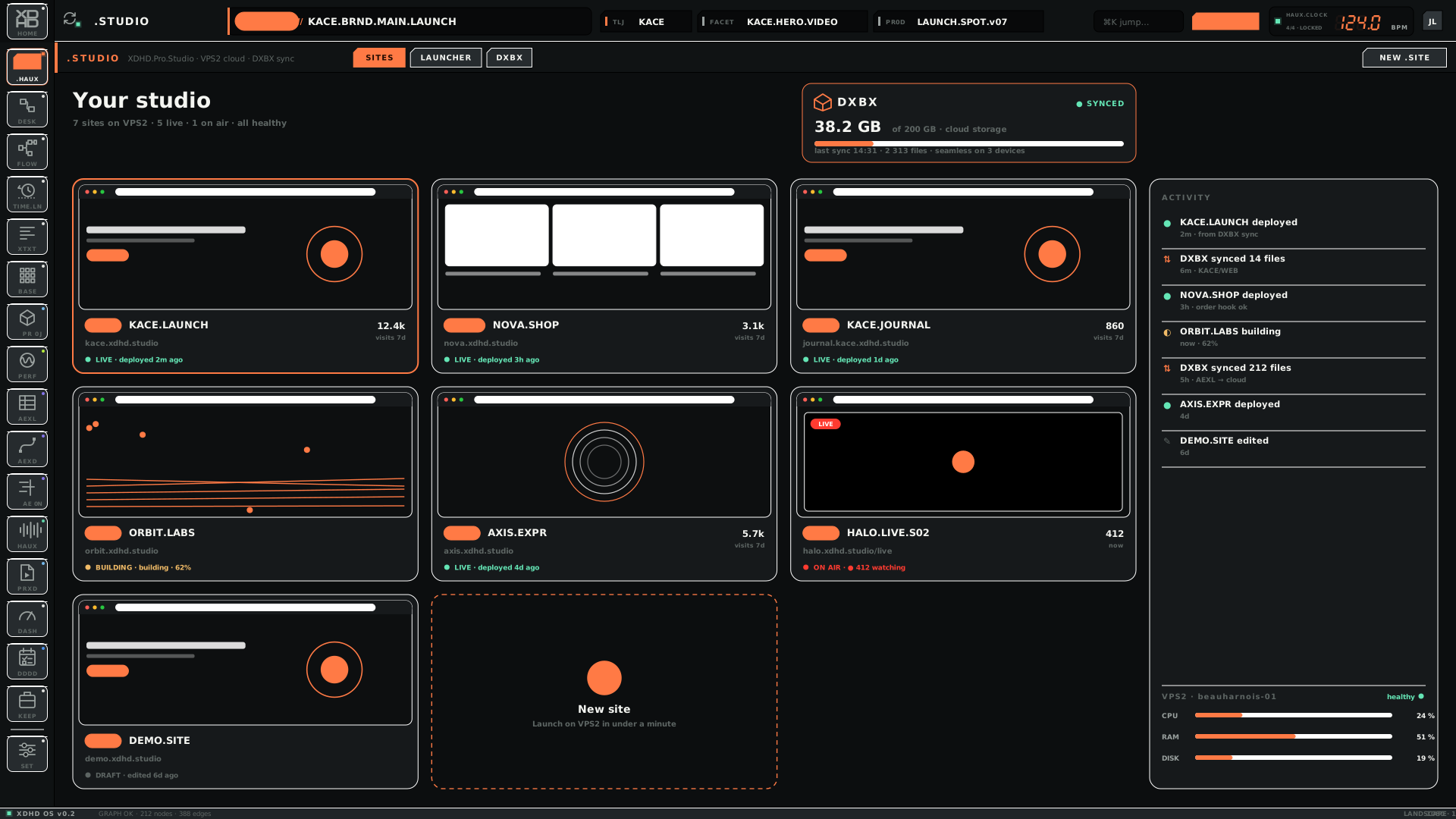
MOCKUP ONLYXDHDHAUXTOUCHIPAD
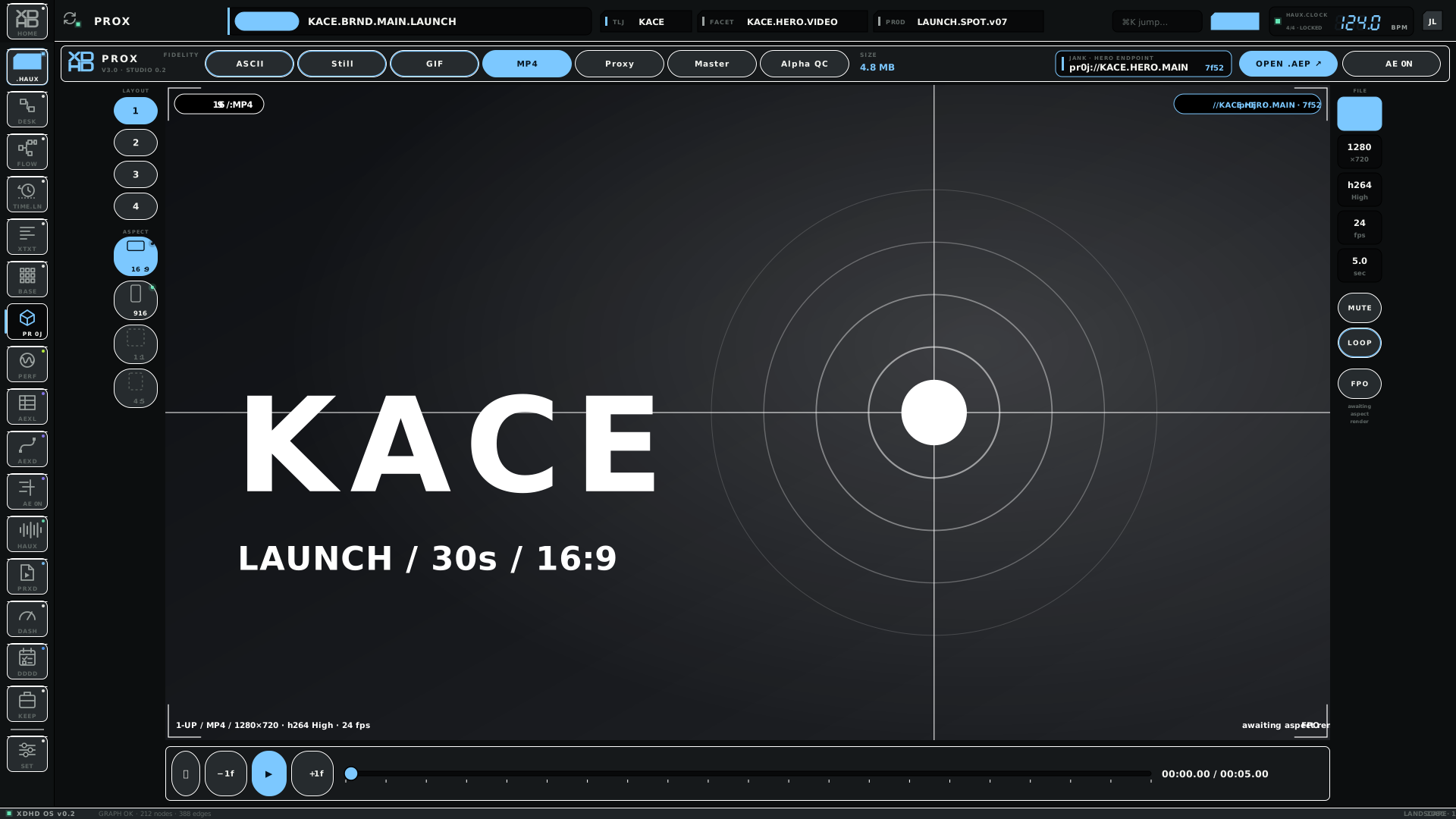
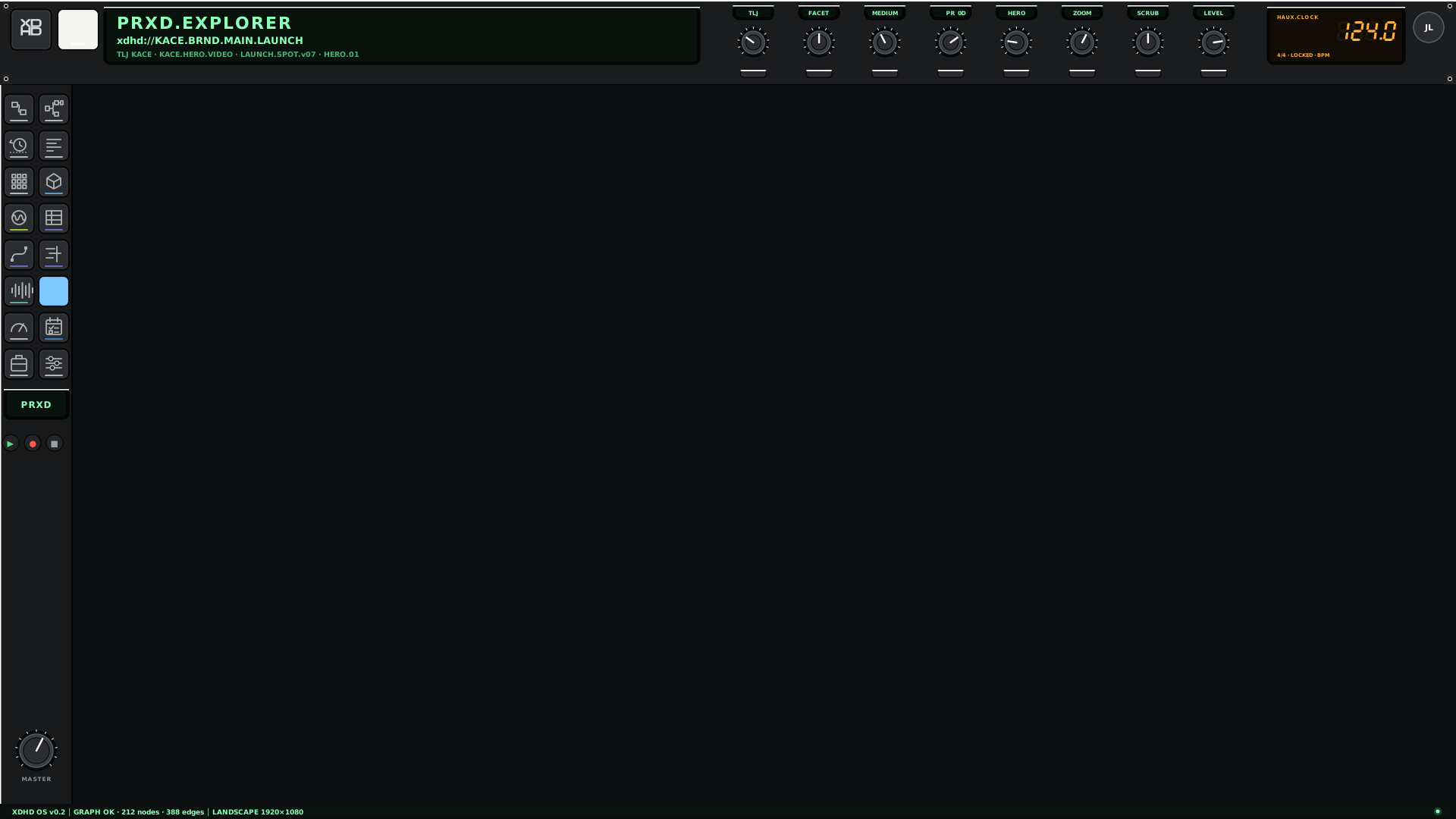
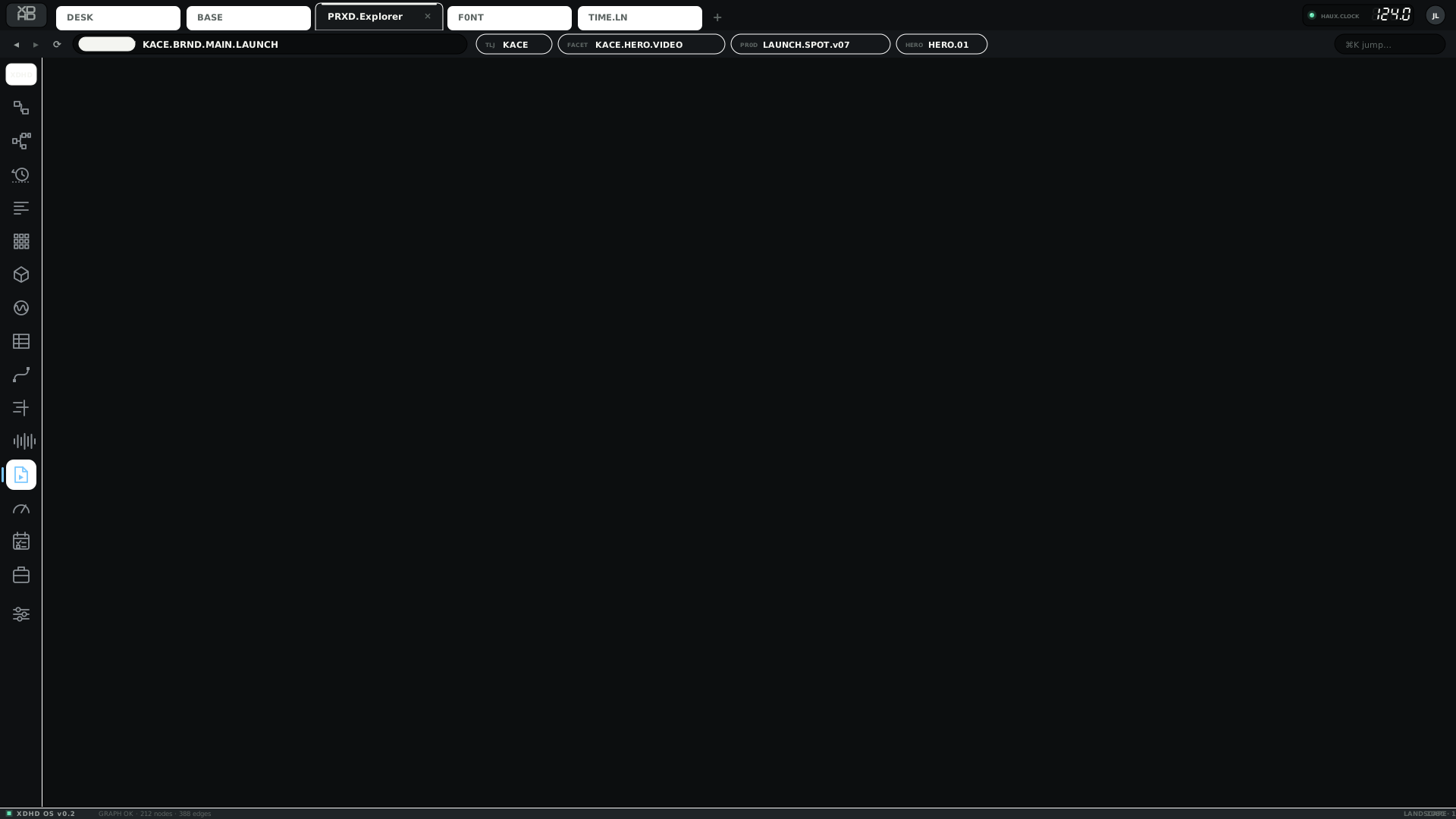
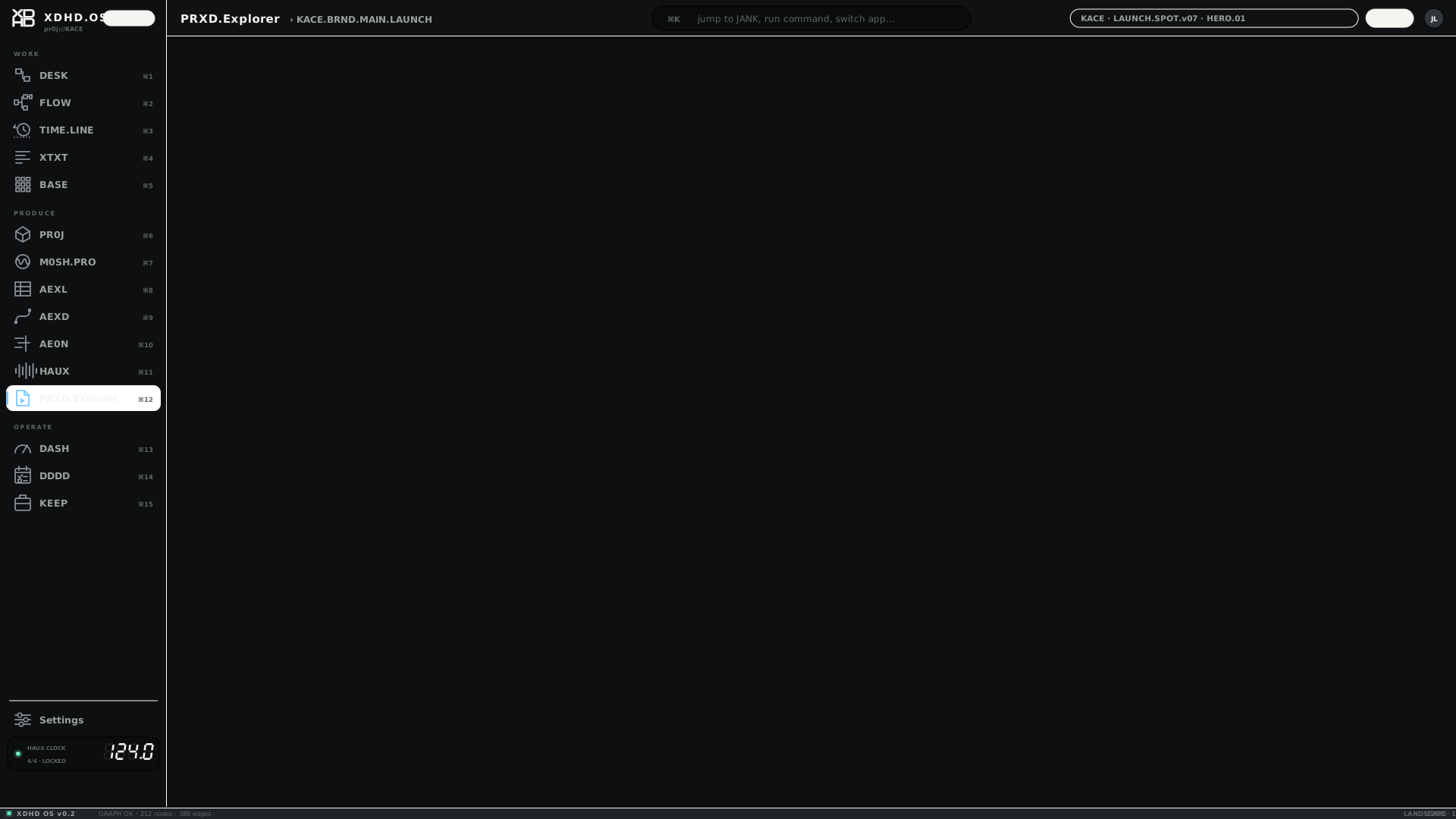
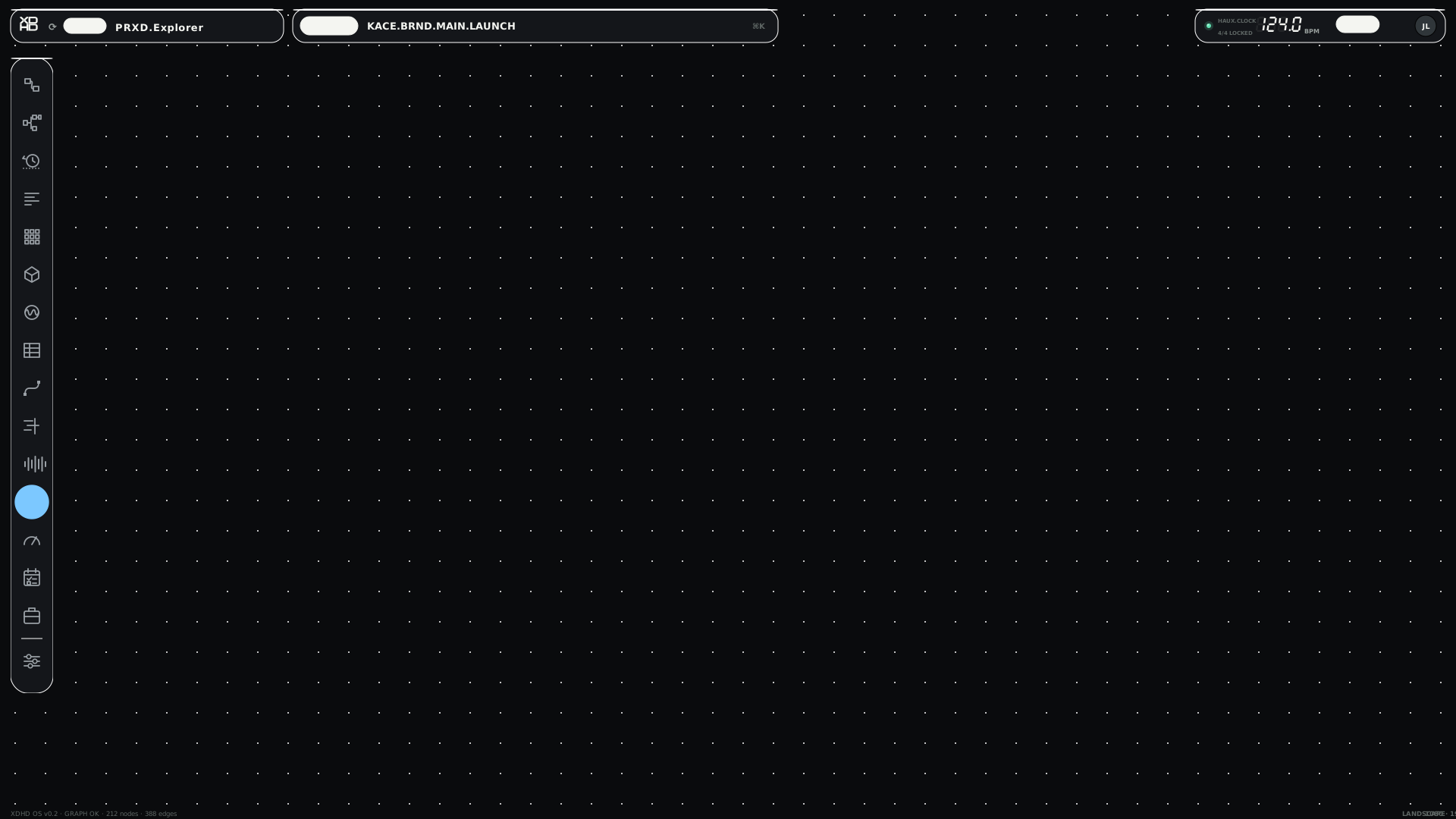
PRXD.Explorer
Explorer with a 16:9 Hero viewer.
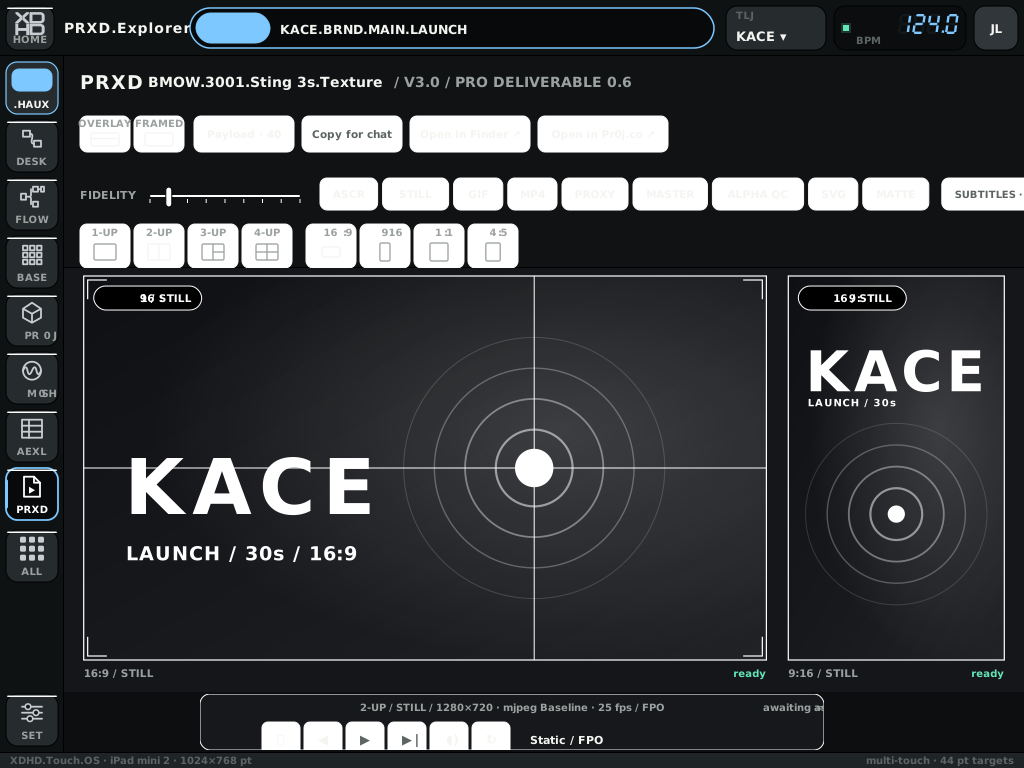
MOCKUP ONLYXDHDHAUXTOUCHIPAD
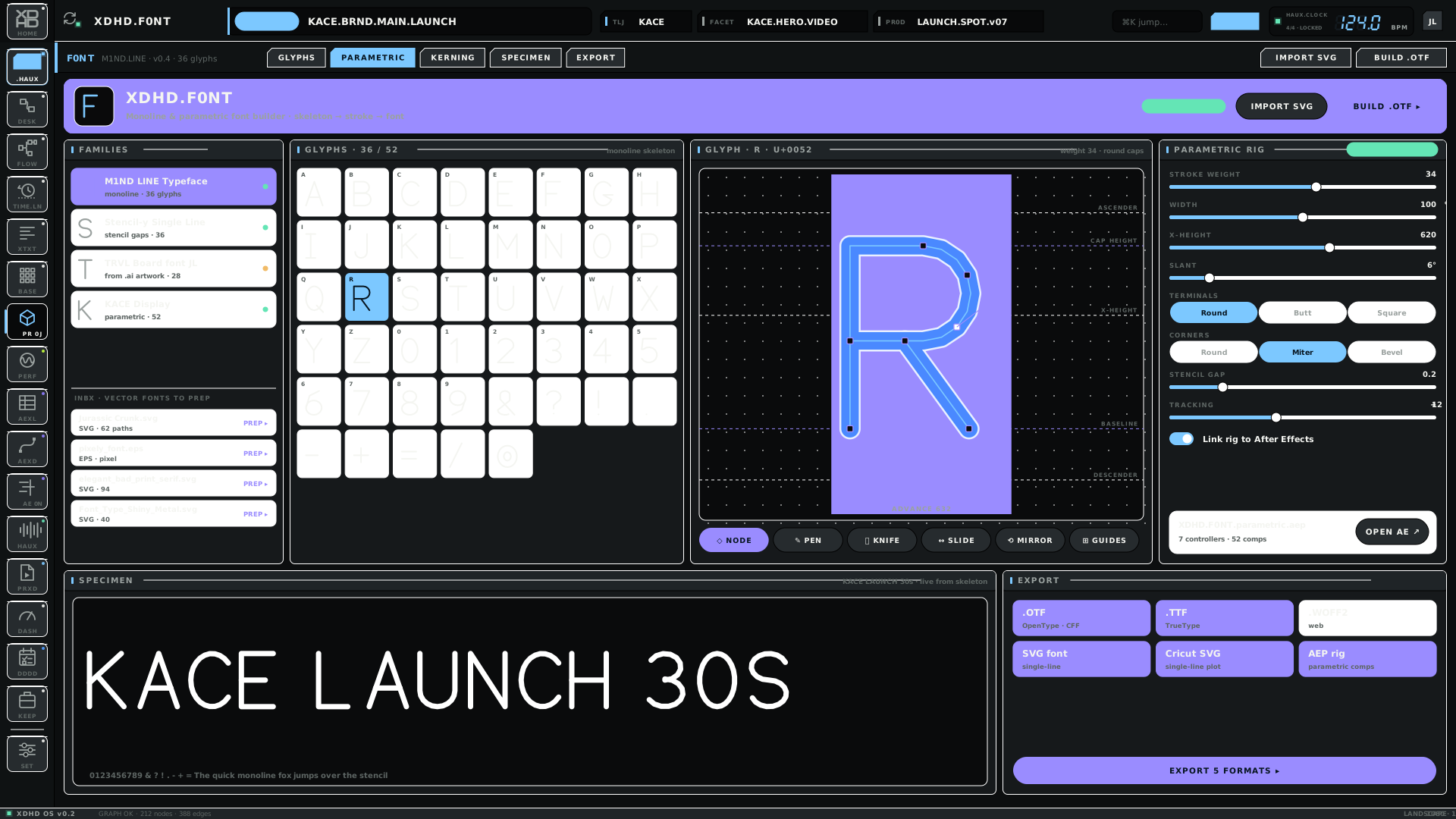
F0NT
Glyph editor.
MOCKUP ONLYXDHDHAUXTOUCHIPAD
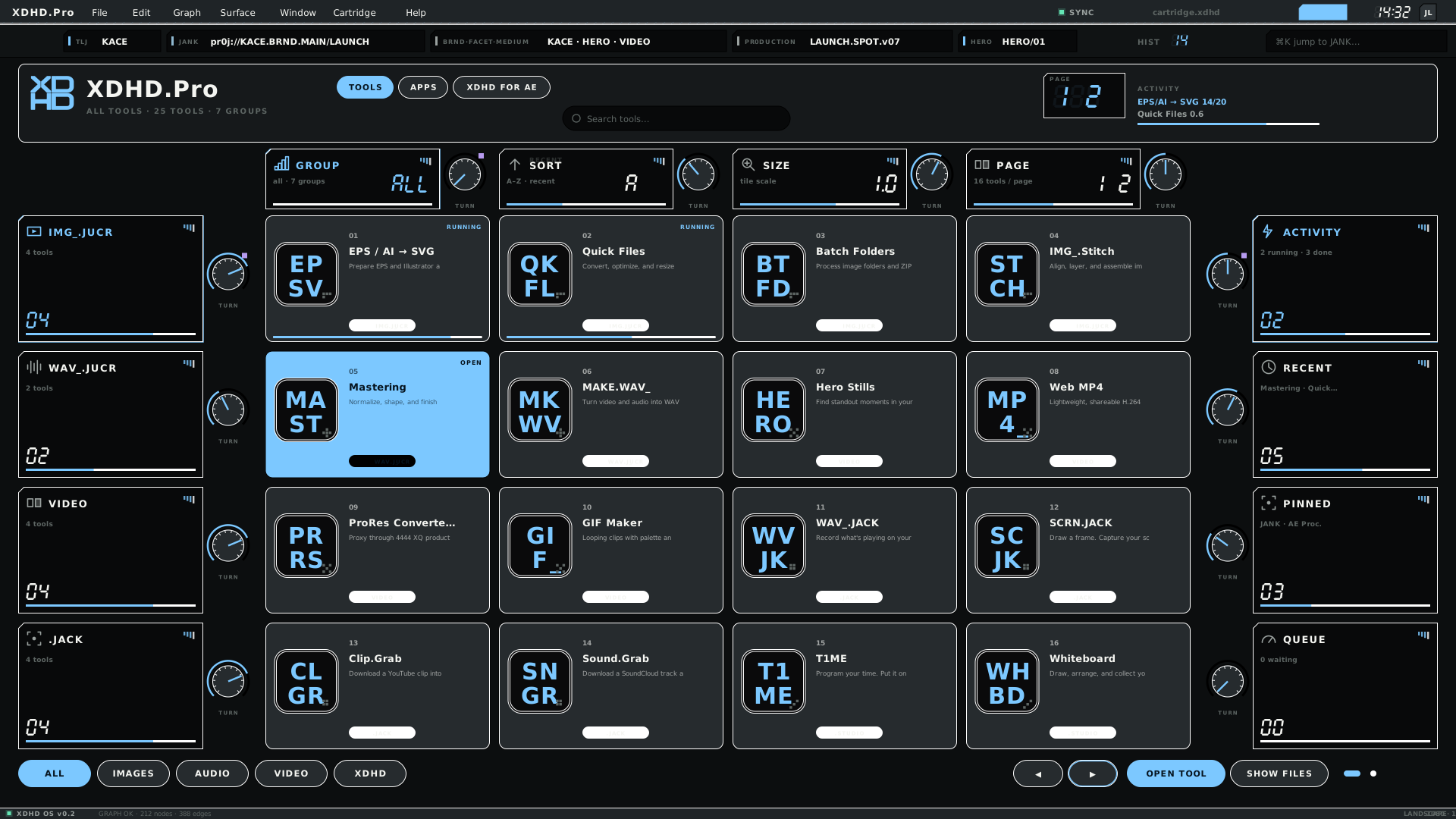
XDHD.Pro tools
The XDHD.Pro tool launcher.
MOCKUP ONLYXDHDHAUXTOUCHIPAD
The same screen in two looks
37 screens exist in both streams; six are shown.
Screen
XDHD original look · OS.XDHD
HAUX base look · OS.HAUX
BASEFixed matrix, teaching and navigation.
DASHStatus, cockpit and launcher.
PADSSixteen visual pads.
AEXLDense operational data editor.
DDDDDelegate · Dispatch · Disperse · Decide.
1CQXSpaces and chat over the shared graph.
Streams are looks, not flavours. OS.XDHD is the original look. OS.HAUX is the base look and carries both the XDHD and the SRZA flavours, so a screen's stream does not say which flavour it belongs to. The SRZA audio set is the HAUX screens named in the table under Flavours.
What exists, per profile
Latest version of every screen, by stream and orientation. A dot means no render.
Coverage matrix — 110 screens
37XDHD
93HAUX
101TOUCH
11IPAD
distinct screens per stream
Screen
XDHD L
XDHD P
HAUX L
HAUX P
TOUCH L
TOUCH P
IPAD L
IPAD P
1CQX
v01
v01
v02
v02
v01
v01
·
·
1CQX.COLLAPSED
v01
v01
v02
v02
v01
v01
·
·
AE0N
v01
v01
v02
v02
v01
v01
v01
v01
AEXD
·
·
·
·
·
·
v01
v01
AEXL
v01
v01
v02
v02
v01
v01
v01
v01
BASE
v01
v01
v04
v04
v03
v03
v01
v01
BRND.STYL
v01
v01
v02
v02
v01
v01
·
·
C00LEDITPRO
v01
v01
v02
v02
v01
v01
·
·
COLOURCODE
·
·
v02
v02
v01
v01
·
·
DASH
v01
v01
v02
v02
v01
v01
·
·
DDDD
v01
v01
v02
v02
v01
v01
·
·
DESK
·
·
v02
v02
v01
v01
·
·
DESK.FLOW
v01
v01
v02
v02
v01
v01
·
·
DESKTOP
·
·
v01
v01
·
·
·
·
DESKTOP.XDHD
v01
v01
v02
v02
v01
v01
·
·
ECOSYSTEM
v01
v01
v02
v02
v01
v01
·
·
EDGE.BOTTOM
·
·
·
·
v01
v01
·
·
EDGE.HOME
·
·
·
·
v01
v01
·
·
EDGE.LEFT
·
·
·
·
v01
v01
·
·
EDGE.REMIX
·
·
·
·
v01
v01
·
·
EDGE.RIGHT
·
·
·
·
v01
v01
·
·
EDGE.TOP
·
·
·
·
v01
v01
·
·
F0NT
·
·
v02
v02
v01
v01
v01
v01
FLOW
·
·
v02
v02
v01
v01
·
·
GRAPH
·
·
v02
v02
v01
v01
·
·
HAUX
v01
v01
v02
v02
v01
v01
·
·
HAUX.DESKTOP
·
·
v02
v02
v01
v01
·
·
HOME
·
·
·
·
·
·
v01
v01
HYBRID.AEXL.BAR
v01
v01
v02
v02
v01
v01
·
·
ICONS
v01
·
v02
·
v01
·
·
·
JANK
v01
v01
v02
v02
v01
v01
·
·
KEEP.CASE
v01
v01
v02
v02
v01
v01
·
·
KEEP.CELL
v01
v01
v02
v02
v01
v01
·
·
KEEP.SHELF
v01
v01
v02
v02
v01
v01
·
·
LAUNCHER
·
·
v02
v02
v01
v01
·
·
LOGIN
v01
v01
v02
v02
v01
v01
·
·
LOOPFINDER
·
·
v02
v02
v01
v01
·
·
M0SH.FXUI
·
·
v02
v02
v01
v01
·
·
M0SH.LIVE
v01
v01
v02
v02
v01
v01
·
·
M0SH.PRO
v01
v01
v02
v02
v01
v01
·
·
M0SH.PRO.APP
v01
v01
v02
v02
v01
v01
·
·
M0SH.STAGE
·
·
v02
v02
v01
v01
·
·
MIXER
·
·
v02
v02
v01
v01
·
·
MONITOR
·
·
v02
v02
v01
v01
·
·
NEST.FRAMES
v01
v01
v02
v02
v01
v01
·
·
NEST.STRATA
v01
v01
v02
v02
v01
v01
·
·
NEST.TREEMAP
v01
v01
v02
v02
v01
v01
·
·
NODES
·
·
v02
v02
v01
v01
·
·
PADS
v03
v03
v04
v04
v03
v03
·
·
PR0JECTS
v01
v01
v02
v02
v01
v01
·
·
PRO.LAUNCH
·
·
v02
v02
v01
v01
·
·
PROX
v02
v02
v03
v03
v02
v02
·
·
PRXD
·
·
·
·
·
·
v01
v01
PRXD.1UP.ASCR
·
·
v02
v02
v01
v01
·
·
PRXD.1UP.STILL
·
·
v02
v02
v01
v01
·
·
PRXD.1UP.SVG
·
·
v02
v02
v01
v01
·
·
PRXD.2UP.ALPHAQC
·
·
v02
v02
v01
v01
·
·
PRXD.2UP.MATTE
·
·
v02
v02
v01
v01
·
·
PRXD.2UP.MP4
·
·
v02
v02
v01
v01
·
·
PRXD.3UP.PROXY
·
·
v02
v02
v01
v01
·
·
PRXD.4UP.GIF
·
·
v02
v02
v01
v01
·
·
SCENES
·
·
v02
v02
v01
v01
·
·
SETTINGS
v01
v01
v02
v02
v01
v01
·
·
SHELL
·
·
v01
v01
·
·
·
·
SONA.PROFILE
v01
v01
v02
v02
v01
v01
·
·
SPECS
v01
v01
v02
v02
v01
v01
·
·
STAGE
·
·
·
·
·
·
v01
v01
STUDIO
·
·
v02
v02
v01
v01
·
·
STYL
·
·
v02
v02
v01
v01
·
·
TIMELINE
·
·
v02
v02
v01
v01
·
·
TOOL
·
·
·
·
·
·
v01
v01
TOOL.AEPROC
·
·
v02
v02
v01
v01
·
·
TOOL.BATCHFOLDERS
·
·
v02
v02
v01
v01
·
·
TOOL.C00K
·
·
v02
v02
v01
v01
·
·
TOOL.CLIPGRAB
·
·
v02
v02
v01
v01
·
·
TOOL.DEUX
·
·
v02
v02
v01
v01
·
·
TOOL.EPSSVG
·
·
v02
v02
v01
v01
·
·
TOOL.FOLDERSNAP
·
·
v02
v02
v01
v01
·
·
TOOL.GIFMAKER
·
·
v02
v02
v01
v01
·
·
TOOL.HEROSTILLS
·
·
v02
v02
v01
v01
·
·
TOOL.JANKBROWSER
·
·
v02
v02
v01
v01
·
·
TOOL.M0SHPERF
·
·
v02
v02
v01
v01
·
·
TOOL.MAKEDOSSIER
·
·
v02
v02
v01
v01
·
·
TOOL.MAKEWAV
·
·
v02
v02
v01
v01
·
·
TOOL.MASTERING
·
·
v02
v02
v01
v01
·
·
TOOL.MRKT
·
·
v02
v02
v01
v01
·
·
TOOL.PR0JEDITOR
·
·
v02
v02
v01
v01
·
·
TOOL.PRORES
·
·
v02
v02
v01
v01
·
·
TOOL.QUICKFILES
·
·
v03
v03
v02
v02
·
·
TOOL.SCENEDETECT
·
·
v02
v02
v01
v01
·
·
TOOL.SCRNJACK
·
·
v02
v02
v01
v01
·
·
TOOL.SOUNDGRAB
·
·
v02
v02
v01
v01
·
·
TOOL.STITCH
·
·
v02
v02
v01
v01
·
·
TOOL.T1ME
·
·
v02
v02
v01
v01
·
·
TOOL.WAVJACK
·
·
v02
v02
v01
v01
·
·
TOOL.WEBMP4
·
·
v02
v02
v01
v01
·
·
TOOL.WHITEBOARD
·
·
v02
v02
v01
v01
·
·
TOOLS
v01
v01
v03
v03
v02
v02
·
·
TOOLS.2
v01
v01
v02
v02
v01
v01
·
·
TOOLS.3
v01
v01
v02
v02
v01
v01
·
·
TOUCH.ACTIONS
·
·
·
·
v01
v01
·
·
TOUCH.APPS
·
·
·
·
v01
v01
·
·
TOUCH.PICKER
·
·
·
·
v01
v01
·
·
TOUCH.RULES
·
·
v02
v02
v01
v01
·
·
TOUCH.VALUE
·
·
·
·
v01
v01
·
·
TRACKS
·
·
v02
v02
v01
v01
·
·
TRAX
·
·
·
·
·
·
v01
v01
WAVE
·
·
·
·
·
·
v01
v01
XDHDIO.PRODUCT
v01
v01
v02
v02
v01
v01
·
·
XTXT.TRIPANEL
v01
v01
v02
v02
v01
v01
·
·
09
Plan and status
What is built, what is next, and what is unresolved.
Status board
BUILT9
HAUX.OS base look v02Chamfered shell with domain colour-coding across XDHD and HAUX surfaces.↗ README.md
Nine domain colour-codes in the tokensEach with accent, ink, deep tone and form style.↗ tokens.json
Touch profile — P0Profile switch, touch shell and toolbar, type floor, strips, and touch-only screens 45–49.↗ XDHD.TOUCH.OS.md
Touch edge-motif studyPull-handles on all four edges with free-floating windows (screens 50–55).↗ XDHD.TOUCH.OS.md
Motion preparation308 SVGs prepared for After Effects with 16,288 named nodes and stable ids.↗ STATUS.md
Flavour switch in the kitset_screen(domain, eco) drives dock, mark, chips and address; the .HAUX key shows the flavour.↗ core.py
Web shell over one graphEight surfaces mounted with persistent context and shell-owned Hero and Inspector.↗ XDHD-OS-Unified-Surfaces-Architecture-and-Migration-v0.1.md
Dial engine and rigEight dials, mirrored in Python and JavaScript, rendered through the kit's own build on a temporary copy.↗ core.py
PARTIAL8
Touch target coverageUnder half of tap-target-like widgets still fall below 56 px.↗ touch-coverage.md
Portrait recompositionShell, FLOW, DASH and PERF0RMANCE recompose; AEXL, AEXD, XTXT and BASE keep legacy layouts.↗ XDHD-UIUX-Canonical-Surfaces-and-Viewport-Spec-v0.1.md
iPad density passReused desktop controls keep small targets; no drawers or sheets yet.↗ README.md
SRZA.OS audio setTracks, mixer, STYL, loops, scenes and monitor render in the HAUX look and in touch; VST is not mocked and there is no iPad audio set beyond WAVE and TRAX.↗ README.md
MESH events flowHub, plan, event page, RSVPs, albums, trip planner and meal planner: seven v01 screens. Placeholder data; not yet in the prototype HTML.↗ README.md
MESH flavourA light, rounded everyday-life look on the same golden-grid navigation: ten v01 screens, palette in its generator, no dock or chrome.↗ README.md
BLNK.OS templateChrome exists in two flavours; no neutral token set, and its components match the XDHD flavour.↗ README.md
Chrome decisionBLNK is current; PUSH, TABS, ROSTER and HUD are explorations awaiting a decision.↗ README.md
PLANNED11
HAUX.CORE extractionPull tokens, components, states and navigation into a verified library.↗ README.md
Radius and stroke weight as tokensRadii and stroke widths are literals in the generators today, so those two dials rewrite the SVG primitives.↗ core.py
Neutral BLNK token setGreys and one accent, no domain colours and no brand typeface: the baseline every other flavour is diffed against.↗ README.md
Flavour as one manifestDeclare a flavour in a single file — starting domain, dock, chips, prefix, vocabulary — instead of constants in core.py and a build parameter.↗ core.py
Touch P1 — shared primitivesRaise pad, chip, tag, field and knob hit areas to ≥ 56 px in the touch profile.↗ XDHD.TOUCH.OS.md
Touch P2 — interaction componentsValue sheet, picker, action bar, zoom pad, scrub strip, context sheet, global undo and redo.↗ XDHD.TOUCH.OS.md
Touch P3 — per-app layoutsRethink BASE, M0SH.STAGE, AEXL, PRXD and tools around 56 px targets.↗ XDHD.TOUCH.OS.md
Touch P4 — prototypeHotspot overlay for sub-56 px targets and a drag-versus-scroll test on the real panel.↗ XDHD.TOUCH.OS.md
Shared OS servicesNavigation history, clipboard and Dispatch, and a window manager.↗ XDHD-UIUX-Canonical-Surfaces-and-Viewport-Spec-v0.1.md
Host assembly for motionProbe native After Effects SVG import; assemble the Navigator window from its transfer manifest.↗ STATUS.md
Align the shell to the kitAdopt the kit tokens in the running shell — see the parity audit below.↗ uiux.css
OPEN8
Do drag events reach the app on the touch panel?Test first; the edge motif depends on it.↗ XDHD.TOUCH.OS.md
Drawer persistenceAuto-close or pin.↗ XDHD.TOUCH.OS.md
Window count before the top drawer needs pagingUndecided.↗ XDHD.TOUCH.OS.md
Do edge handles hide during playback?They must stay discoverable.↗ XDHD.TOUCH.OS.md
Is MESH a named OS?It has ten v01 renders and generators but no token file, no dock and an assumed mesh:// prefix.↗ README.md
Does AE0N become a named flavour?The .HAUX key already reads AE0N; the plan names only XDHD, SRZA and BLNK.↗ core.py
Name the render streams by look, or by flavour?OS.XDHD and OS.HAUX are looks; OS.SRZA is empty and the audio surfaces sit in OS.HAUX.↗ README.md
Production bindingPR0J and PR0D binding is provisional before any registration.↗ STATUS.md
Token parity — the kit against the running shell
The running web shell and the prototype kit are two implementations of one design. Of 9 mapped colour roles, 3 differ clearly, and type and form differ as well. ΔE is CIE76 colour distance: under 2 matches, under 10 is near.
Role
Kit
Shell
Distance
Verdict
bg → --ui-bg page background
#0C0E0F
#0E1013
ΔE 1
match
panel → --panel panel surface
#16191B
#191D22
ΔE 3
near
head → --chrome window / title chrome
#1F2427
#30343A
ΔE 8
near
tx → --text primary text
#F4F5F1
#E6E9E2
ΔE 5
near
tx2 → --muted secondary text
#9AA19F
#A4AFA0
ΔE 9
near
acc → --accent main highlight
#F4F5F1
#DCFF65
ΔE 73
differs
ok → --led-ready ready LED
#64E5B5
#B7EF72
ΔE 43
differs
pop → --led-hold hold LED
#F1BB67
#FFD17C
ΔE 8
near
err → --led-error error LED
#FF7D78
#FF937E
ΔE 12
differs
Other
Kit
Shell
UI typeface
MonoTrial, 'JetBrains Mono', Menlo, monospace
system-ui,sans-serif
Mono typeface
MonoTrial, 'JetBrains Mono', Menlo, monospace
ui-monospace,monospace
Corner form
chamfer cut 8px (soft domains: pill)
radius 6px
The pairing of kit token to shell variable is a judgement made in kit.py. A wrong pairing is a correction there. Download the kit as CSS variables to align the shell.
Known issues and drift
The running shell has drifted from the kit
The web shell uses a lime accent, system fonts and 6 px radii; the kit specifies a white accent, MonoTrial and chamfer.
Action Adopt the generated token CSS in the shell, or record the shell as a deliberate fork.
SRZA is a flavour, but the kit still reserves it as non-HAUX
The kit README reserves OS.SRZA/ for non-HAUX work and it is empty, while the audio surfaces render under OS.HAUX. Streams are named by look, so a flavour cannot be filtered on its own.
Action Decide whether renders are named by look or by flavour, then move or tag the audio set.
BLNK is a template in name only
Its chrome is the current shell in the default white domain, wearing the HAUX chamfer and typeface; its components are the same files as the XDHD flavour's. There is no neutral palette to be blank with.
Action Define the neutral BLNK token set, then re-render the chrome and a component set from it.
MESH's highlight and tertiary text are faint on its light page
Its coral highlight is about 2.5:1 on the page and its tertiary text about 2.6:1 on white — both below 3:1, the floor for interface graphics and large text.
Action Darken the coral for text and rings, or pair it with a stronger outline, before MESH leaves exploration.
The HAUX README is stale
It lists eight domains with DDDD as yellow; the tokens define nine, with DDDD blue and .STUDIO added. The rendered legend shows eight.
Action Update the README and add .STUDIO to the colour-code sheet.
Tertiary text fails contrast
tx3 is 2.95:1 on panels — below even the 3:1 large-text floor — and it is used for the smallest labels.
Action Lift tx3, or restrict it to non-essential decoration. Try it in the Token Lab.
Computed The smallest lift that passes AA on every surface is #7B8381 (4.55:1 worst case), still dimmer than secondary text.
The brand typeface is a trial cut
In the installed files about 38 punctuation characters draw as one dot and 0 and O are identical — so the zero-for-O device and the colon in every dot address are unreadable. Licensing for production and for embedding also needs checking.
Action Buy and install the full licence before shipping, embedding or publishing. Until then, run copy in the fallback and keep MonoTrial for labels.
Desktop labels sit below the touch floor
Desktop type goes down to 7–9 px; the touch floor is 10.5 px.
Action Intended while the profiles are separate; keep the floor enforced in the touch profile.
The AEXD importer does not read the motion attributes
data-xdhd-address and data-aexd-role are proposed attributes; they are written but not consumed.
Action Teach the AEXD importer to read them, then verify against a real After Effects import.
Motion host assembly is untested
Nothing has been run through After Effects, AE0N or AEXD yet — files are prepared, host unverified.
Action Probe a single BASE cell and knob first.
Four HAUX v01 files reference a missing `#hero` fill
A defect in the V1 source, preserved rather than silently fixed.
Action Leave as history; do not carry into new versions.
10
Token Lab
Edit the system, see it everywhere, hand the result to the kit.
Change any colour and this whole page restyles, with contrast recomputed live. Nothing is saved here — export the result as a tokens.json and apply it to the kit with the safe apply script. The kit then rebuilds every screen from the new values.
Edit values below. Watch the page and the contrast table respond.
Download tokens.json — the full HAUX token file with your edits merged in.
Preview the change: python3 apply_tokens.py ~/Downloads/tokens.edited.json
Apply it (backs up the original first): add --yes.
Rebuild the kit: cd _src.HAUX && python3 build.py, then cd .. && python3 export.py.
Rebuild this document: python3 build.py.
11
Working with the system
How to change it, and how this document stays in step.
Prepare for After Effectspython3 OS.MOTION/_tools/prep.py
Rebuild this documentcd design-system && python3 build.py
Checklists
Adding a token
Add it to tokens.json, not to a component.
Check contrast against bg, panel and inset.
Rebuild the kit, then this document.
Adding a component
Register it in the kit's component library.
If it scrolls, add it to touchrules.SCROLL so it gains a strip.
Meet the 56 px target floor in the touch profile.
Name it so the motion prep can address it.
Adding a surface
Assign exactly one domain.
Add the next -vNN version — never overwrite.
Provide L and P, and say which profiles it exists in.
Mount it through the shell's surface adapter so context persists.
Changing a screen
Add a new manifest with the next -vNN id.
Keep earlier versions.
Run the touch audit and the motion prep.
Versioning
Never overwrite. A new riff on a screen is a new manifest with the next -vNN id; earlier versions are kept. Unversioned screens export as v01. Files are SVG only; PNG sidecars are optional.
Keeping this document true
Measured content — tokens, contrast, counts, coverage, parity — is recomputed on every build. Prose and status flags are edited in src/content.py. Re-run python3 build.py after any change to the kit, and python3 tests/test_build.py to check the result.
DOC OKXDHD.OS DESIGN SYSTEM v0.1481 RENDERS · TOKENS ab176b73
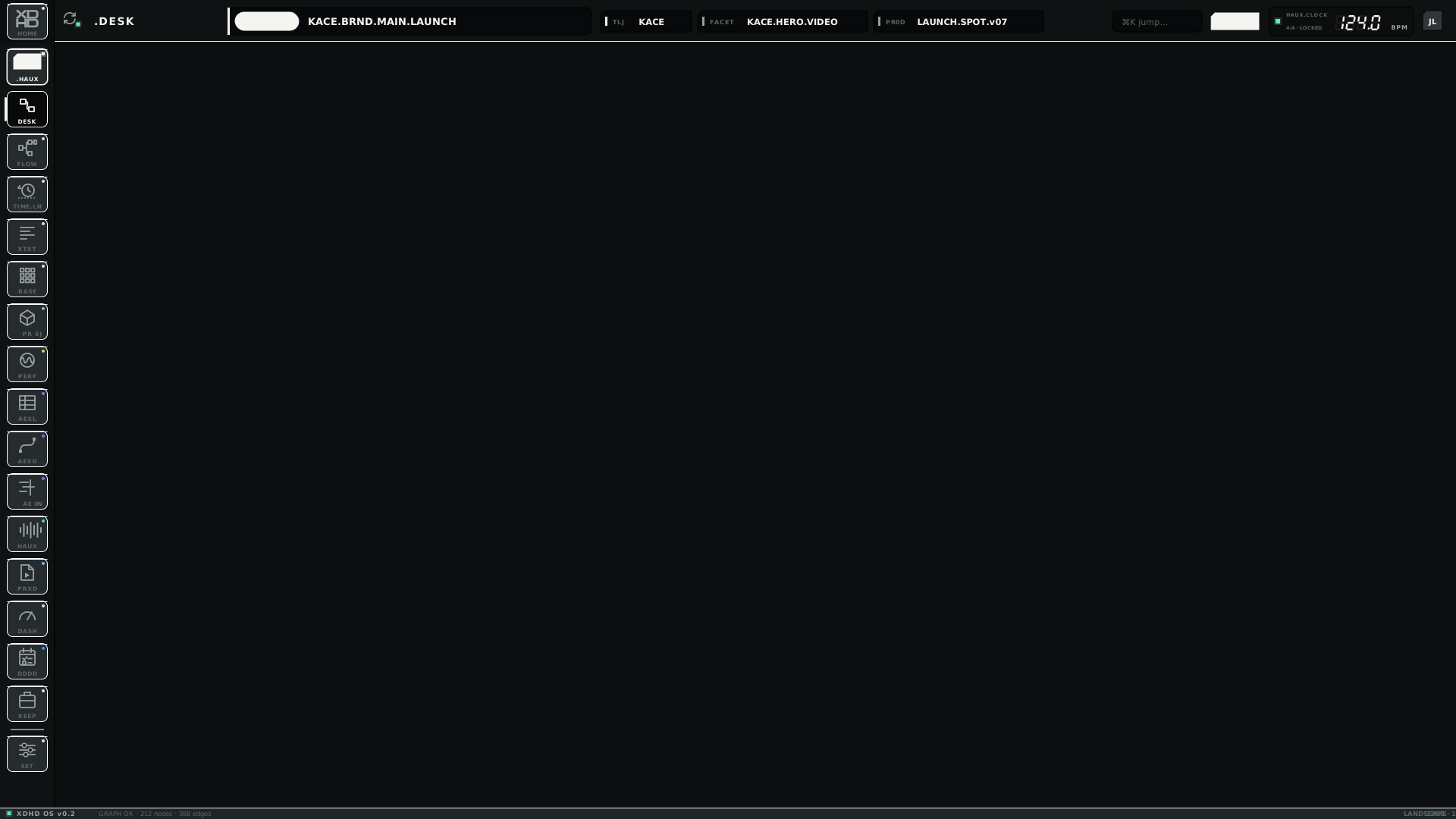
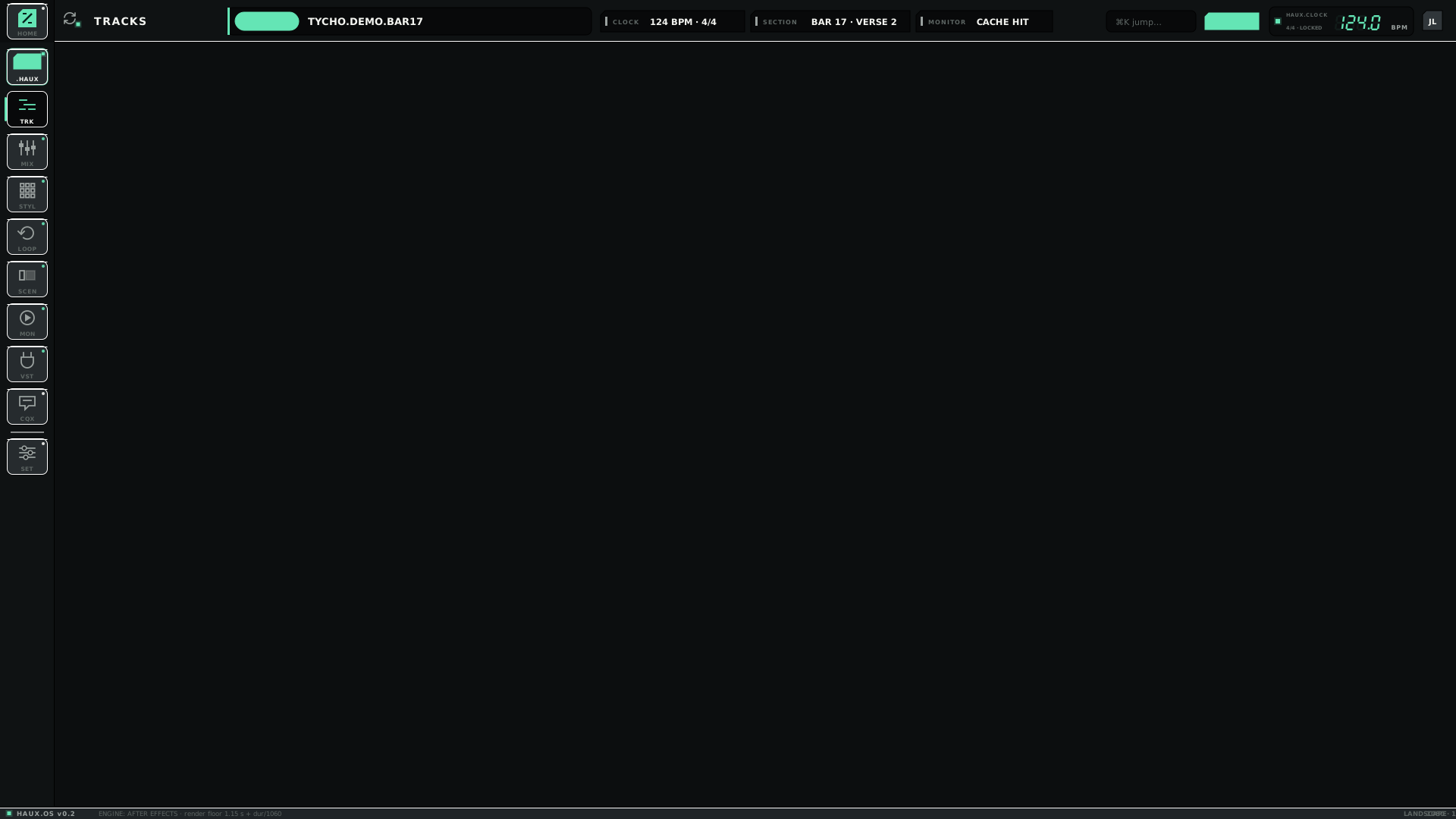
 .DESK / FLOW · xdhd
 AEXL · motion
 HAUX · music
 DDDD · dddd












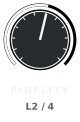 Q1 · Fidelity
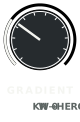 Q2 · Gradient
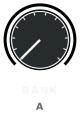 Q3 · Bank
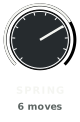 Q4 · Spring
 XDHD · PR0DUCTION — selected
 LAUNCH · DELIVER — idle